Appendix A Assembly Instructions
A-6 ER1 User Guide
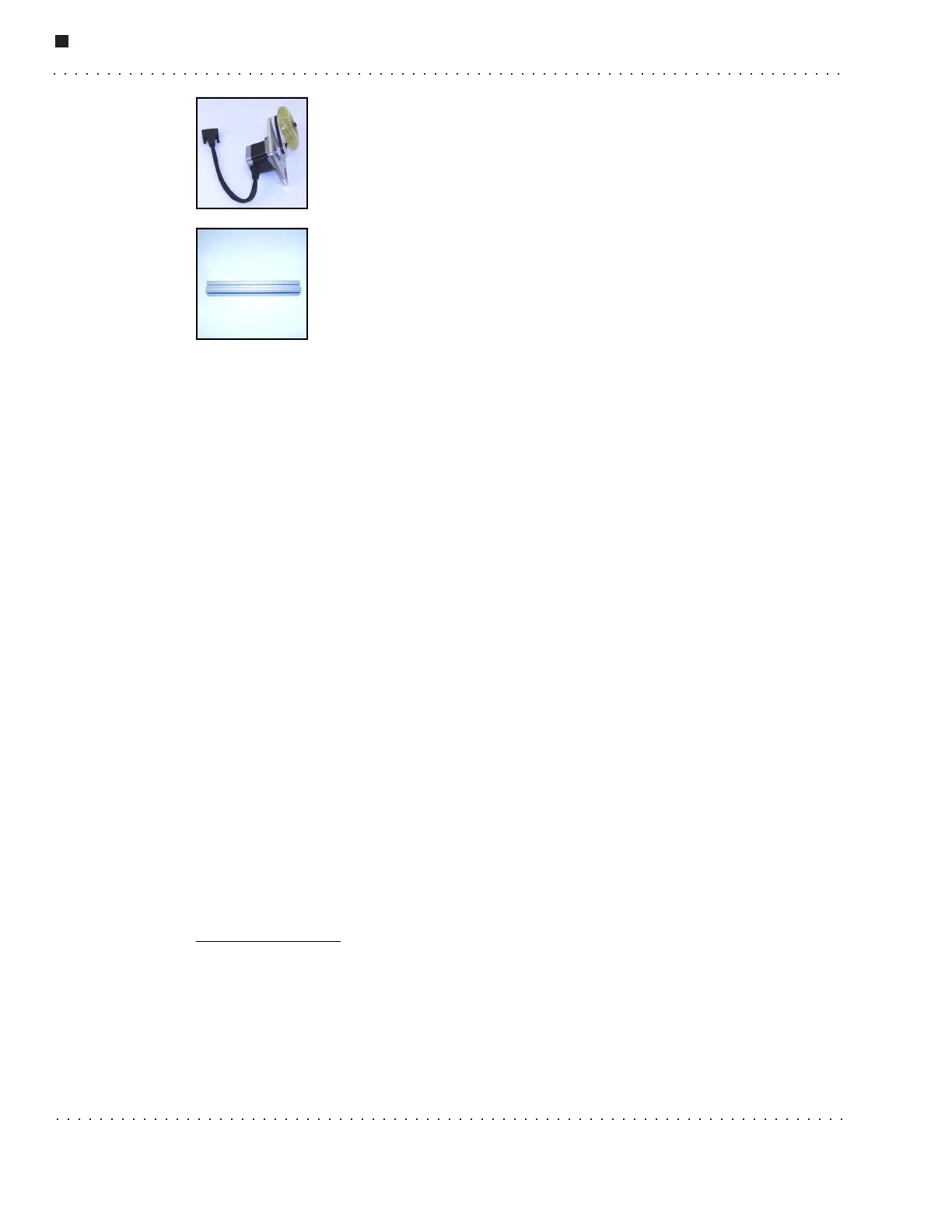
Wheel Assembly
The wheel assembly contains the wheel and a motor to move the robot.
There are 2 wheel assemblies in your kit.
XBeams
The XBeams are used to create the robot’s body. You can use the ruler on
the previous page to estimate the different sizes of XBeams mentioned in
the Assembly Instructions, or you can use your own ruler or tape
measure. Make sure that you measure the XBeams before adding them to
the ER1’s structure. There are three 12'', three 10'', two 8'', two 7'' and
two 2'' XBeams included in your kit. We recommend that you line them up from biggest to
smallest to lessen the chances of using the wrong beam.
Things You Need
• A ruler or tape measure
• A rubber mallet or a small hammer
Charging the ER1
Charging your power module will take 4-5 hours, so start charging the power module as
soon as possible. You don’t have to wait until the power module is attached to the robot.
1. Plug in your charger to a wall socket. The ER1 charger is meant to use a 110V outlet.
If you do not have this, you will need a voltage converter. Do not attempt to use any
other voltage as this may cause damage to the unit and / or bodily injury.
2. Connect the other end of the charger to the power module in the input labelled
Charger.
3. You will know when your power module is completely charged when the light on the
charger is green.
A complete charge will allow the robot to run for about 3 hours (driving). Never fully
drain the charge from your power module as this will significantly reduce the life of your
power module. To check the level of charge in your robot, check the battery meter in the
lower left of the Robot Control Center (RCC) software screen. You will install this
software in a subsequent step.
If you would like to purchase an additional power module, contact Evolution Robotics at
www.evolution.com
.



 To Next Page