RESTRICTED USE ONLY Fargo Electronics, Inc.
Persona C30 Card Printer User Guide (Rev. 2.2)
4-49
Resolving the Image Placement problems (continued)
Step Procedure
3
Verify if the Horizontal Image Position Setting is set correctly or incorrectly.
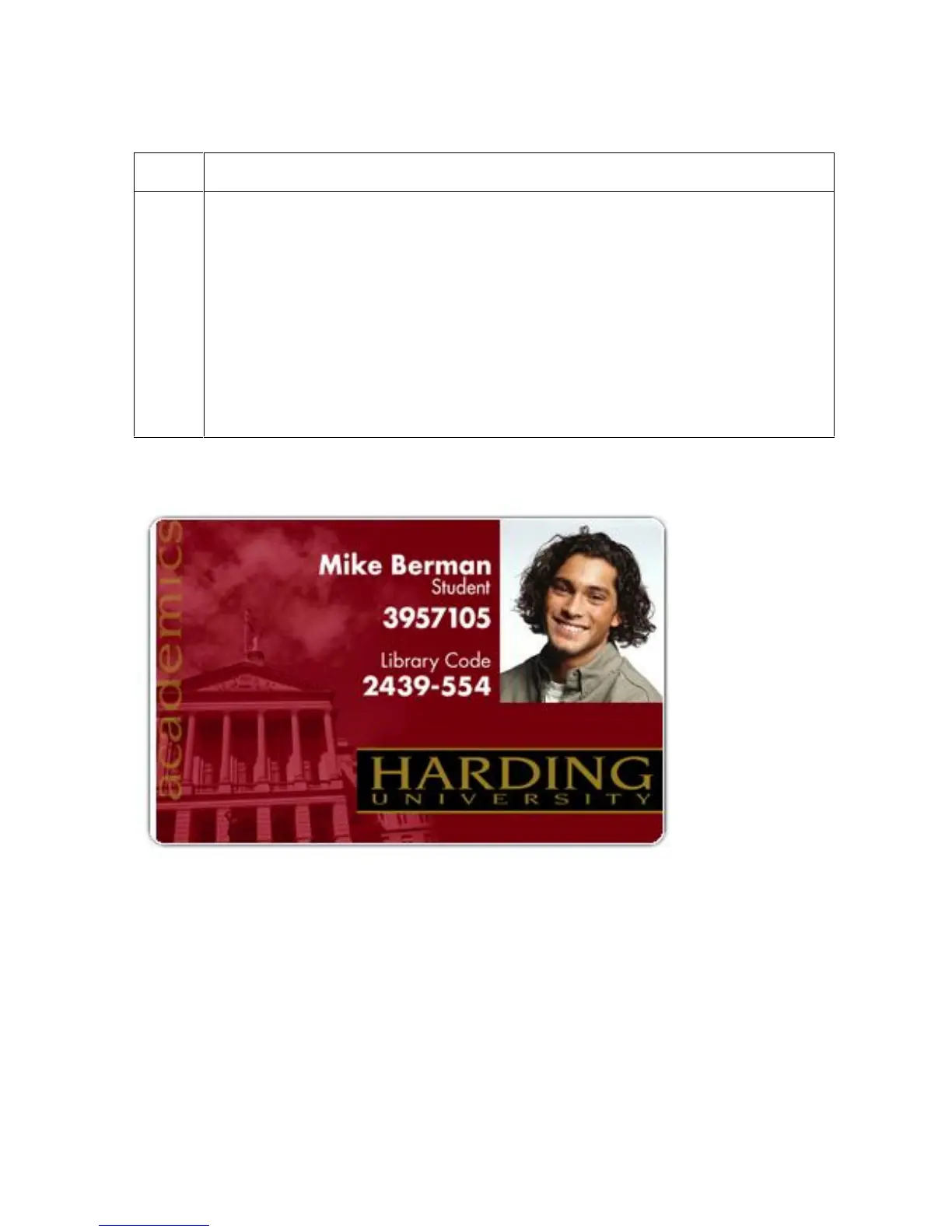
See the graphic below.
If the white border is on the leading edge of the card, adjust the
Horizontal value by +2.
If the white border is on the trailing edge of the card, adjust the Horizontal
value by -2.
a. Click on OK.
b. Run a self-test.
c. If the white border is diminished, continue the adjustment until it is gone.
Graphic A












 To Next Page