RESTRICTED USE ONLY Fargo Electronics, Inc.
Persona C30 Card Printer User Guide (Rev. 2.2)
10-2
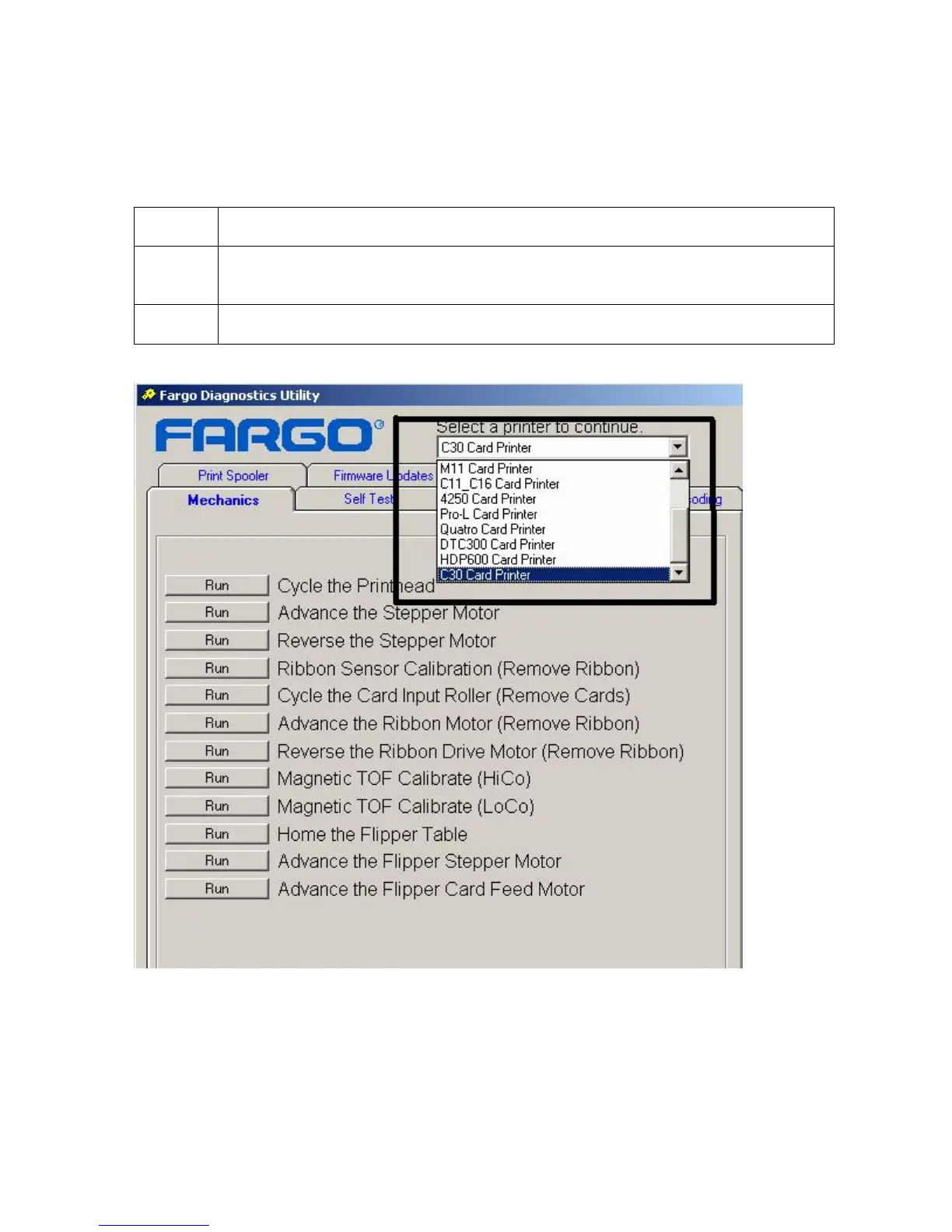
Using the Diagnostic Tool Utility
Selecting from the Printer Selection menu
Step Procedure
1 Click on the dropdown Printer selection menu to view a list of currently installed
Fargo Printer Drivers installed on the computer.
2 Select the Printer that is going to be tested, as shown below.












 To Next Page