RESTRICTED USE ONLY Fargo Electronics, Inc.
Persona C30 Card Printer User Guide (Rev. 2.2)
4-22
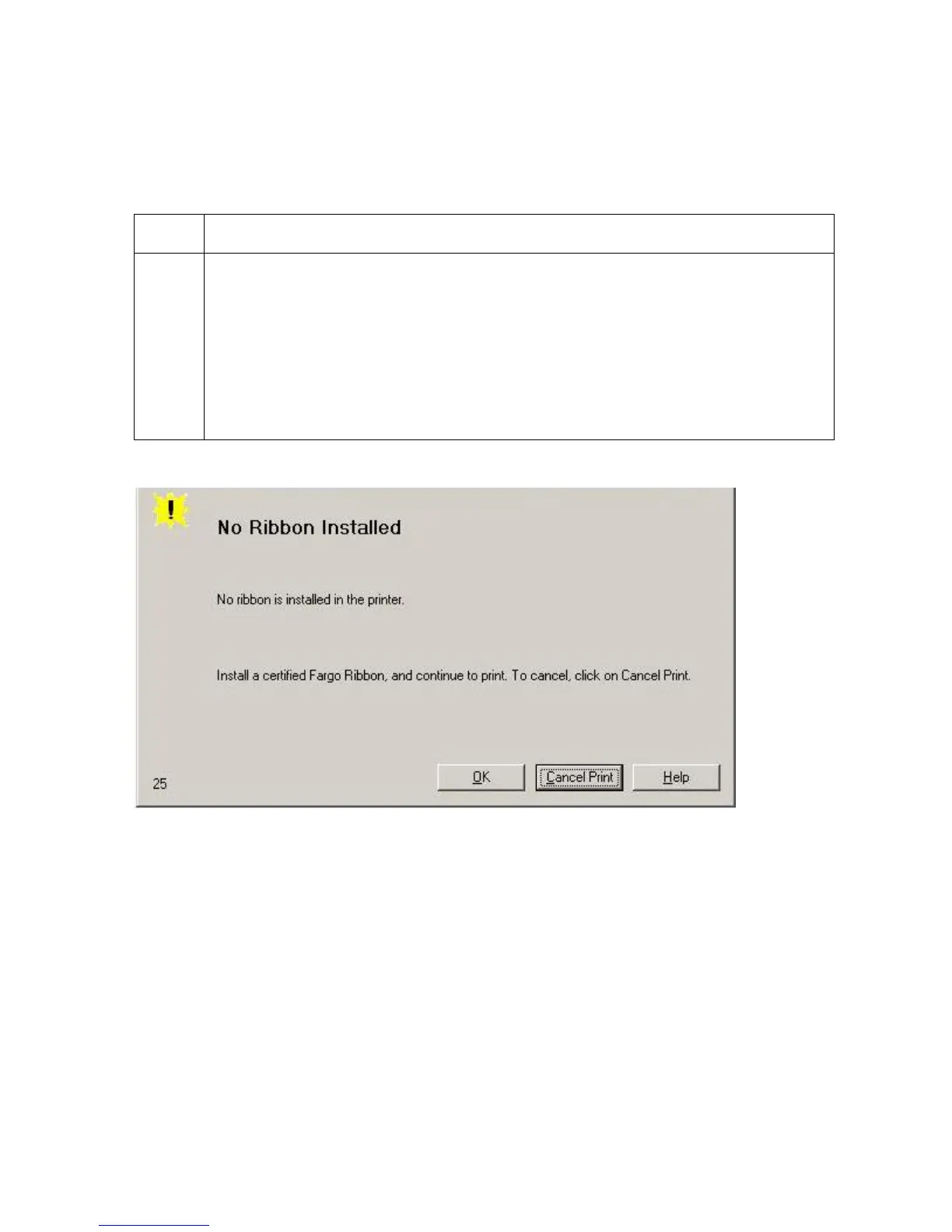
Resolving a No Ribbon Installed Error
All Troubleshooting procedures assume that only factory-authorized supplies are in use in
the Printer.
Step Procedure
1 Review the following information.
Symptom: Printer errors out as soon as it receives data from PC
Printer Error State: The Printer RFID Sensor is not receiving a signal from
the Ribbon
Driver Monitor Error Display: No Ribbon Installed












 To Next Page