RESTRICTED USE ONLY Fargo Electronics, Inc.
Persona C30 Card Printer User Guide (Rev. 2.2)
5-82
Selecting the Defined Area(s) function (continued)
Step Procedure
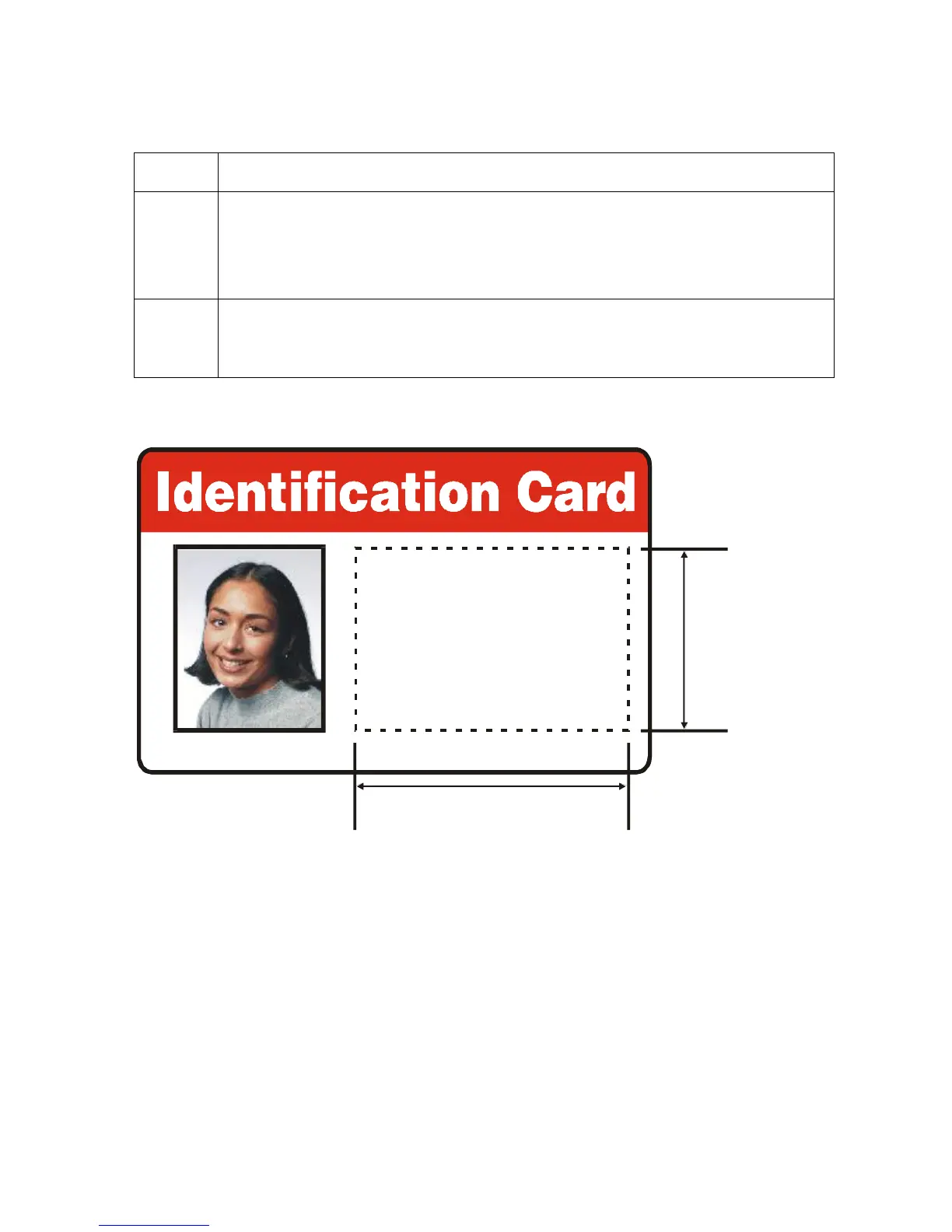
2 a. Determine the area of the card necessary to define. In the sample (below),
this area is indicated by the dashed outline.
b. Determine the size of this area by actually printing a card and looking at it
in the same orientation as when it exits the Printer.
3 Measure the total size for the area and enter those dimensions into the
dimension boxes. (Note: The minimum size an area can be is .2" x .2" / 5mm
x 5mm.)
* 172355*
Karen Atkins
Access Level-2
ID# 1234478











 To Next Page