RESTRICTED USE ONLY Fargo Electronics, Inc.
Persona C30 Card Printer User Guide (Rev. 2.2)
10-27
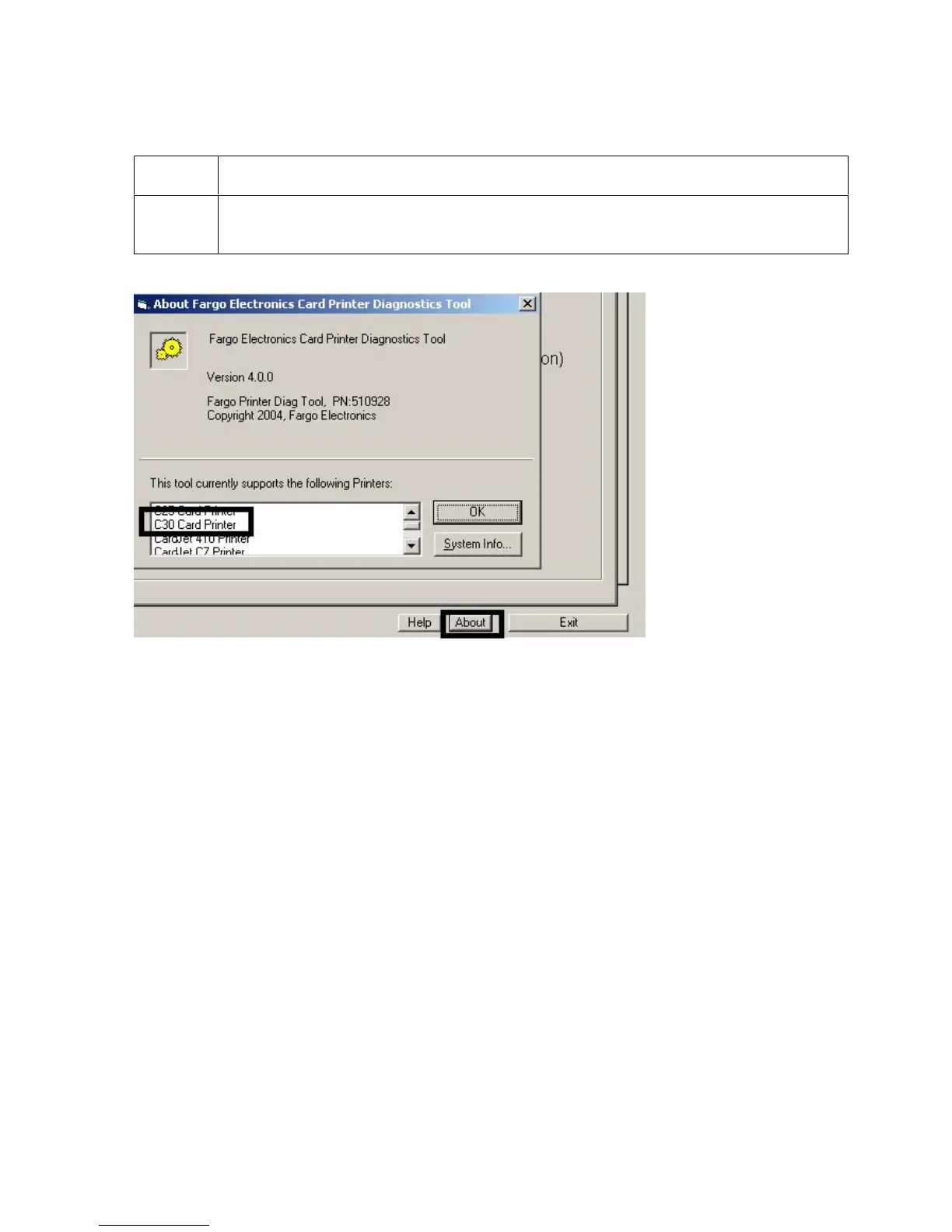
Selecting the About button in the Diagnostics Utility
Step Procedure
1
Select the About button to access version information for the Diagnostics tool.
(Note: A list of the Printers that the Diagnostic Utility supports is also available.)











 To Next Page