RESTRICTED USE ONLY Fargo Electronics, Inc.
Persona C30 Card Printer User Guide (Rev. 2.2)
5-51
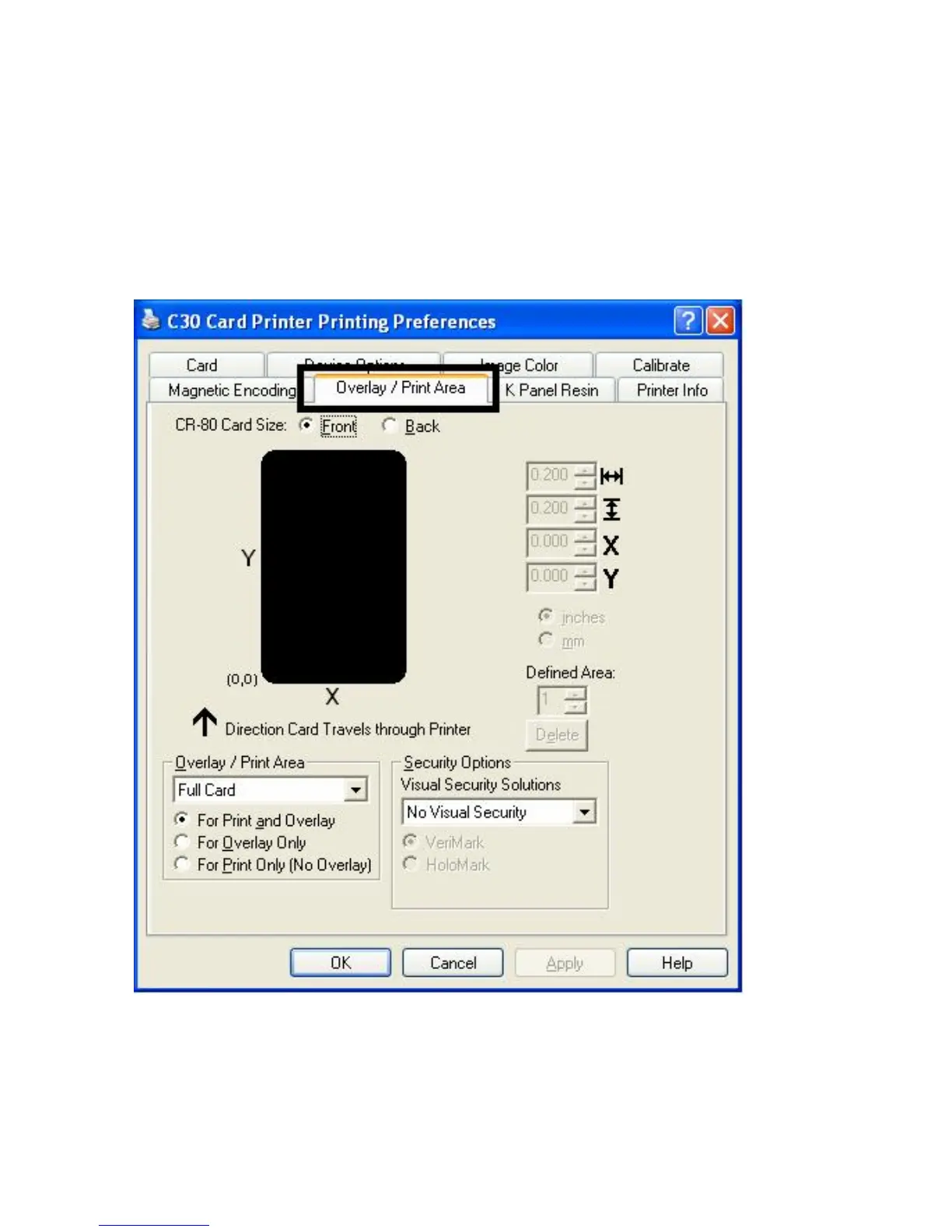
Using the Overlay / Print Area tab (Persona C30)
Use this option to control where the Overlay (O) Panel and/or the print area appear on a
card. (Note: This option is helpful if, for example, you would like to omit or block out the
overlay or printing around a card's smart chip or Magnetic Stripe.)
By default, this option is set to print and overlay the entire card. To customize the overlay
and/or print area, select one of the options listed under "Overlay / Print Area."











 To Next Page