RESTRICTED USE ONLY Fargo Electronics, Inc.
Persona C30 Card Printer User Guide (Rev. 2.2)
5-29
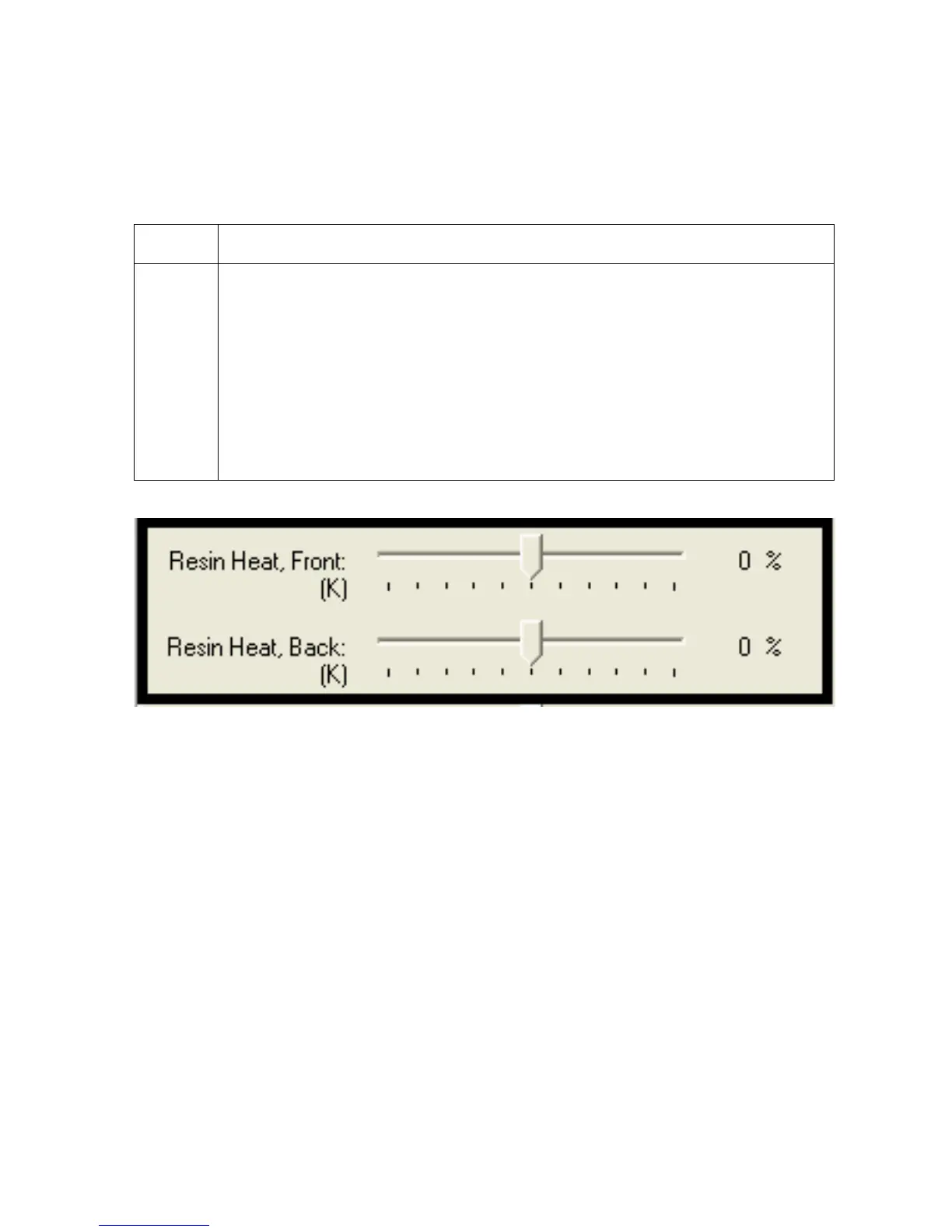
Using the Resin Heat (K) option (Front and Back)
Use this option to control the amount of heat the Printer uses when printing with the resin
black panel(s) of a full-color Ribbon or when printing with a resin-only Ribbon by adjusting
the Resin Heat slide.
Step Procedure
1 Adjust the Resin Heat, Front (K) or the Resin Head, Back (K) as needed.
Move the slide to the left to cause less heat to be used in the printing
process, causing resin images to be lighter or less saturated.
OR
Move the slide to the right to (a) cause more heat to be used or (b) cause
the resin image to be darker or more saturated.
(Note: This control can be helpful for fine-tuning the transfer of resin text and
bar codes.)











 To Next Page