RESTRICTED USE ONLY Fargo Electronics, Inc.
Persona C30 Card Printer User Guide (Rev. 2.2)
3-4
Connecting the Printer power
Follow this procedure. (Note: Do not connect the Printer’s USB cable until prompted during
the Printer Driver installation.)
Step Procedure
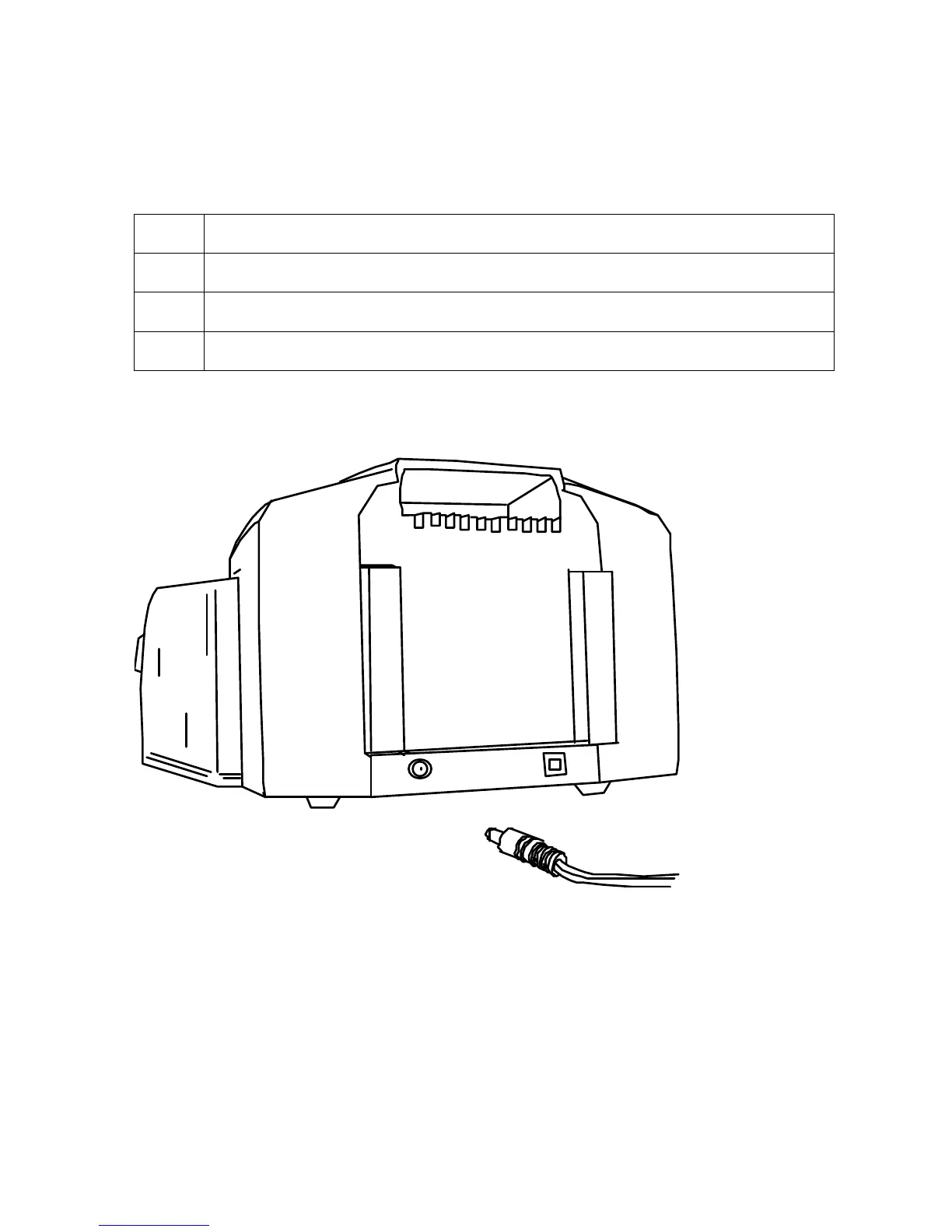
1 Plug the AC adapter power cable into the back of the Printer. See Display A.
2 Plug the wall power cable into the AC power adapter.
3 Plug the wall power cable into a standard 110VAC power outlet.
Display A – Shows back of Printer with AC power cable (below).












 To Next Page