RESTRICTED USE ONLY Fargo Electronics, Inc.
Persona C30 Card Printer User Guide (Rev. 2.2)
10-13
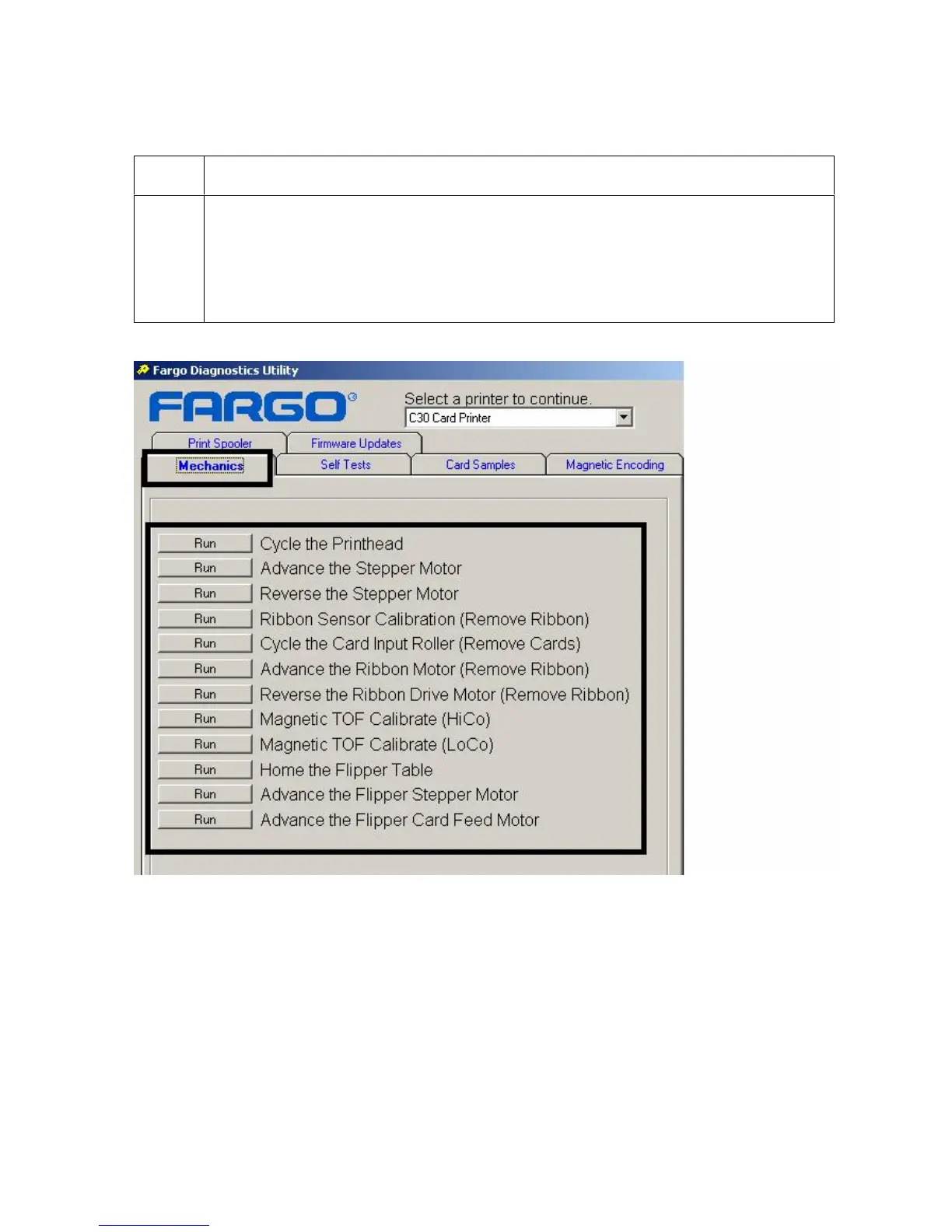
Selecting the Mechanics tab in the Diagnostics Utility
Step Procedure
1
a. Select the Mechanics tab to test Motors and Sensors in the Printer. (Note:
This section has a procedure for each function by a Run button, as shown
below.)
b. See the entire Selecting the Mechanics tab in the Diagnostics Utility
section for related sub-procedures (Steps 2A to 2G).











 To Next Page