RESTRICTED USE ONLY Fargo Electronics, Inc.
Persona C30 Card Printer User Guide (Rev. 2.2)
5-42
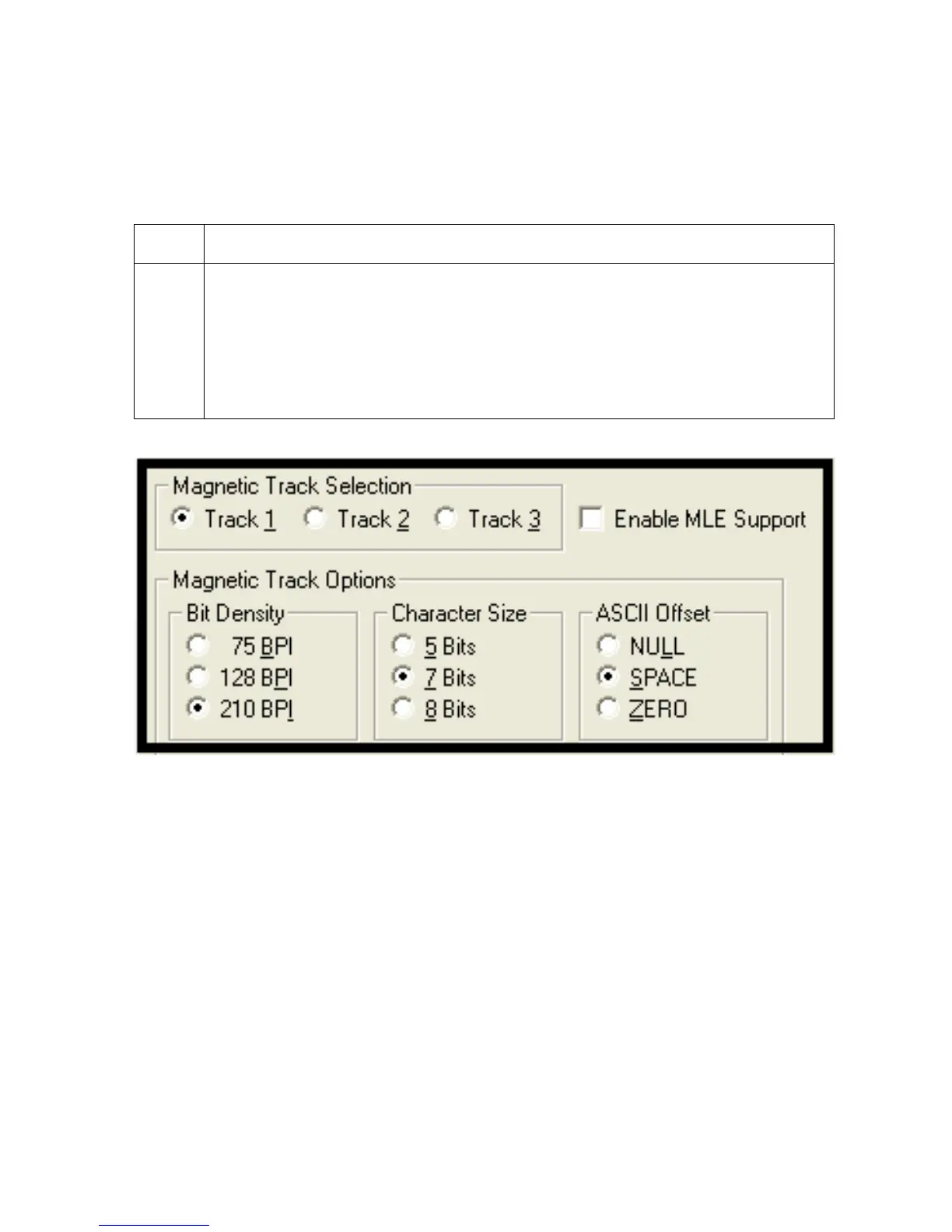
Using the Character Size radio buttons
Use this option to customize the Character Data Size (Bits per Character) used to encode
the magnetic data on the currently selected track. (Note: This character size includes the
parity bit (if enabled).)
Step Procedure
1 Select 5 Bits to change the bits per character to 5 BPC.
OR
Select 7 Bits to change the bits per character to 7 BPC.
OR
Select 8 Bits to change the bits per character to 8 BPC.












 To Next Page