RESTRICTED USE ONLY Fargo Electronics, Inc.
Persona C30 Card Printer User Guide (Rev. 2.2)
5-62
Using the Defined Area Option (continued)
Step Procedure
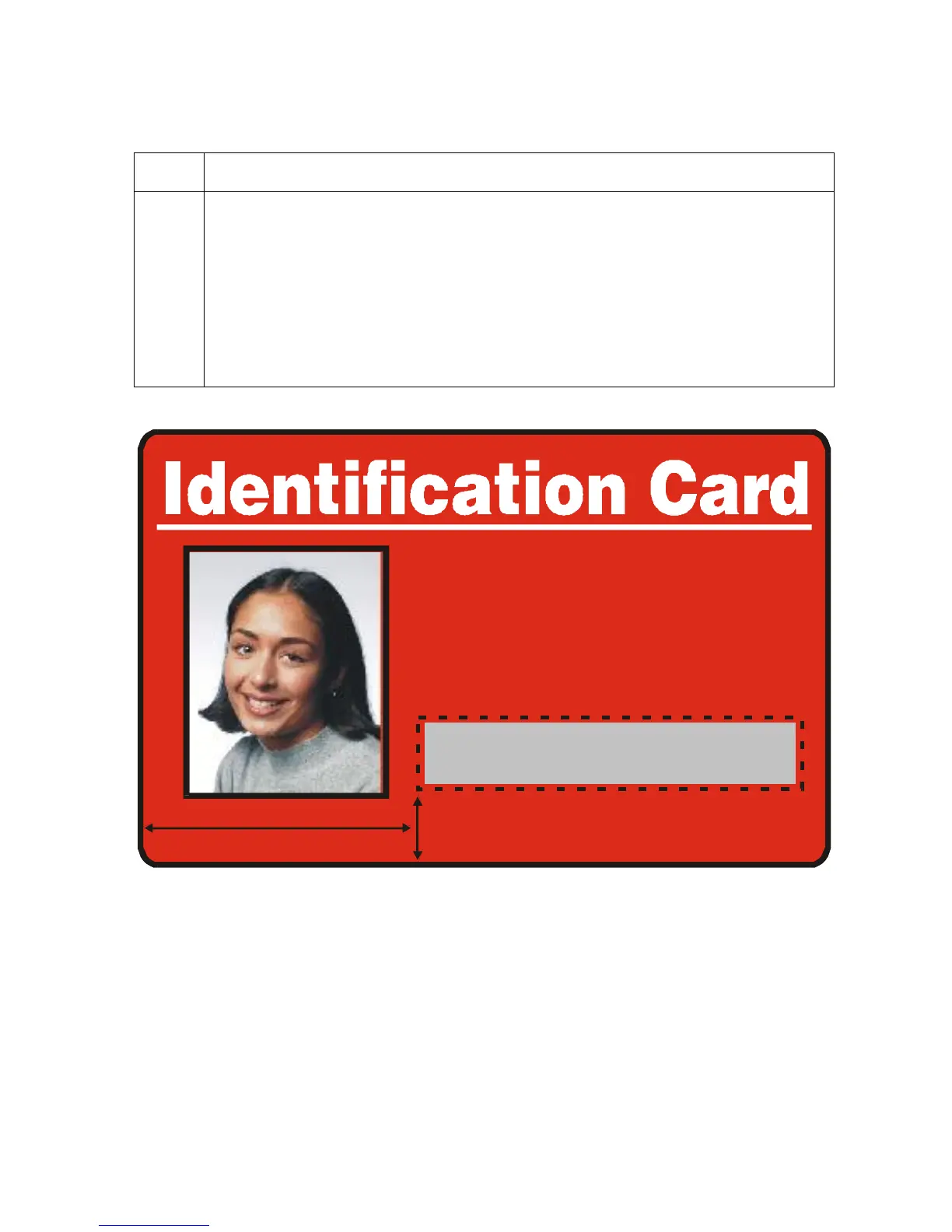
5 a. Print the card design and observe how the image is oriented on the card as it
ejects from the Printer. (Note: The location of a defined area is based on the
card orientation as it exits the Printer.)
b. Measure the defined area location based on the printed card. (Note: If
selecting the Rotate Front 180 Degrees option, the image will appear
upside down as it exits the Printer.)
c. Position the defined area opposite to the measurement of the onscreen card
design (which will appear right side up).
X=1.3“
ID# 1234478












 To Next Page