RESTRICTED USE ONLY Fargo Electronics, Inc.
Persona C30 Card Printer User Guide (Rev. 2.2)
6-3
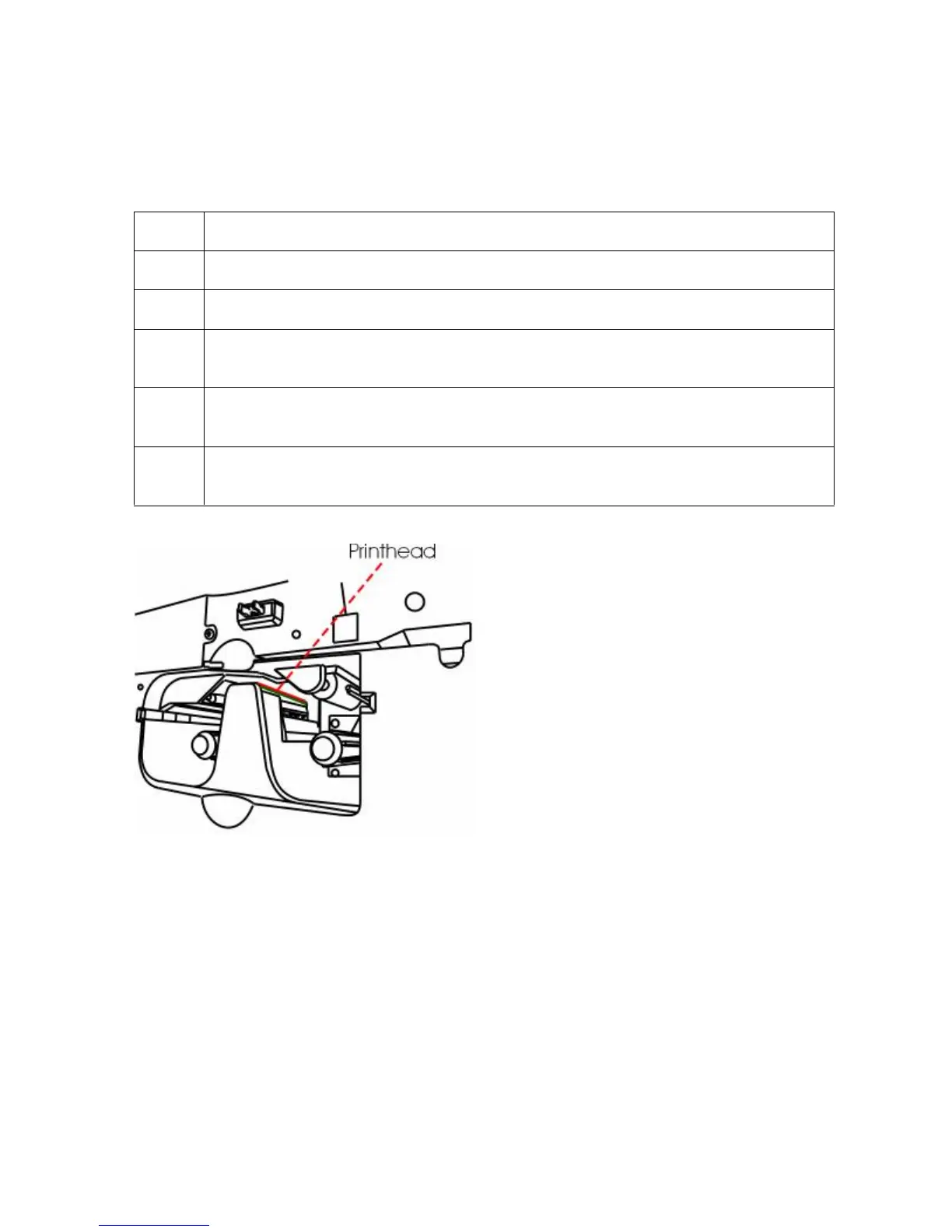
Cleaning the Printhead
Perform this procedure approximately every 1000 prints to maintain a consistent print
quality.
Step Procedure
1 Open the Printer’ s Front Cover.
2 Remove the Print Ribbon.
3
Squeeze the Printhead Cleaning Swab to saturate the tip of the swab with
alcohol.
4 Use the Printhead Cleaning Swab to gently rub back and forth over the entire
length of the Printhead (3 to 4 times).
5 Once the Printhead is completely dry, replace the Ribbon and close the Front
Cover.












 To Next Page