RESTRICTED USE ONLY Fargo Electronics, Inc.
Persona C30 Card Printer User Guide (Rev. 2.2)
5-12
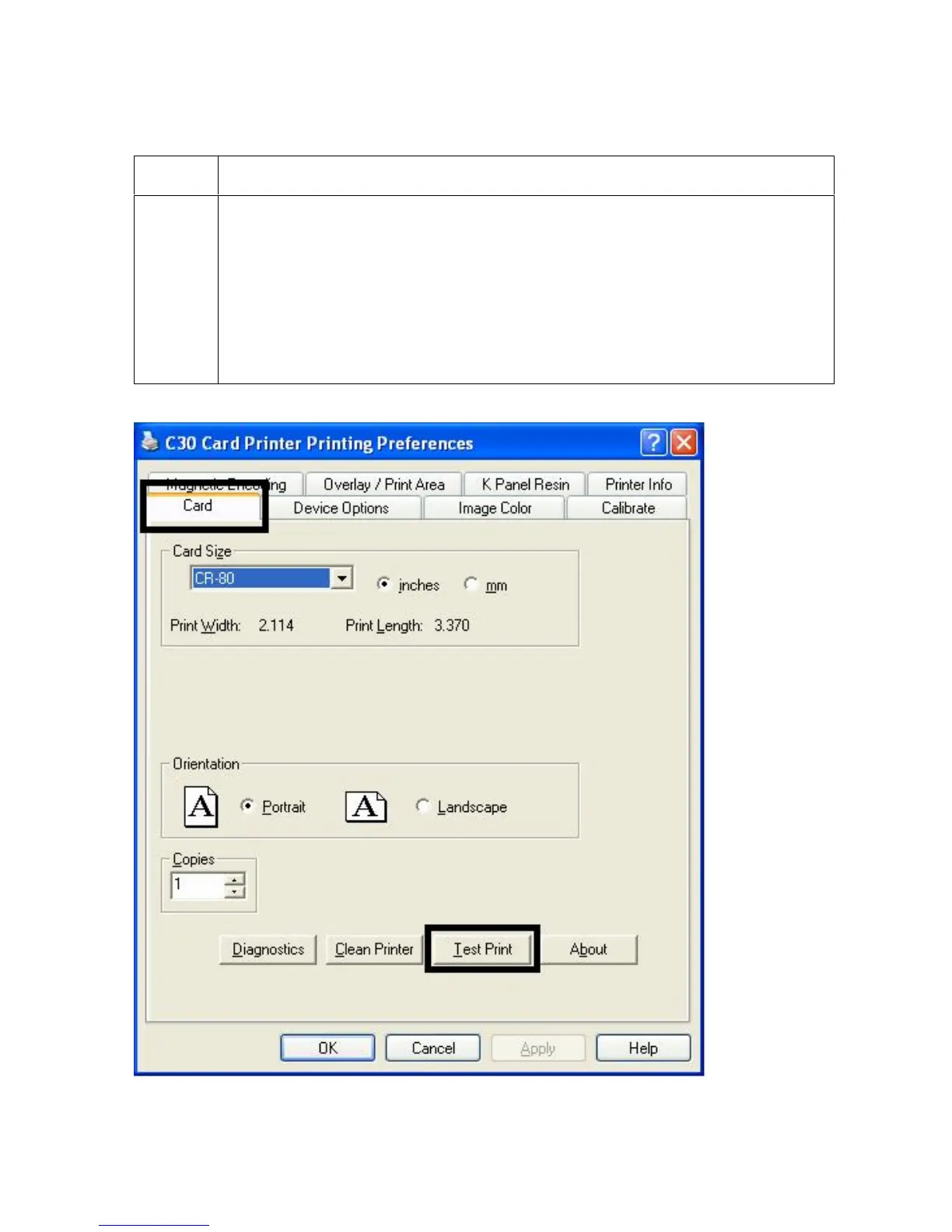
Using the Test Print button
Step Description
1
Click on the Test Print button to send a simple self-test print to the Printer.
Ensure that the YMCKO Ribbon is installed for C30 or a Premium Resin
Ribbon installed for DTC300M.
Ensure that the computer is effectively communicating with the Printer and
that the Printer is functioning properly.
Ensure that the YMCKOK Ribbon is installed in order for a C30 Card
Printer with a Flipper Table Module to print a dual-sided image.












 To Next Page