RESTRICTED USE ONLY Fargo Electronics, Inc.
Persona C30 Card Printer User Guide (Rev. 2.2)
5-6
Using the Card tab (Persona C30)
Adjusting the Card Size Option
Step Description
1
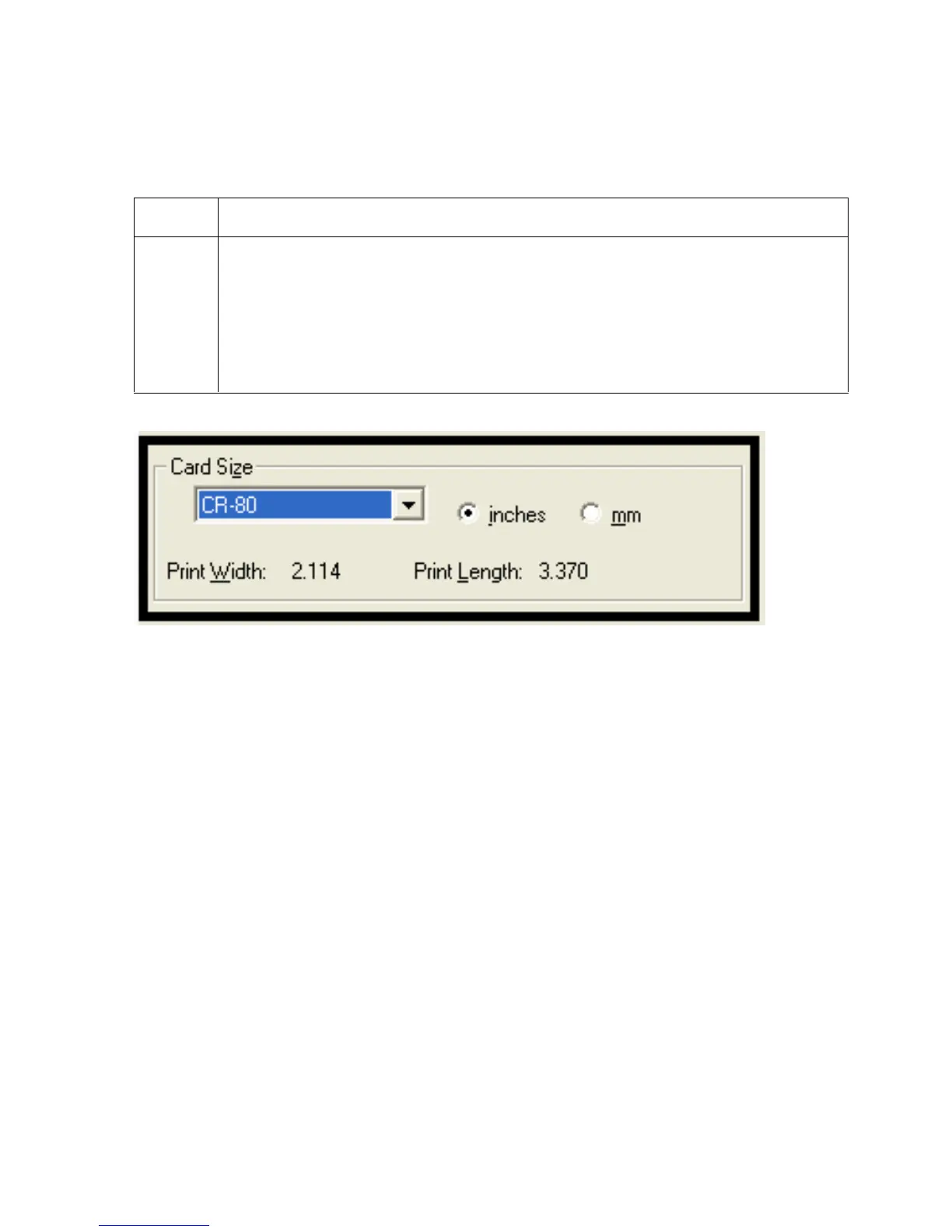
Click on the inches or mm option to choose the desired unit of measurement.
(Note No.1: When designing a card format, always set the card size or page
size within the card design program to the exact dimensions of a CR-80 card.)
(Note No.2: The Card Size indicates that the Printer accepts standard, credit
card size CR-80 (ISO ID-1) cards. The dimensions of the total print area for this
card size appear in the Print Width: and Print Length: areas, as shown below.)












 To Next Page