RESTRICTED USE ONLY Fargo Electronics, Inc.
Persona C30 Card Printer User Guide (Rev. 2.2)
5-21
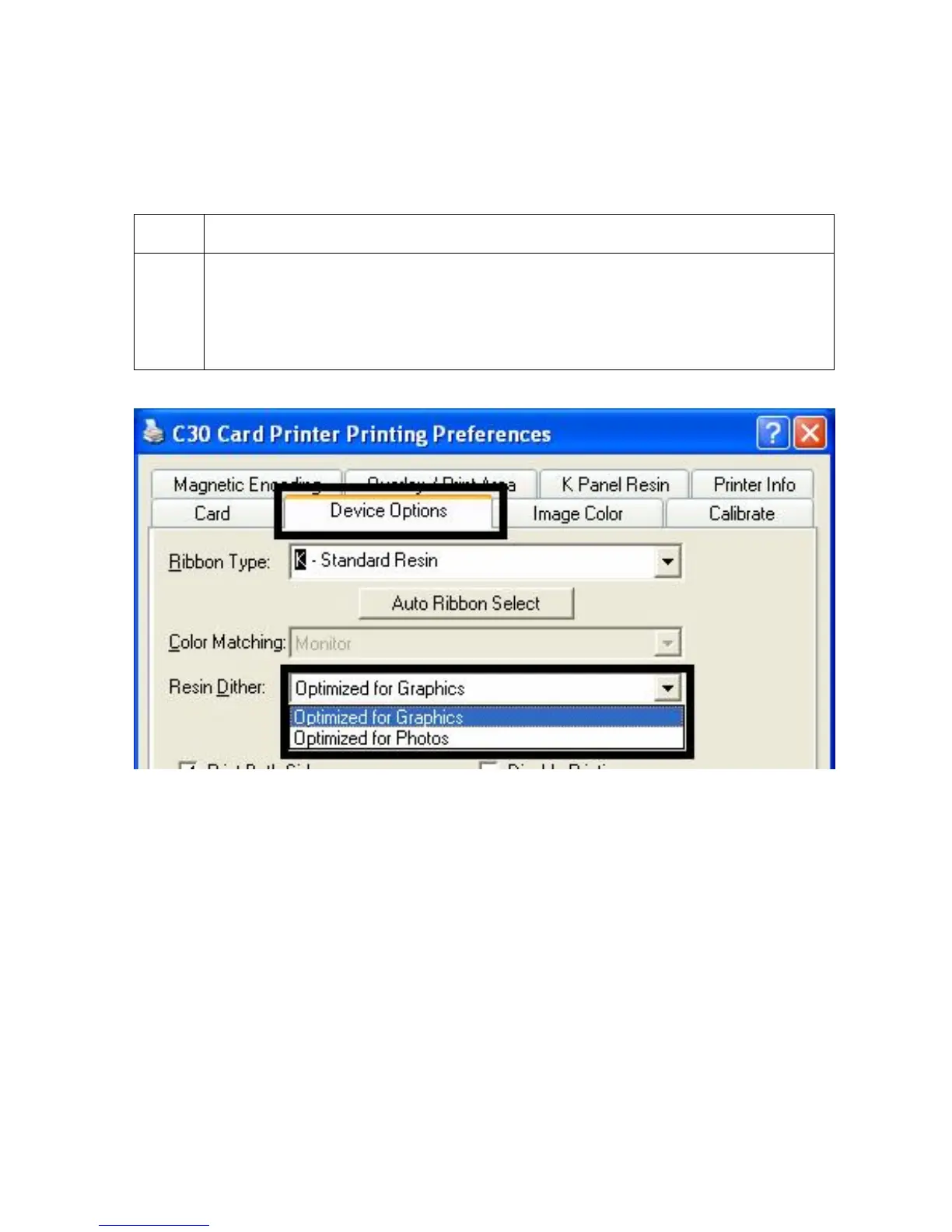
Adjusting for the Resin Dither
Select the appropriate dither method according to the type of image to be printed. This option
affects objects printed with a resin-only print Ribbon.
Step Procedure
1
Select Optimized for Photo when printing photo quality images with resin.
OR
Select Optimized for Graphics when printing drawings and graphics (e.g.,
clipart, logos, etc.) with resin.












 To Next Page