RESTRICTED USE ONLY Fargo Electronics, Inc.
Persona C30 Card Printer User Guide (Rev. 2.2)
5-88
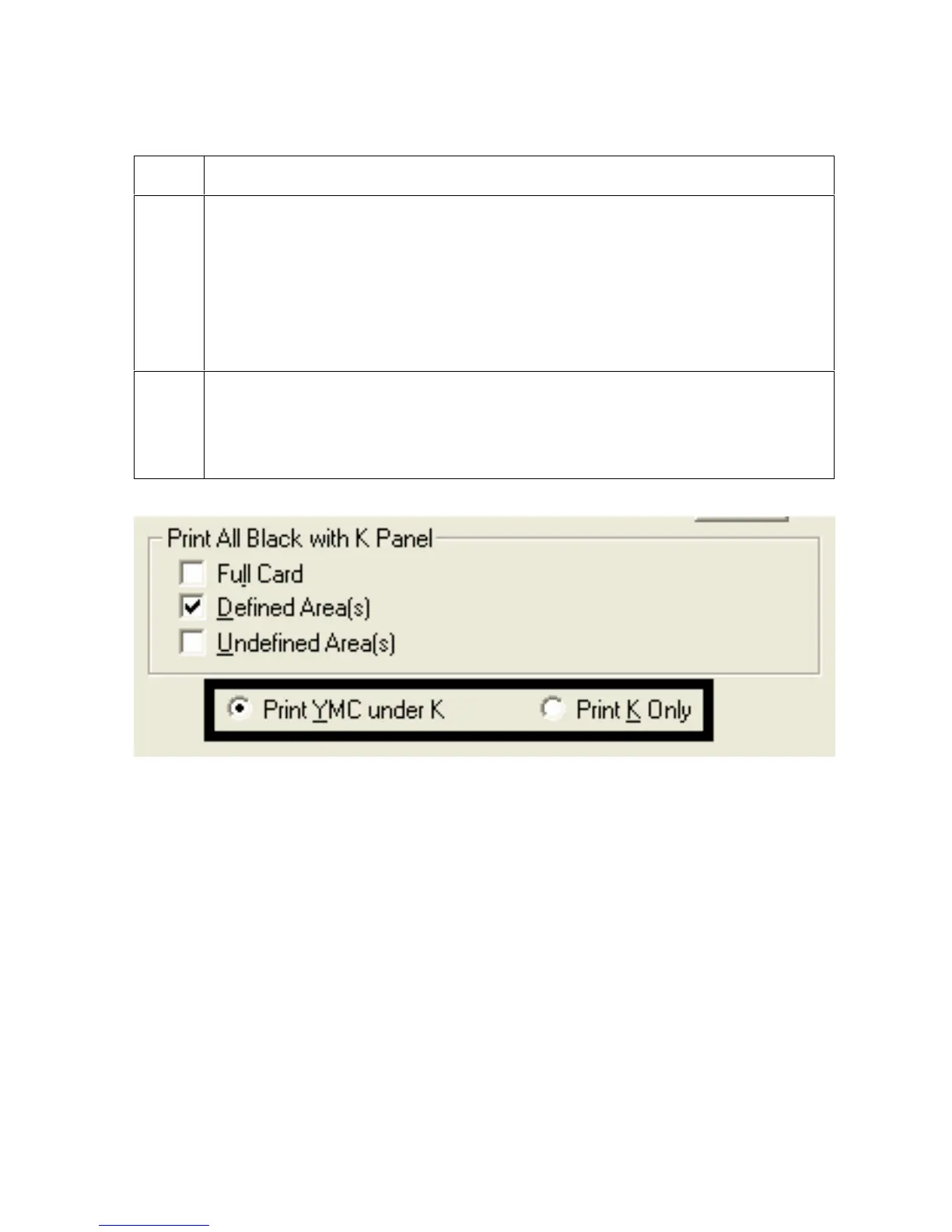
Selecting the Print YMC under K and Print K Only options
Step Procedure
1
Select between the Print YMC Under K and Print K Only options. (Note:
When the Print YMC Under K option is selected, all black in the designated
areas will print with the Yellow (Y), Magenta (M) and Cyan (C) Ribbon panels
directly beneath the resin black (K) panel.)
OR
Select this option if printing resin black text or bar codes onto a colored
background to provide a more gradual transition between the two.
2
Select the Print K Only option if printing resin black onto a white background to
maximize the sharpness of printed text and bar codes. (Note: When this option
is selected, all black in the designated areas will print only with the resin black
(K) panel.)











 To Next Page