RESTRICTED USE ONLY Fargo Electronics, Inc.
Persona C30 Card Printer User Guide (Rev. 2.2)
5-22
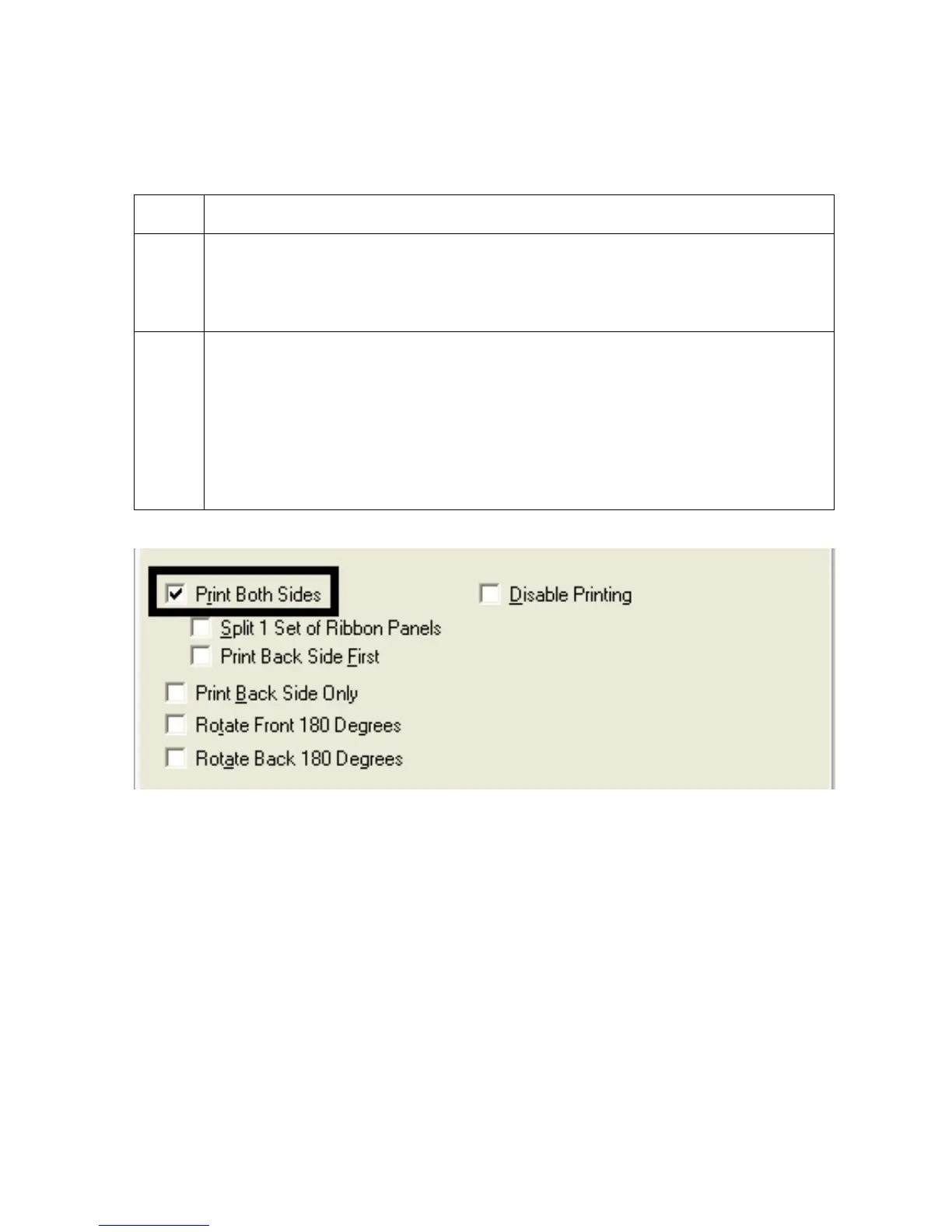
Using the Print Both Sides option
Use this option to automatically print on both the frontside and backside of a card.
Step Procedure
1 Select this option in conjunction with any application program that supports a
multiple-page document with duplex printing. (Note: The program must be able
to send down two or more separate pages to be printed within the same
document.)
2
Page 1 will be transferred to the front side of the card.
Page 2 will be transferred to the backside of the card.
(Note: The Printer Driver will always place all odd numbered pages on the front
side of the card and all even numbered pages on the back side with this option
selected. If an odd number of pages are printed to the Driver while this option is
selected, then the Printer will print an additional blank side, and transfer it to the
card.)












 To Next Page