RESTRICTED USE ONLY Fargo Electronics, Inc.
Persona C30 Card Printer User Guide (Rev. 2.2)
5-23
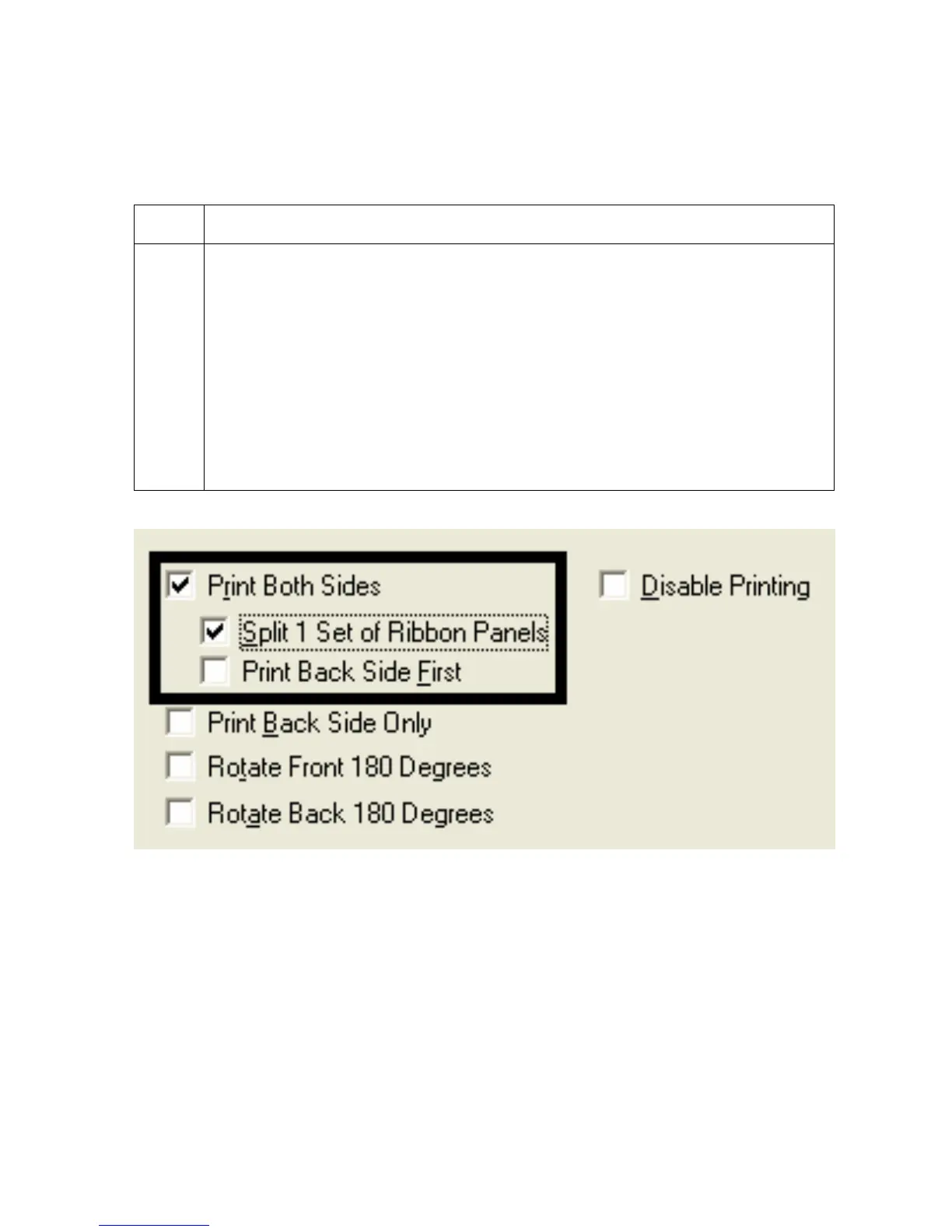
Using the Split 1 Set of Ribbon Panels option
Use this option to provide the most economical means of printing a dual-sided card since a
single set of Ribbon Panels will be split to print both the front and backsides of a card.
Step Procedure
1 Select this option to automatically print full-color on the front of a card and resin
black on the back of a card (using either of the Full-color YMCK or YMCKK Print
Ribbons).
If using the YMCKO Ribbon type, the front of the card is printed with the
Ribbon's YMC Panels and the back is printed with the K Panel, and the O
Panel is printed on the front.
If using the YMCKOK Ribbon type, the front of the card is printed with the
YMCK Panels and the back is printed with the second K Panel.
(Note #1: This option is automatically enabled when the YMCKOK Ribbon type
is selected.)











 To Next Page