RESTRICTED USE ONLY Fargo Electronics, Inc.
Persona C30 Card Printer User Guide (Rev. 2.2)
11-17
Placing the Printer in the Firmware Upgrade Mode
Step Procedure
1
Caution: Turn off the Printer and unplug the power cord from the
Printer.
2
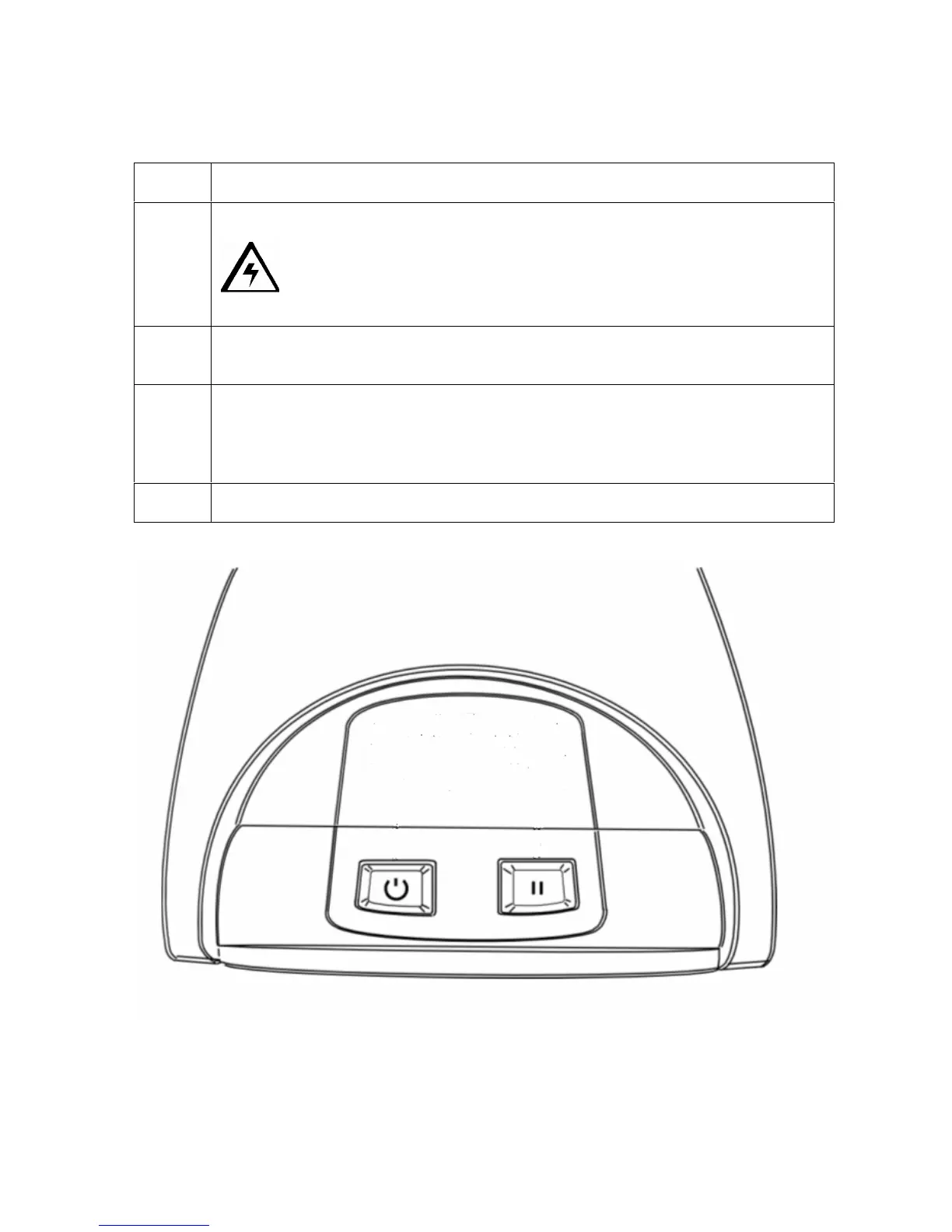
Press and hold down the Power and Pause buttons on the Printer, as shown
below.
3
Continue to hold down both the Power and Pause buttons as the power is
reapplied, hold the buttons down for two (2) seconds after the power has been
restored and then release. (Note: The LCD display should now show the
Upgrade Firmware message, as shown below).
4
Press the Yes button on the LCD to continue with the Firmware Upgrade.











 To Next Page