RESTRICTED USE ONLY Fargo Electronics, Inc.
Persona C30 Card Printer User Guide (Rev. 2.2)
5-16
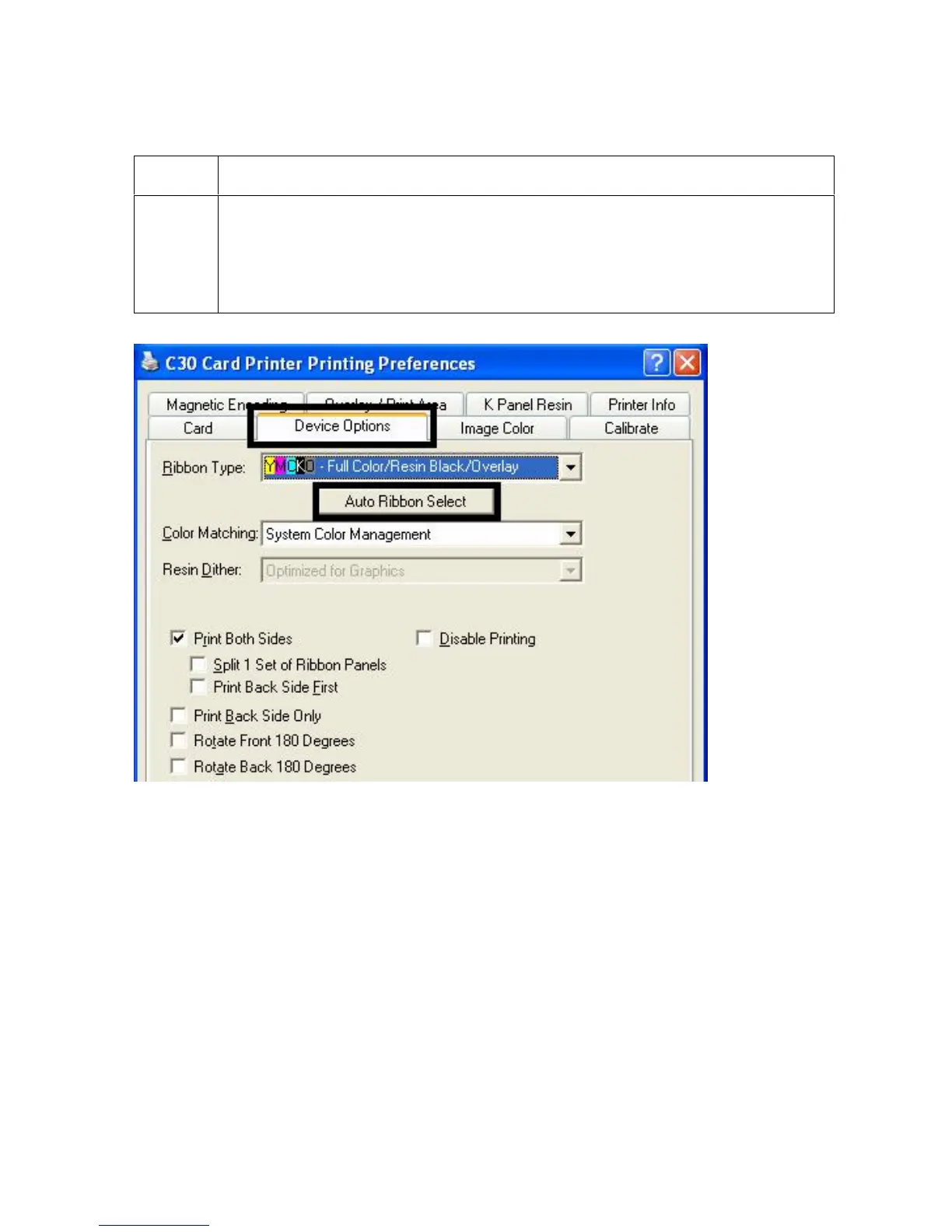
Selecting the Auto Ribbon Select option
Step Description
1
Click on the Auto Ribbon Select button to verify that the Ribbon type selected
matches the Ribbon installed in the Printer. (Note: The Printer Driver will
change the Ribbon type to the correct setting or validate. It will also display a
dialog that it has changed the current setting or that the current Ribbon type is
correct.)












 To Next Page