RESTRICTED USE ONLY Fargo Electronics, Inc.
Persona C30 Card Printer User Guide (Rev. 2.2)
5-93
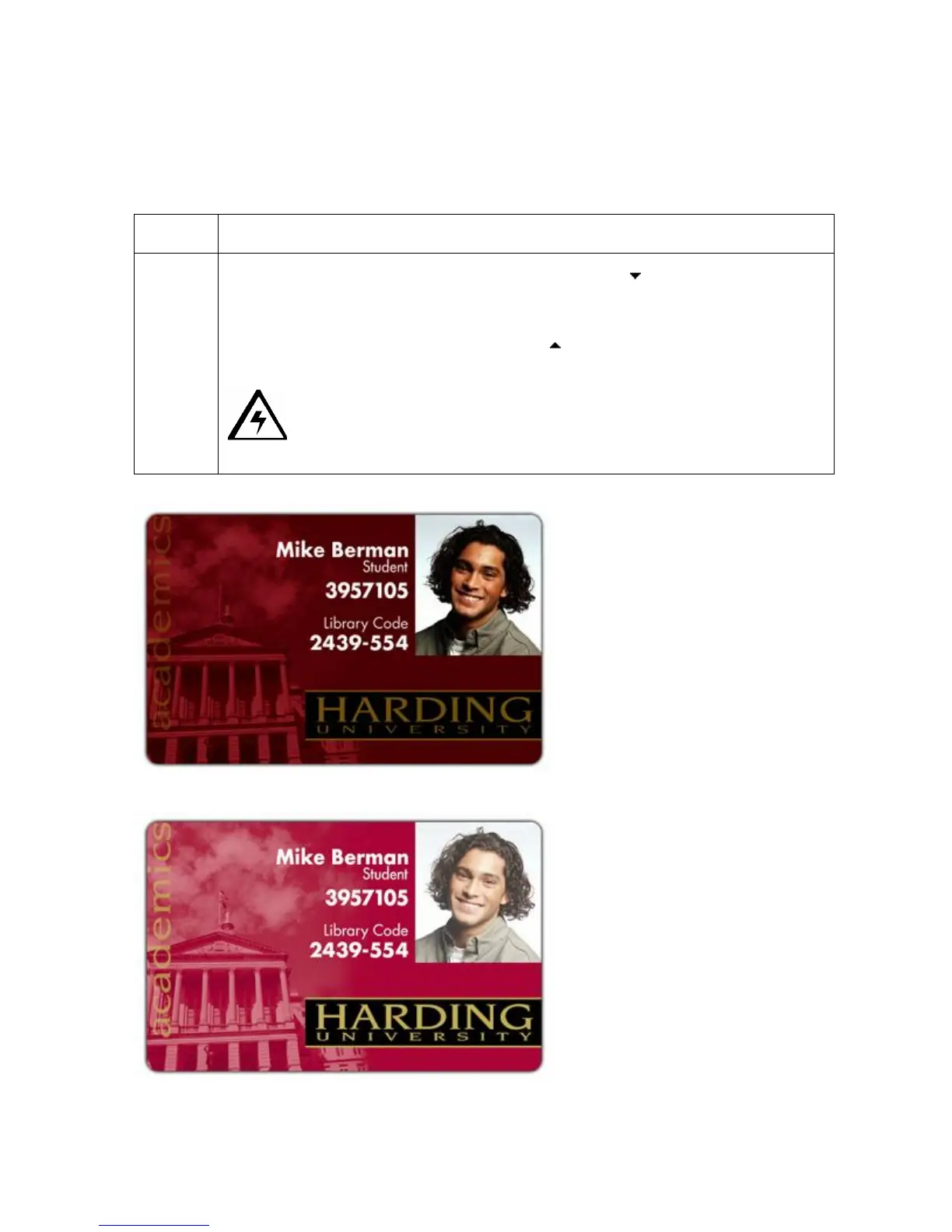
Using the Image Darkness Option
Use this option to set the overall darkness of the printed image by increasing or decreasing
the amount of heat used by the Printhead when printing.
Step Procedure
1 Lighten the printed image by clicking the down arrow to enter a negative
value and decrease the amount of Printhead heat.
OR
Darken the image by clicking the up arrow to enter a positive value and
increase the amount of Printhead heat.
Caution: If the value is set too high, the Ribbon may jam or even
break.












 To Next Page