RESTRICTED USE ONLY Fargo Electronics, Inc.
Persona C30 Card Printer User Guide (Rev. 2.2)
10-5
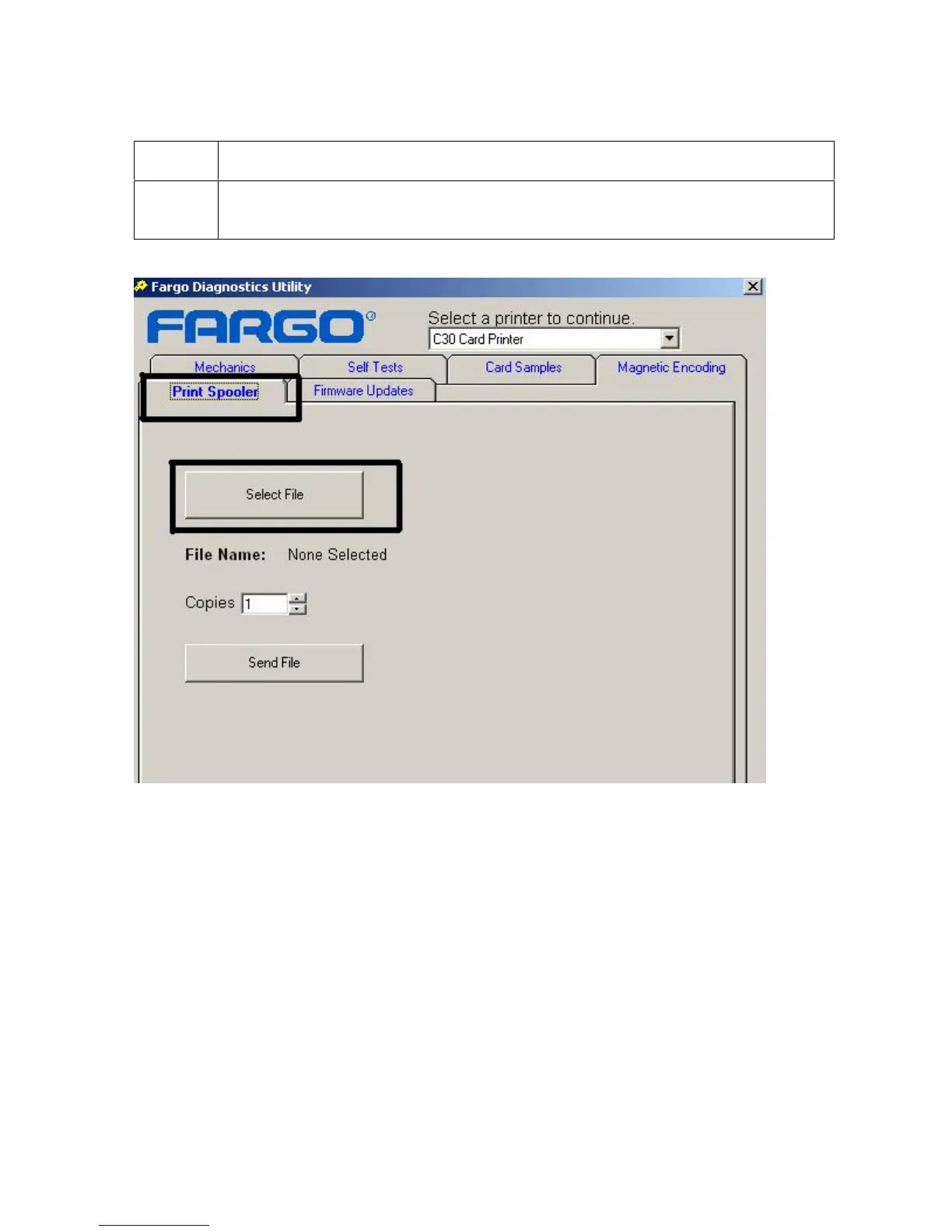
Selecting the Print Spooler tab in the Diagnostics Utility (continued)
Step Procedure
2
Click on the Select File button to bring up the Browse for Print File window, as
shown below and on the next page.












 To Next Page