RESTRICTED USE ONLY Fargo Electronics, Inc.
Persona C30 Card Printer User Guide (Rev. 2.2)
10-18
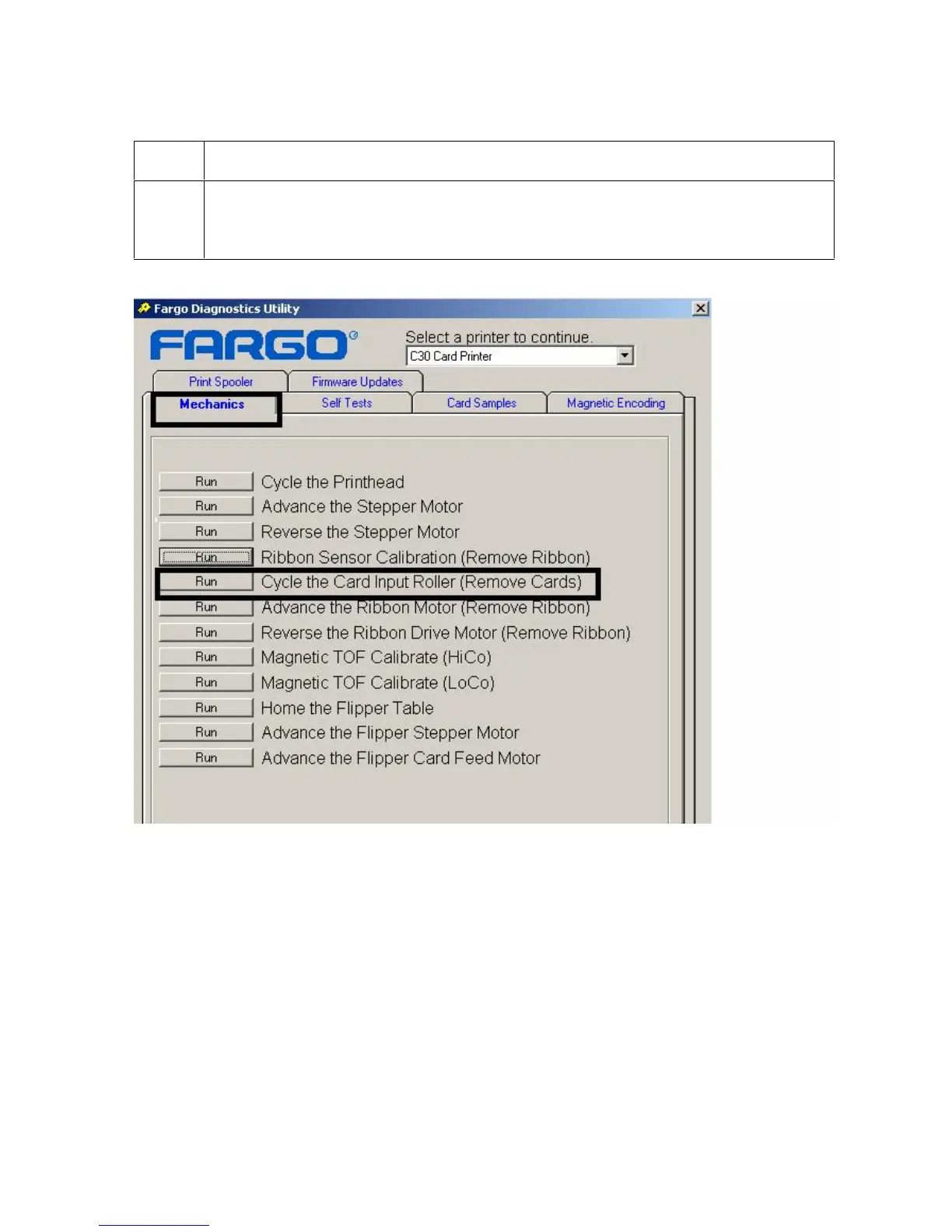
Selecting the Mechanics tab in the Diagnostics Utility (continued)
Step Procedure
2F
Click on the Cycle the Card Input Roller (Remove Cards) button to activate
the Card Input Motor. (Note: Ensure that all cards have been removed from the
Printer before selecting this option.)












 To Next Page