78
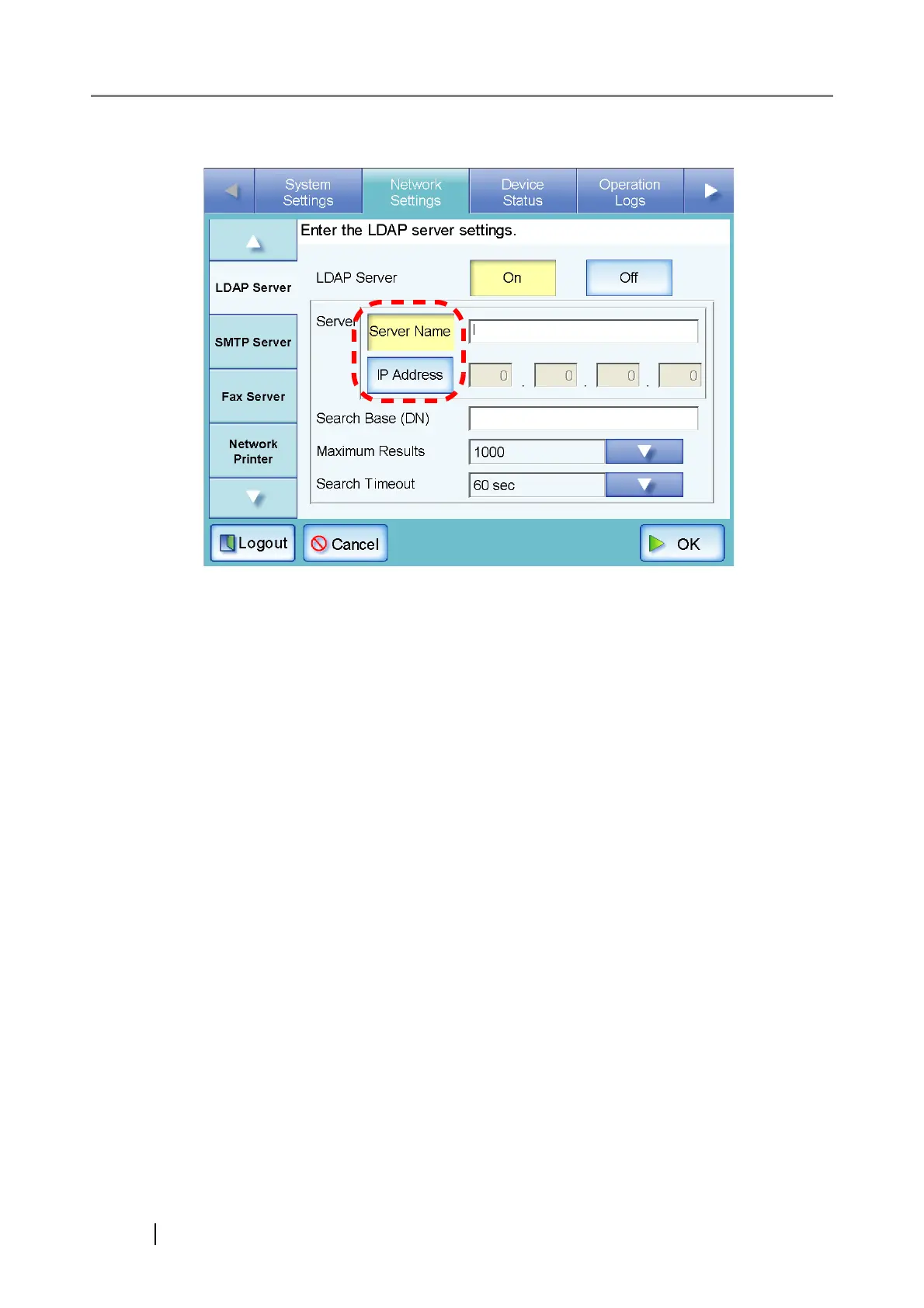
5. For the LDAP server, select whether to set a server name or IP address.
Both the [Server Name] and [IP Address] buttons cannot be selected at the same time.
6. Enter the LDAP server name or IP address (selected in Step 5).
• If the [Server Name] button is selected:
Enter a FQDN or server name in the input field. This may be up to 255 characters long.
• If the [IP Address] button is selected:
Enter a numerical IP address.



 To Next Page
 Loading...









