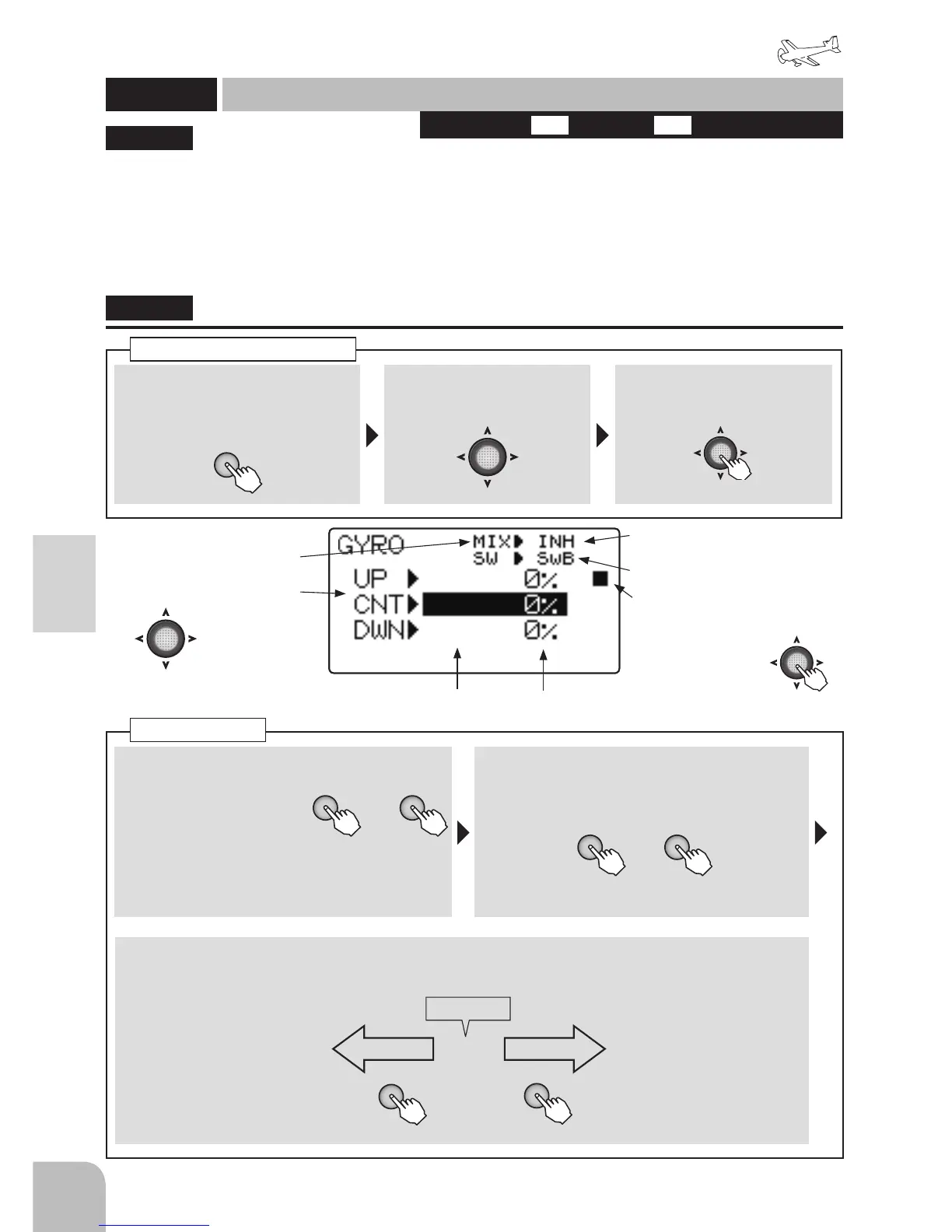
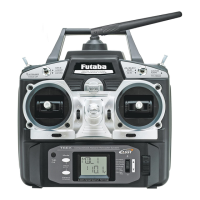
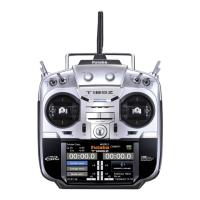
① Call the menu screen from the
home screen by pressing the +
key for 1 second.
+
② Select
from the menu with the
Jog key.
③ Open the setting screen by
pressing the Jog key.
(1 second)
Calling the setting screen
■ Activating the function
+ -
or
① Select the "MIX" item
and then select the
"ON" by pressing the +
key or – key.
● When you do not use a function, set to the
"INH" side.
■ Gain switch selection
② Select the "SW" item and then select the
switch by pressing the + key or – key.
Range:SwA ~ SwD Default:SwB
GYRO
+ -
or
This function is dedicated mixing for switching
the gyro sensitivity and gyro mode (AVCS/
NORMAL) of Futaba airplane use gyros.
●The sensitivity switch can be selected and the
sensitivity of each direction of the switch can be
set. (Switches A to D) If the airplane stalls during
flight, the gyro will lose control of the plane’s
attitude. From the standpoint of safety, we
recommend that the OFF (0%) position also be set
using a 3 position switch.
●T6K only 1 channel gain control.
●3 axes gyro of gain can't be controlled
independently.
"GYRO"
GYRO
Gyro sensor
(AIRPLANE)
Activating the function
Switch position
● When not using this function,
select INH.
Gain switch selection
(Current switch operating
direction)
● Switches to the
sensitivity setting
screen of each switch
direction when the
Jog key is pressed.
● Select the setting item
with the Jog key.
(Gyro type) (Gyro Gain)
AVC 100% NOR 100%
0%
AVCS Normal
+
-
When a + key is
pressed, gain of the
AVCS side is UP.
When a - key is
pressed, gain of the
Normal side is UP.
GAIN=OFF
■ Gyro mode and gain setting
③ UP, CNT, DWN, shows the switch position. Set the respective positional gain and mode.



 To Next Page