138 139
IIDTool
GAP Diagnostic 2019-07-15 All Rights Reserved
User Manual : Version 33, Firmware V3.0
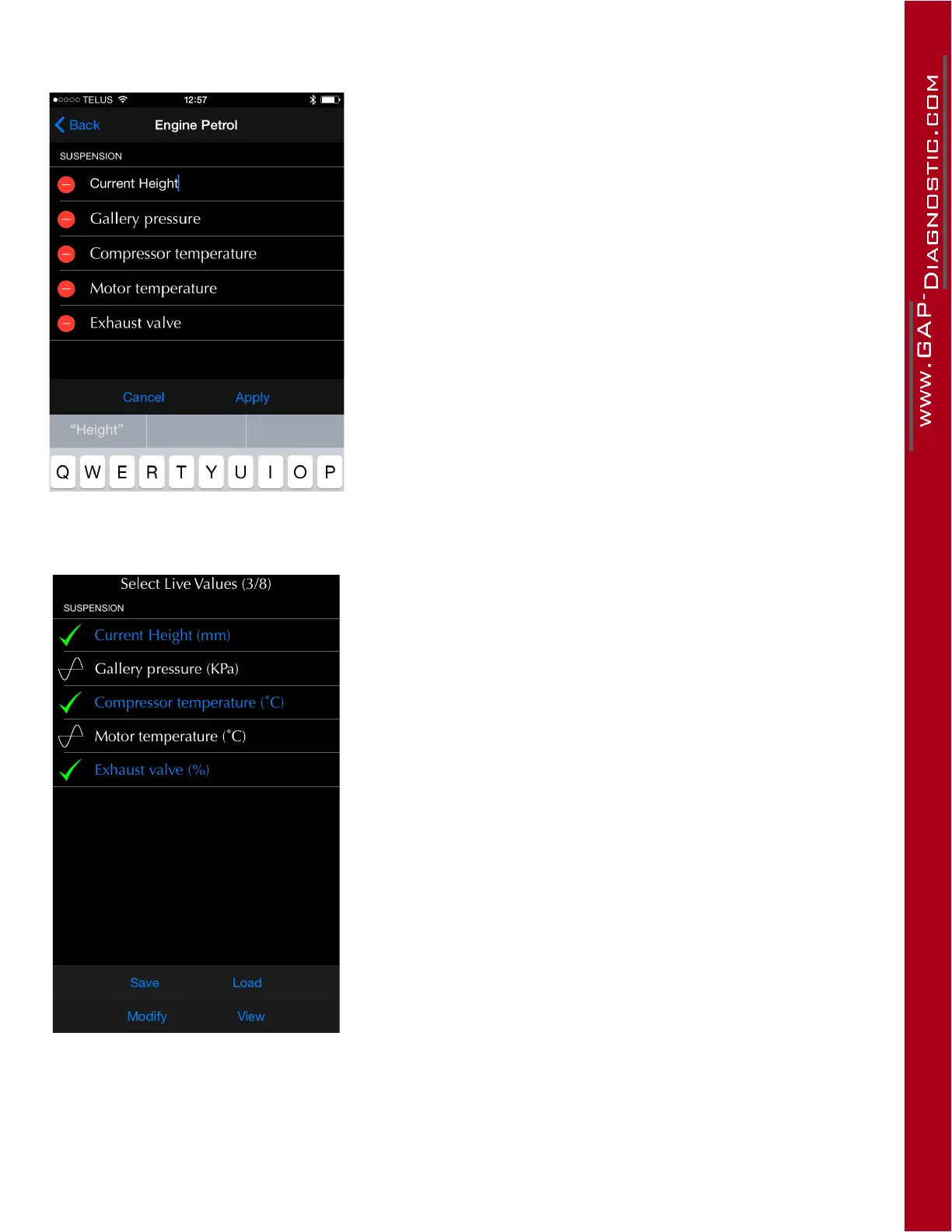
Figure 70. App : LV : Modify a live value name in a favorite
list.
Click on the live value name to change it.
Figure 71. App : LV : Favorite live values selection
The Save button is used to save the current live value selec-
tion. In this example, 3 live values are selected.
The Load button is used to recall the last saved selection from
the list. All 3 live values will be selected at once.



 To Next Page