96 97
IIDTool
GAP Diagnostic 2019-07-15 All Rights Reserved
User Manual : Version 33, Firmware V3.0
4.4.4 App : Layout denition
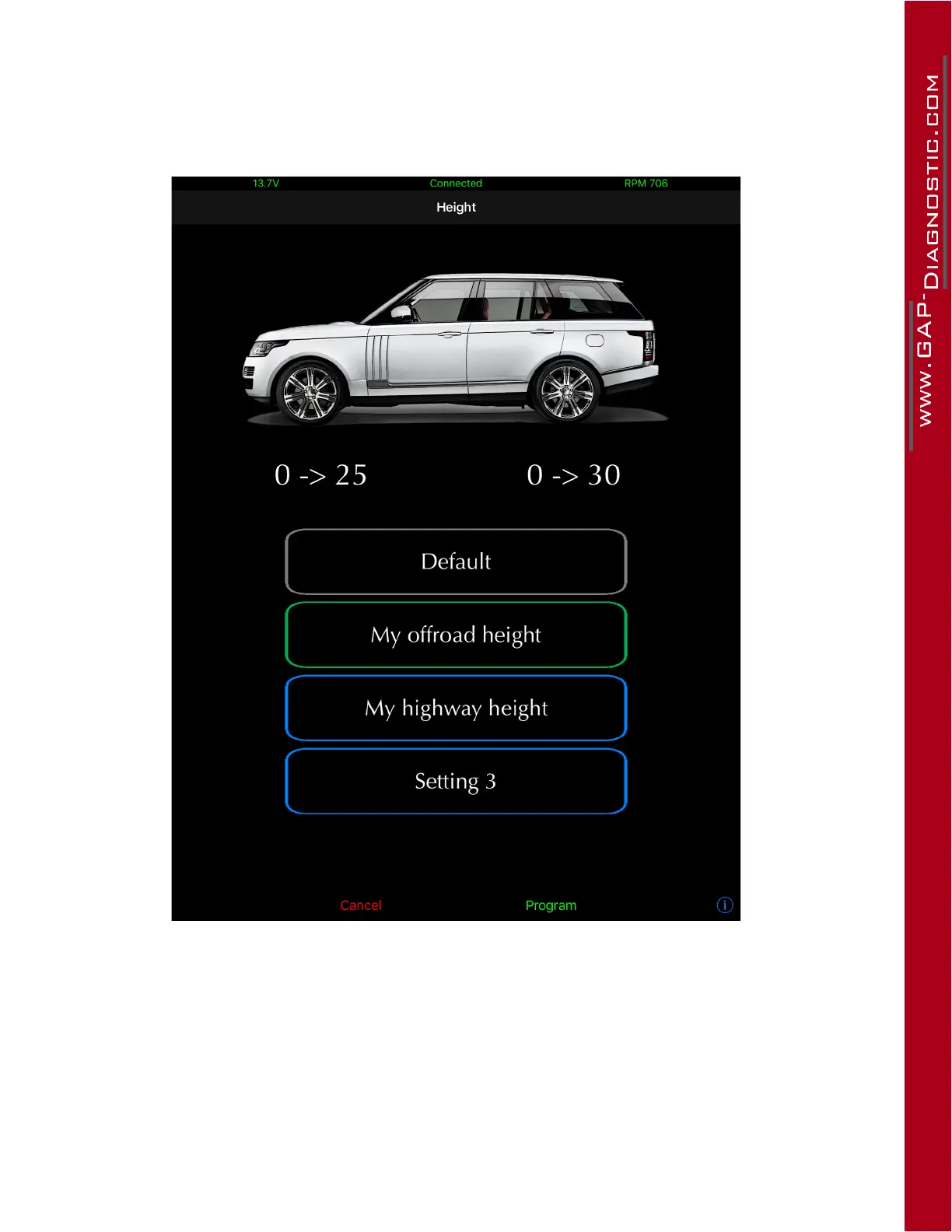
Main screen layout
Figure 48. App : Height function layout
Front Axle, 0-
>
25: current height, 0 mm, or default in this example is shown on the left while the selec-
tedheightsetting(Myoroadheightinthisexample)isshownright,+25mm
.
Rear Axle, 0-
>
30: current height, 0 mm, or default in this example is shown on the left while the selec-
tedheightsetting(Myoroadheightinthisexample)isshownright,+30mm
.
Press and hold on the height setting to edit it. The Default value is the original backup up value upon
rstconnectionofthetooltoavehicleandcannotbeedited.L322-02 Other height modes are also



 To Next Page