50
IIDTool
GAP Diagnostic 2019-07-15 All Rights Reserved
User Manual : Version 33, Firmware V3.0
2.8.3 Mobile Application, Navigation and Controls
Denition
The App was developed by the manufacturer with user friendliness in mind. Details on installations and
compatibility for each interface are available at the section 1.7 and section 2.4.3 of this manual.
Prerequisites
• OwnanIIDToolBT or IIDTool Pro
• HaveaccesstothevehicleonwhichtheIIDToolwillbeused
• Ensuringthatthevehicleisinasafeenvironment(section 2.7.1)
• Havingtakenprecautionstoavoidbatterydrainage(section 2.7.2)
• Ownacompatiblemobiledevice(section 1.7.5) on which the Bluetooth module is “ activated ”
or “ ON ” ?
• IIDControlAppinstalledinthemobiledevice(section 2.4.3) and having synchronized it with the
tool (section 2.6)
Steps to navigate the Mobile Application
1- Proceed with connecting the IIDTool BT or IIDTool Pro as per section 2.8.2 and wait until the
“IIDToolReady”messagetobedisplayedontheinstrumentclusterscreen*conrmingthat
communication has been established successfully. For all connection problems, please consult
the FAQ section of the manufacturer’s website : https://www.gap-diagnostic.com/.
2- Lunch the IIDControl App
3- Click on “ Search for tool ” at the bottom of the screen
4- Select the desired tool available in the list (“ available tools ”).
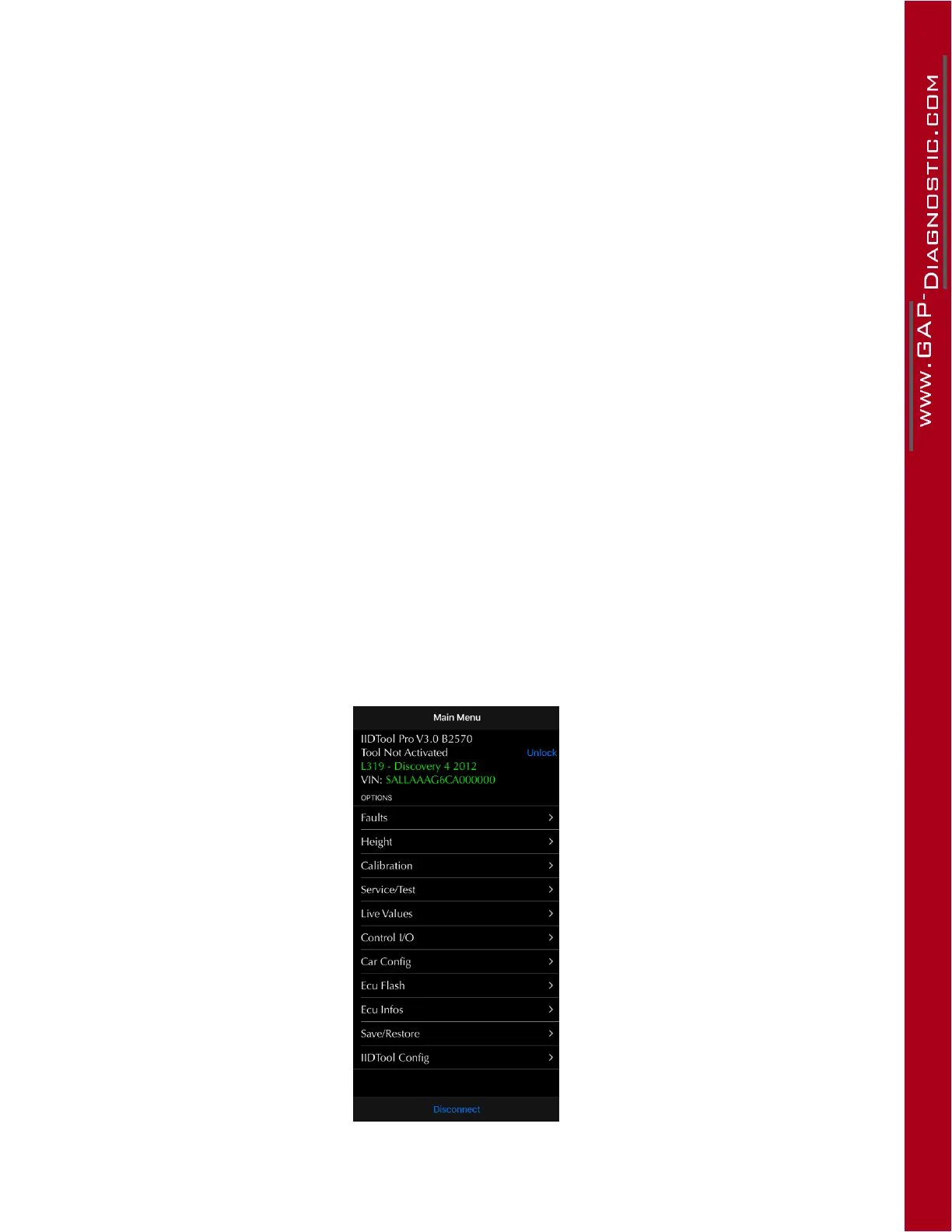
Mobile App representation
Figure 22. App : Mobile App representation
*Somevehiclesonly,seesection 1.7.3



 To Next Page