40 41
IIDTool
GAP Diagnostic 2019-07-15 All Rights Reserved
User Manual : Version 33, Firmware V3.0
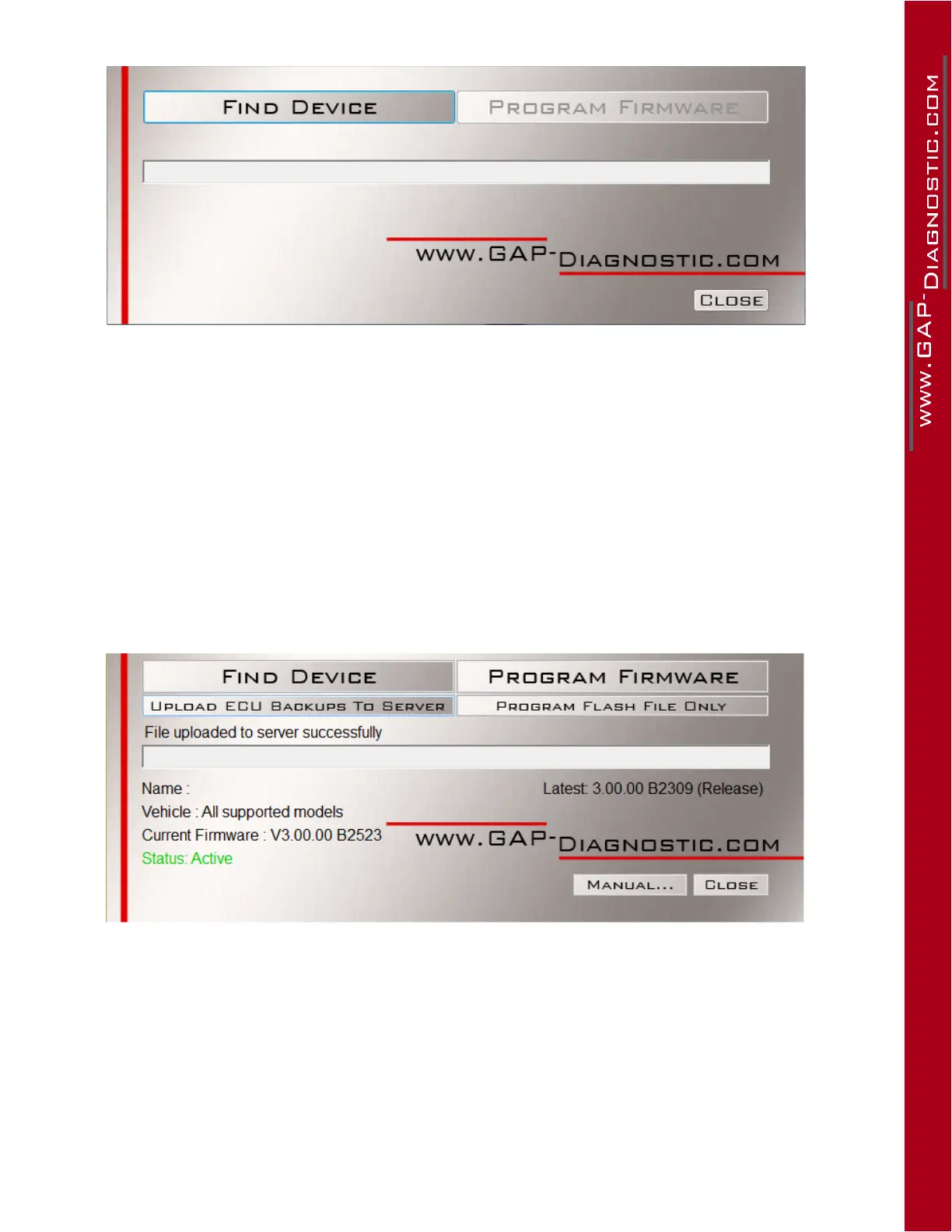
Figure 16. Updater software overview
2.5.2 Update ECU les only (Pro)
WhennewECUlesusebytheECUFlashfunctionareavailable,youcandownloadthemtotheIID-
Tool ProwithoutupdatingtheIIDToolrmwareitself.Thisspeedsuptheprocess.
1- Connect the tool to the USB port of the computer using the USB cable
2- Start the updater software previously installed in the computer
3- Click on “ FIND DEVICE ” and wait for pairing of the tool with the updater software. Once paired,
theuserinformation,vehicleinformationandcurrentrmwareversionofthetoolwillbedis-
played.
4- Clickon“PROGRAMFLASHFILESONLY”.Theevolutionofeachdataleisobservablein
succession on the progress bar.
Figure 17. Overview, “ Program Flash File Only ” button



 To Next Page