54
IIDTool
GAP Diagnostic 2019-07-15 All Rights Reserved
User Manual : Version 33, Firmware V3.0
2.8.5 PC interface Navigation and Commands (discontinued)
This interface is available but discontinued. Technical support will not be provided.
The PC interface named controller software, used on a PC running Windows, is based on the Integra-
ted Interface (details on compatibility and interfaces installation are at section 1.7 and section 2.4 of
this manual).
Prerequisites
• HaveaccesstothevehicleonwhichtheIIDToolwillbeused
• Ensuringthatthevehicleisinasafeenvironment(section 2.7.1)
• Havingtakenprecautionstoavoidbatterydrainage(section 2.7.2)
• Havingaccesstoapersonalcomputer
• Updatersoftwareinstalled(section 2.4)
Steps to connect the tool on both the vehicle and computer
• Connectthetoolonthevehicle’sOBDIIPort(section 2.8.2) and wait until the “ IIDTool Ready ”
messagetobedisplayedontheinstrumentclusterscreenconrmingthatcommunicationhas
been established successfully. If the vehicle does not support the Integrated Interface (section
1.7.3), simply wait a few seconds.
• With the tool connected on the OBDII port, join the computer and IIDTool using a USB cable.
Steps to navigate the PC-based Interface
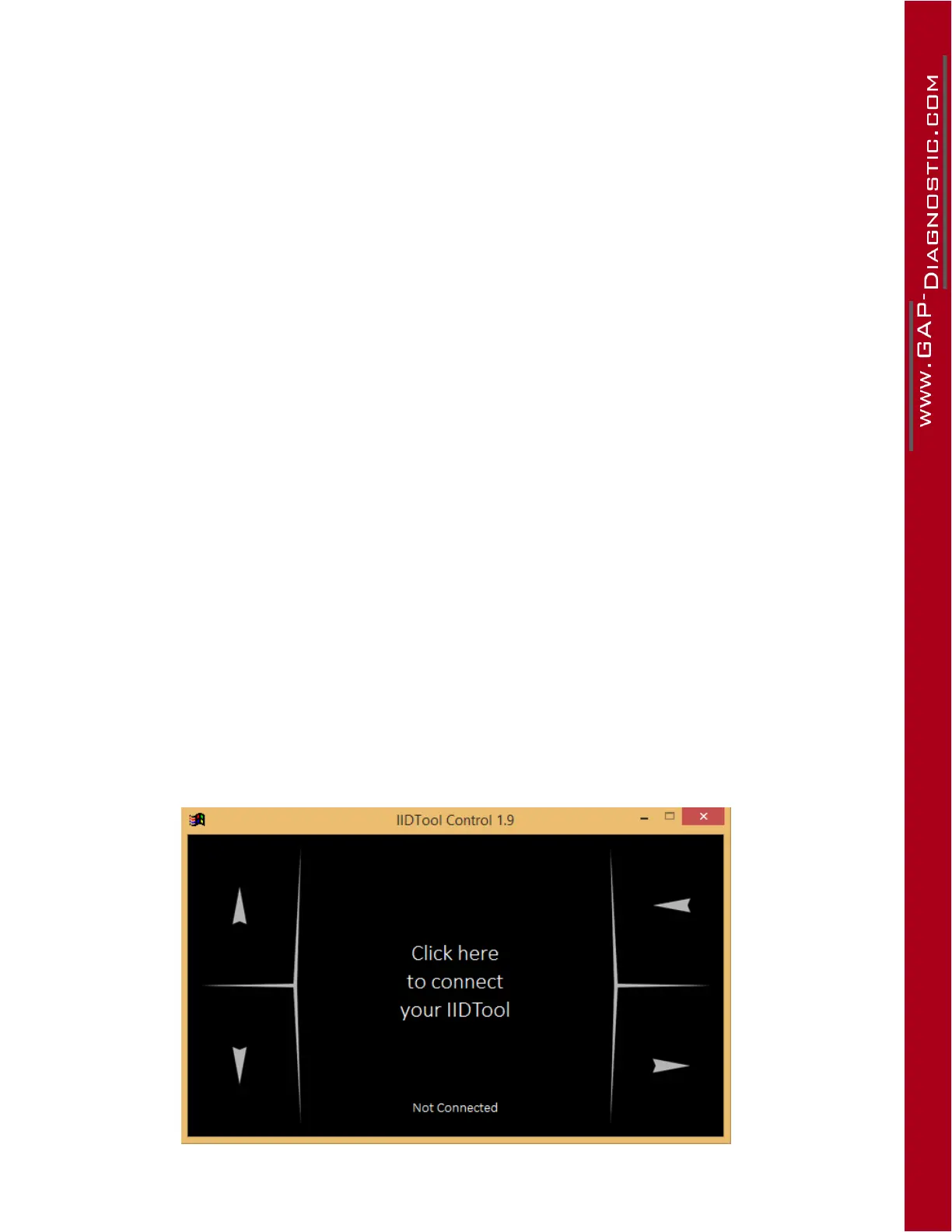
1- Lunch the PC App : Lunch the controller software in the computer and click on “ Click here
to connect your IIDTool ”. For all connection problems, please consult the FAQ section of the
manufacturer’s website : https://www.gap-diagnostic.com/.
2- Navigate through the menus using the commands described in the legend of controls for the
PC-based interface. The controls have a dual use either for navigation and entering.
PC Interface representation
Figure 26. PC interface representation



 To Next Page