110
IIDTool
GAP Diagnostic 2019-07-15 All Rights Reserved
User Manual : Version 33, Firmware V3.0
Step 7 is an example for a left side (option 1) adjustment. If a right side adjustment is
performed, simply replace the left for right in the following text.
7. If the “new calibration value left” varies less than 3mm from the old calibration value, it can be
considered good. Otherwise navigate the IIDTool to “Calibration-
>Suspension
-
>
Adjust Front
Left” or “Calibration-
>Suspension
-
>
Adjust Rear Left” and use the Speed + / Menu up and Speed
- / Menu down buttons to adjust the value to the “new calibration value left”.
Repeat the process to verify the calibration.
8. Once calibration is done, the vehicle baseline height can be adjusted to the user requirements.
Navigate to ‘Height’-
>
Adjust Front’, ‘Height-
>
Adjust Rear’ or ‘Height-
>
Adjust All’ and use the
Speed + / Menu up and Speed - / Menu down buttons to adjust the value.
App Sensors calibration
Manual Calibration
Simply follow instructions for II Sensors calibration using the integrated interface
Guided Calibration
This calibrating method will allow calibration of each individual height sensors to the original standard
height using a simpler approach. No calculations are required and only one itteration is necessary.
Upon entering, instructions will be displayed.
Notes:
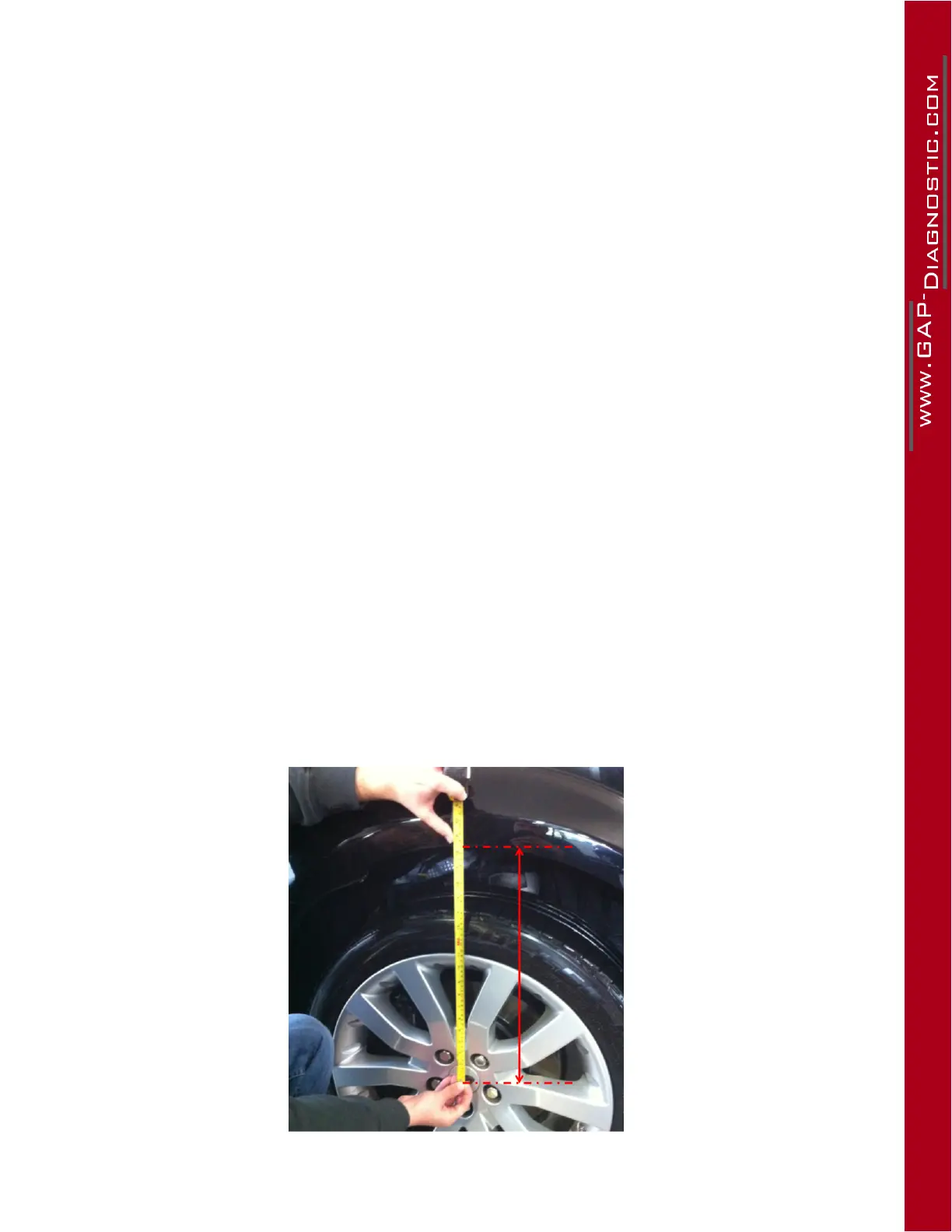
• Measurements of each corner are made from the bottom of the wheel arch to the centre of
the wheel. They can be made in metric or imperial.
Figure 55. Wheel measuring



 To Next Page