54 55
IIDTool
GAP Diagnostic 2019-07-15 All Rights Reserved
User Manual : Version 33, Firmware V3.0
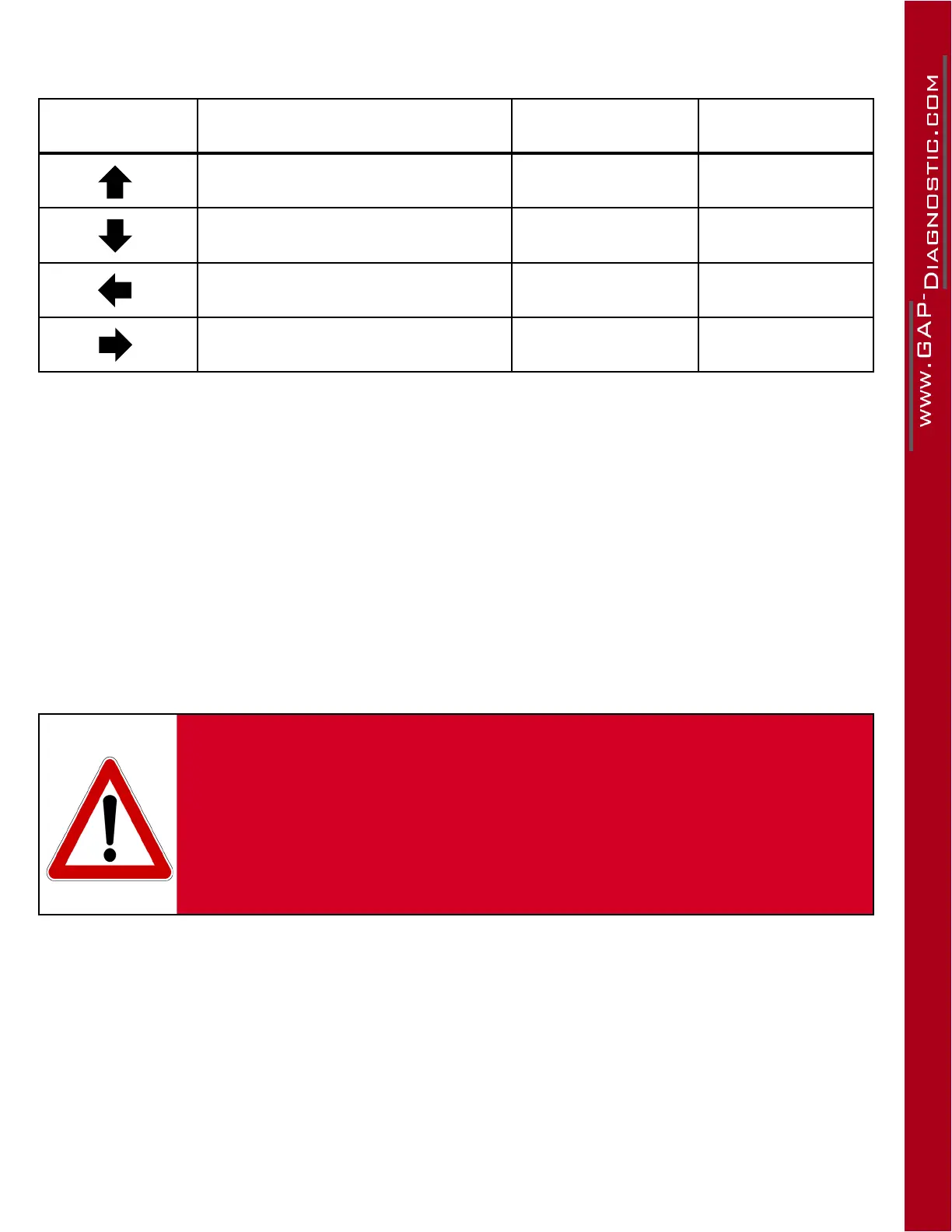
Legend of controls for the PC-based interface
Selectable icons Navigation Role Entering Role Equivalent Action :
Menu up Increase the value
Menu down Decrease the value
Back or exit a menu Cancel action Escape
Scroll through the options available
in a menu
Validate an action or
Select
Enter
Table 17. Legend of controls for the PC-based interface
Note : The mouse or the arrow keys can be used to select commands on the screen, however, the
other keys are not functional.
This interface is available but discontinued. Technical support will not be provided.
PC Interface display
The PC-based interface has a limit of visible characters. If a message appears longer than the capacity
(eg. a fault descriptor), it will automatically scroll in order to allow full read.
WARNING
By selecting certain functions, warning messages will be dis-
played. The rst time these features are used, the warning mes-
sages will be shown three times and cannot be ignored. In sub-
sequent uses, warning messages can be avoided by pressing
the Enter button.
By pressing the Enter button, the user conrms that he has
read and understood the warning.



 To Next Page