60 61
IIDTool
GAP Diagnostic 2019-07-15 All Rights Reserved
User Manual : Version 33, Firmware V3.0
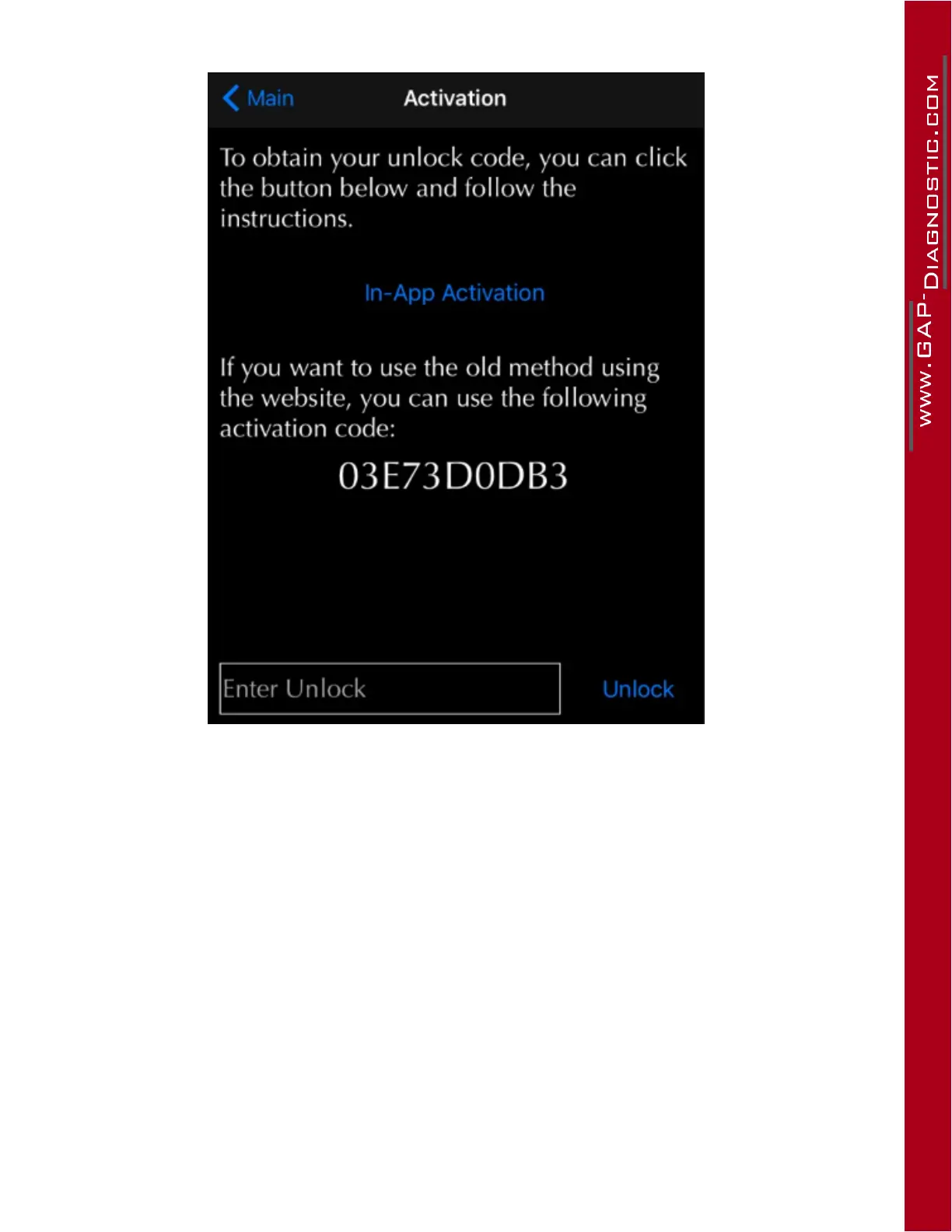
7- Click on “Activate” (right of vehicle information) to display the activation page.
Figure 30. App : Activation when connected to the internet
8- Since the mobile device is not connected to the Internet, note the 10 character activation code
and follow steps in section 2.9.4
9- Following receipt of the unlock code, press the box “Enter Unlock” at the bottom of the page and
enter the code. Then press on “Unlock”.
10- Once the unlock code is entered correctly, the IIDTool will backup the suspension calibration
andCarCongurationFile(CCF).Aconrmationoftheexecutionwillbedisplayed.
11- Pro : Repeat steps 1 to 7 and send us the activation code at support@GAP-Diagnostic.com. A
second unlocking code will be sent. It must be entered in the same vehicle the activation code
was taken from (steps 9 and 10). The IIDTool Pro will now be fully unlocked.
The user now has access to advanced functions and data backup.



 To Next Page