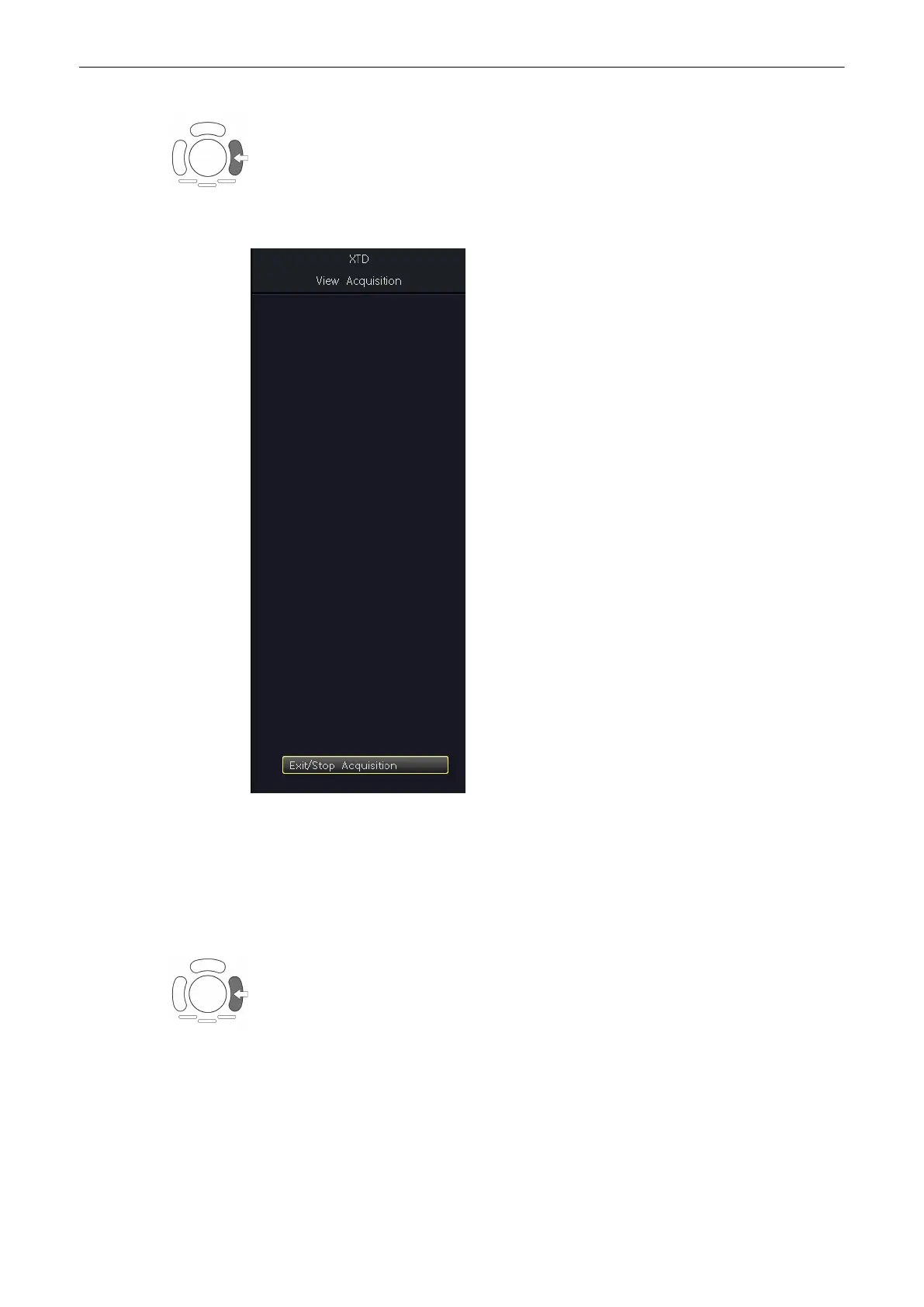
4. To start acquiring the image, press the right trackball key [Start].
During the acquisition the following message will be displayed on the menu area.
If you press the [Exit / Stop acquisition] key the recorded information will be cleared.
5. To complete the scan, press the right trackball key again [Stop], or press the [Freeze] key
(or allow the scan to auto complete).
The XTD-View is then displayed, scaled to fit entirely on the screen.
'After the XTD-View
Image Acquisition'
on page 6-29
)
Note: If you want to return to the preparation mode, press the right trackball key (XTDpre
displayed in the status bar on the monitor).
6.7.4 After the XTD-View Image Acquisition
After the XTD-View image acquisition the system switches automatically to the XTD read
menu. The “Overview” display format will be present on the screen.
2D Mode
Voluson® S6/S8 Basic User Manual
5433669-100 Revision 4 6-29



 To Next Page