Application: With this function small echoes or noise is removed, to have a “clear sight” from
the start border of the render box to the desired Surface.
9.4.4.1.2 Transparency in Gray Render Mode
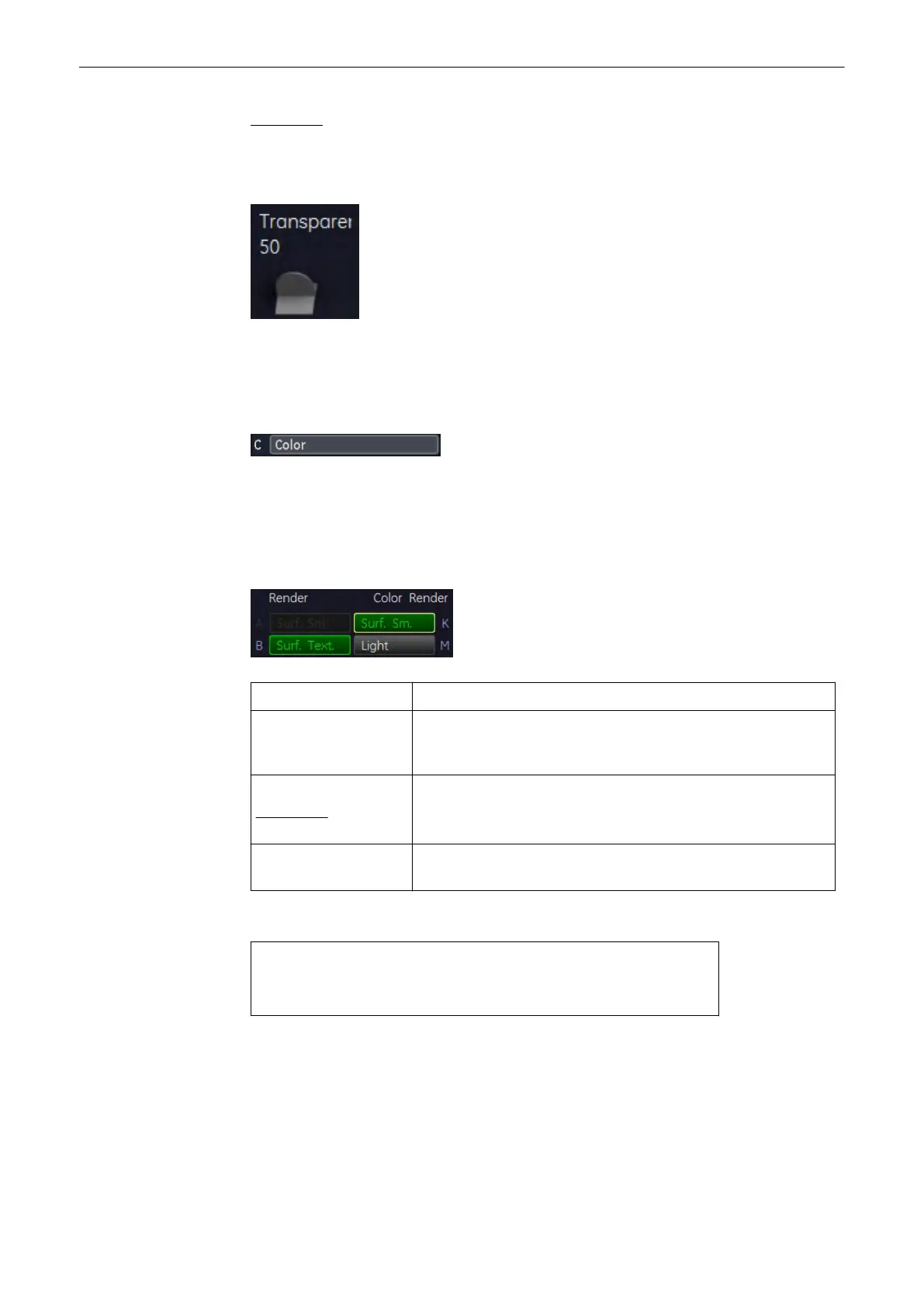
small number = low transparency A higher number makes the gray scale information more
transparent.
9.4.4.2 Color Render Mode
In Color Rendering color information of Color or Power-Doppler signal is used for the 3D
display.
Activate [Color] - Rendering mode (if not active).
Select the render algorithm desired:
Surface Mode: Surface-display of color information of blood flows
Light Mode: Light: A surface will be displayed in “light” mode. Structures close to
viewer are displayed bright; structures distant to the viewer are
darker.
Maximum Mode:
Application:
The maximum gray values of the ROI are displayed.
Representation of all vessels in the ROI. 3D impression can be
improved by a Rotation Cine.
X-Ray Mode: All color values in the ROI are used for the calculation and are
averaged (impression will be an X-Ray image)
The following Rendering combinations are possible:
•
Surface + Light
•
Surface + Maximum
•
Surface + X-Ray
The software module allows selection from 2 modes which are simultaneously calculated.
Modes can be selected without restriction, except with the Light mode which combines only
with Surface display. Always select 2 modes!
Volume Mode
Voluson® S6/S8 Basic User Manual
5433669-100 Revision 4 9-75



 To Next Page