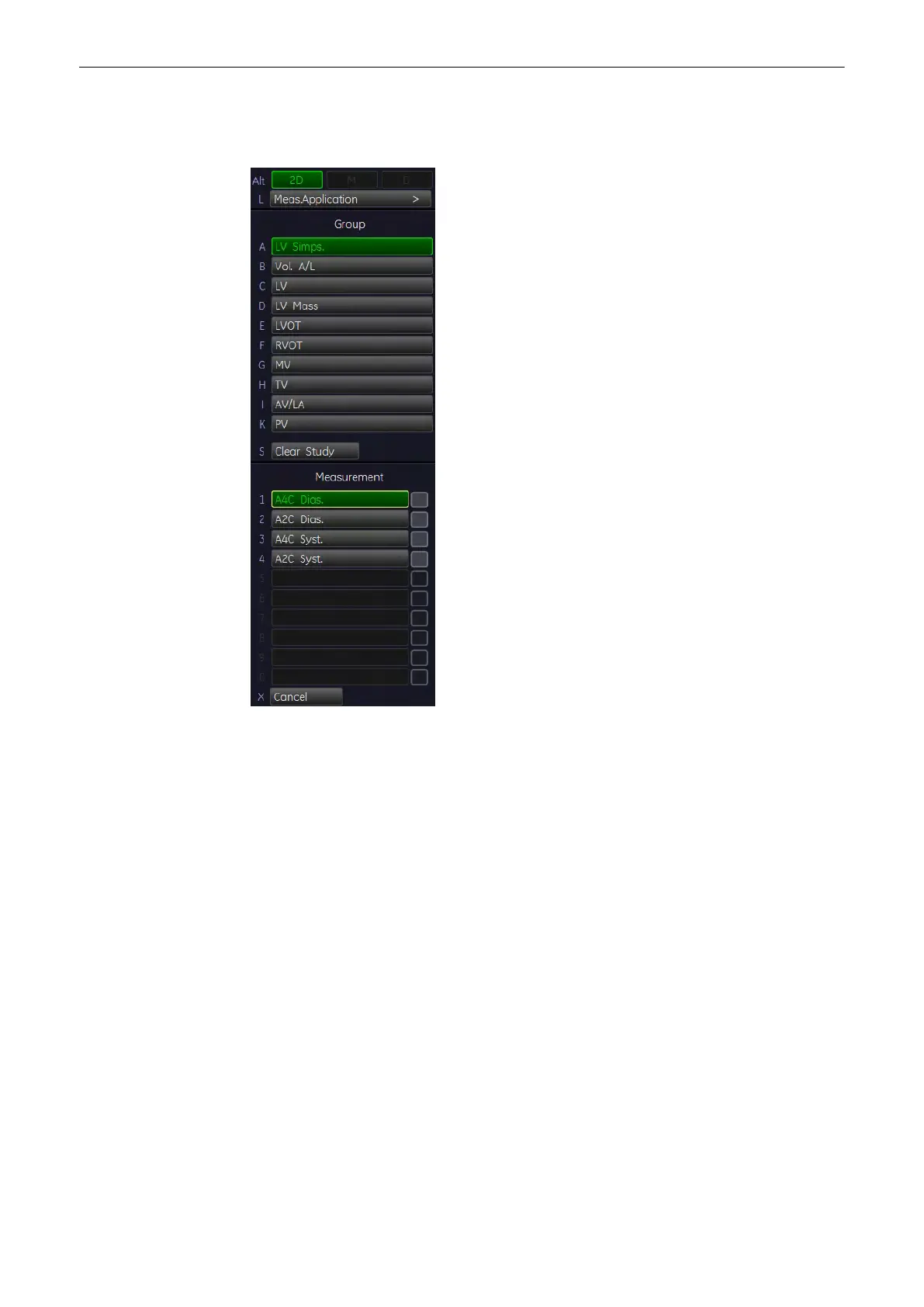
11.2.5.4 LV Simpson
To calculate the left ventricular (end diastolic or end systolic) volume in 2D mode:
1. Press the [Calc] key on the control panel.
2.
Select the item [LV Simps.].
3. Select the desired measurement parameter. For example: select [A4C Dias.].
4. Perform the circumference measurement of the left ventricle by using the trackball key
and then press the right or left trackball key [Set].
5. Move the trackball to the longitudinal axis of the left ventricle and press [Set] to fix the
endpoint.
11.2.5.5 Vol A/L (Volume Area/Length)
To calculate Volume A/L in 2D mode:
Measurements and Patient Worksheets (Reports)
11-62
Voluson® S6/S8 Basic User Manual
5433669-100 Revision 4



 To Next Page