•
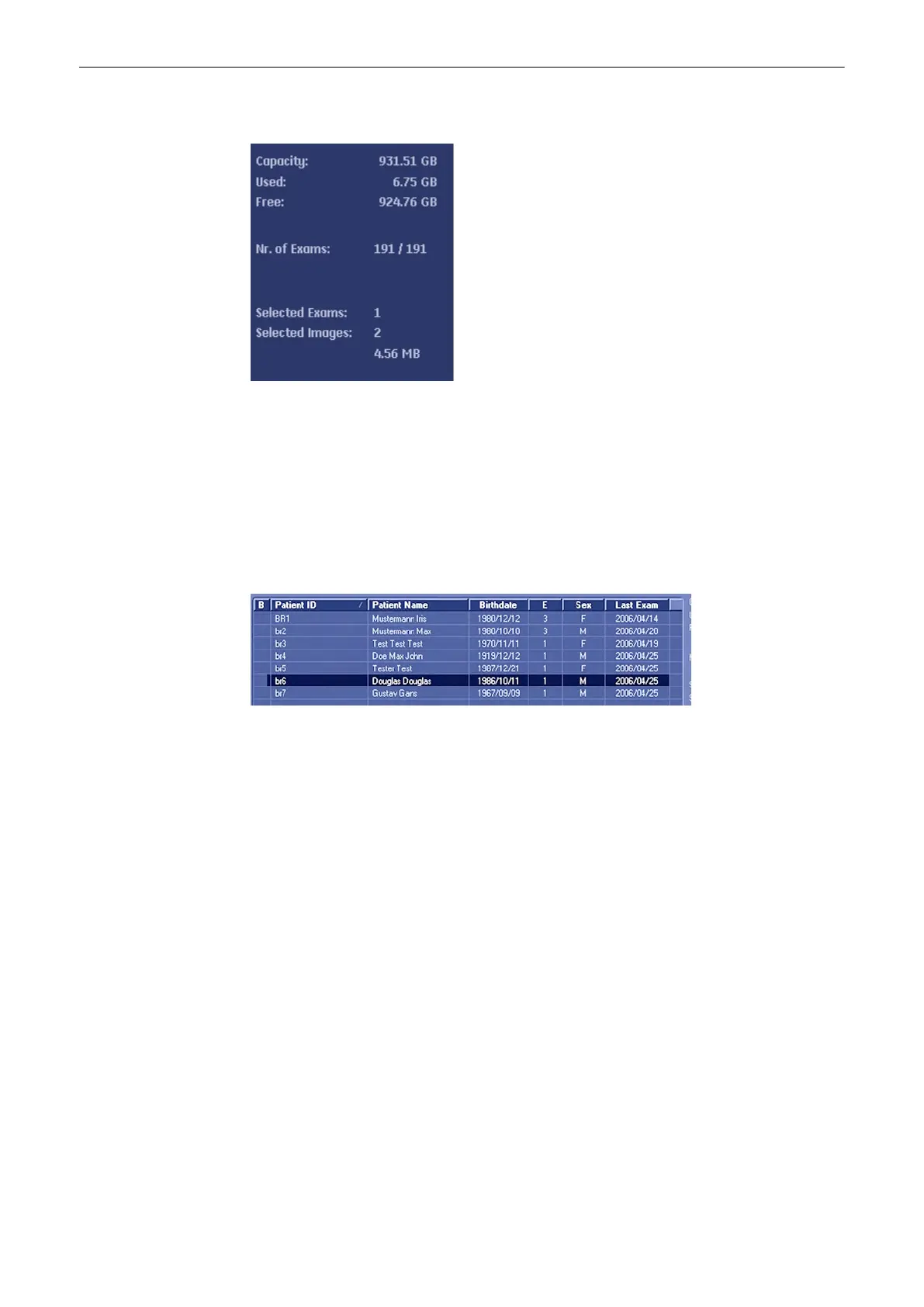
The user can confirm the capacity of an appropriate medium.
The number of all exams of the exam list; the number of currently selected exams, the number
of images and the capacity of selected exams are displayed automatically at the right and
upper part of the Exams List.
12.6.3 To Sort the Exams
Clicking on the caption of a column, the Exams List will arrange the exams on the basis of the
selected captions. For example select the [Patient ID]; the arranged list will be in the order of
the Patient ID.
12.6.4 To Search for Exams
There are options to search for a specific exam:
1.
In Archive, see: How to search:'Searching for a Particular Exam'
on page 12-13
2. In Patient Data Dialog, see: How to search:'To Search in the Patient List'
on page 4-26
12.7 Settings
These topics are sufficiently discussed in 'Connectivity'
on page 13-30
Archive
Voluson® S6/S8 Basic User Manual
5433669-100 Revision 4 12-41



 To Next Page