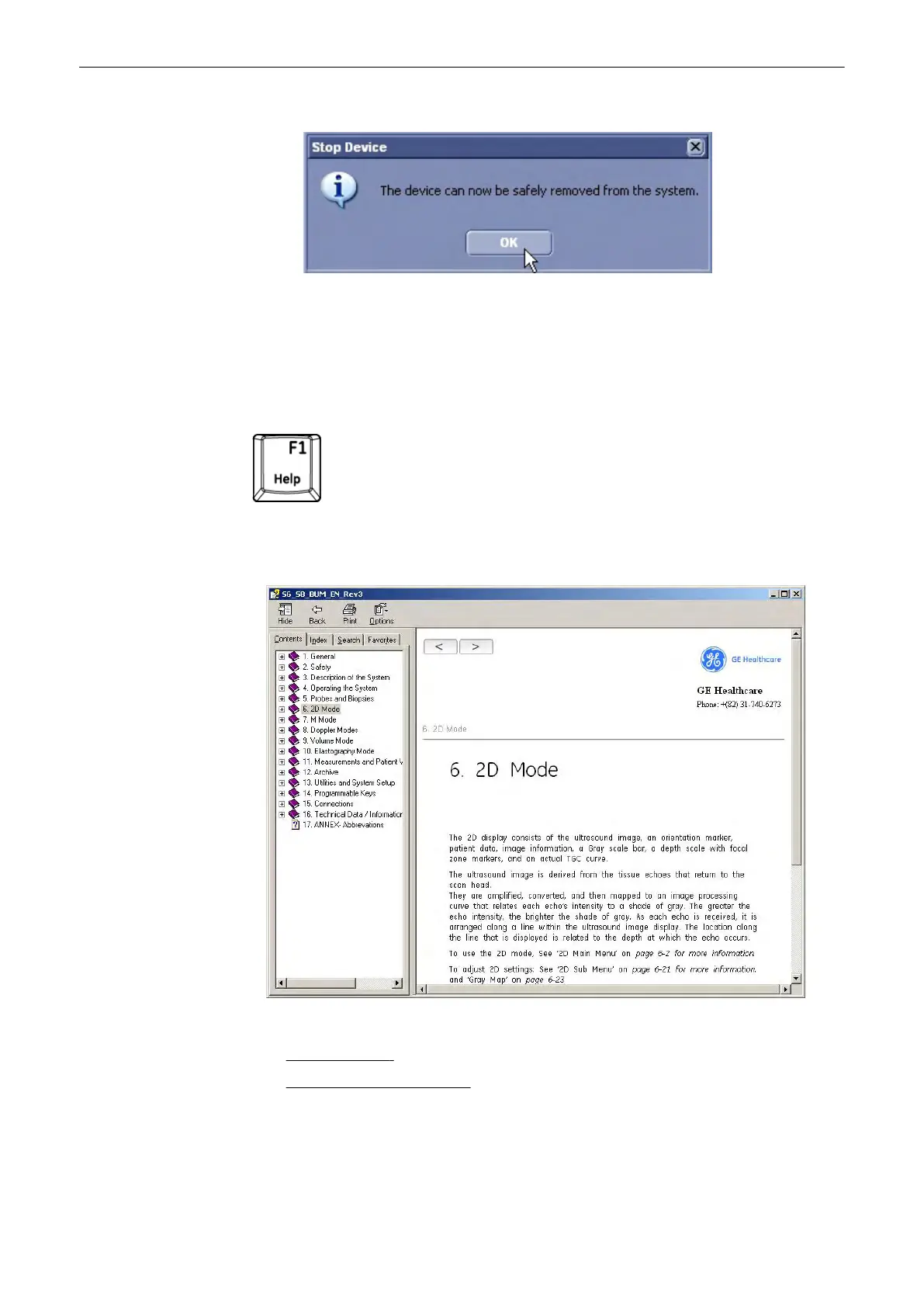
3. Press [Stop Device]. Then a progressbar appears. The following dialog appears:
4. Confirm with [OK]. You can now remove the USB stick safely.
5.
Press [Close] to close the “USB and Network Drives” dialog and return to the previous
operating state.
3.8 Electronic User Manual (EUM)
Press the [F1] key on the keyboard to invoke the electronic user manual.
The EUM screen appears (e.g.: 2D Mode)
The Help screen is divided into three sections:
1.
Navigation Tools
on the top, left portion (Hide, Back, Forward, Print, Options)
2.
Help Book - Navigation Tools
on the left portion of the screen (Contents, Index, Search,
Favorites)
3. Content portion on the right side of the screen where help topics are displayed
Description of the System
3-16
Voluson® S6/S8 Basic User Manual
5433669-100 Revision 4



 To Next Page