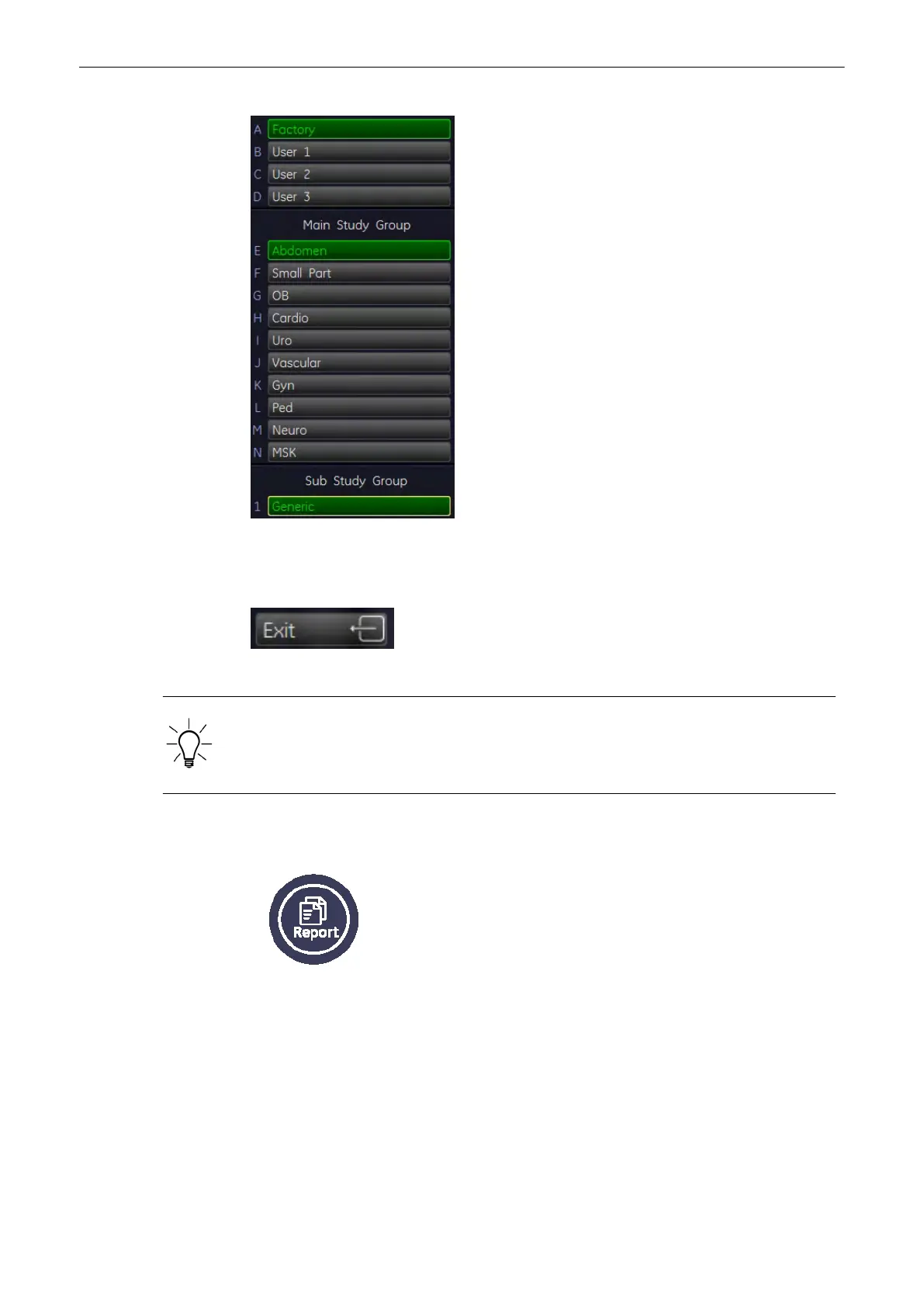
2. Select another application.
Note
If desired, change also the Preset and Sub Category.
3. Press [Exit] item to return to the Generic Measurement menu without a change.
When changing to another measurement application, the main application (chosen in the
“Probe Selection” menu) does not change! When a “main” application in the “Probe Selection”
menu is selected, the Generic measurement menu is automatically set (changed) to this
application.
11.1.6 To Review the Generic Work Sheet
1. Press this [Report] key to review the current application worksheet.
Measurements and Patient Worksheets (Reports)
Voluson® S6/S8 Basic User Manual
5433669-100 Revision 4 11-21



 To Next Page