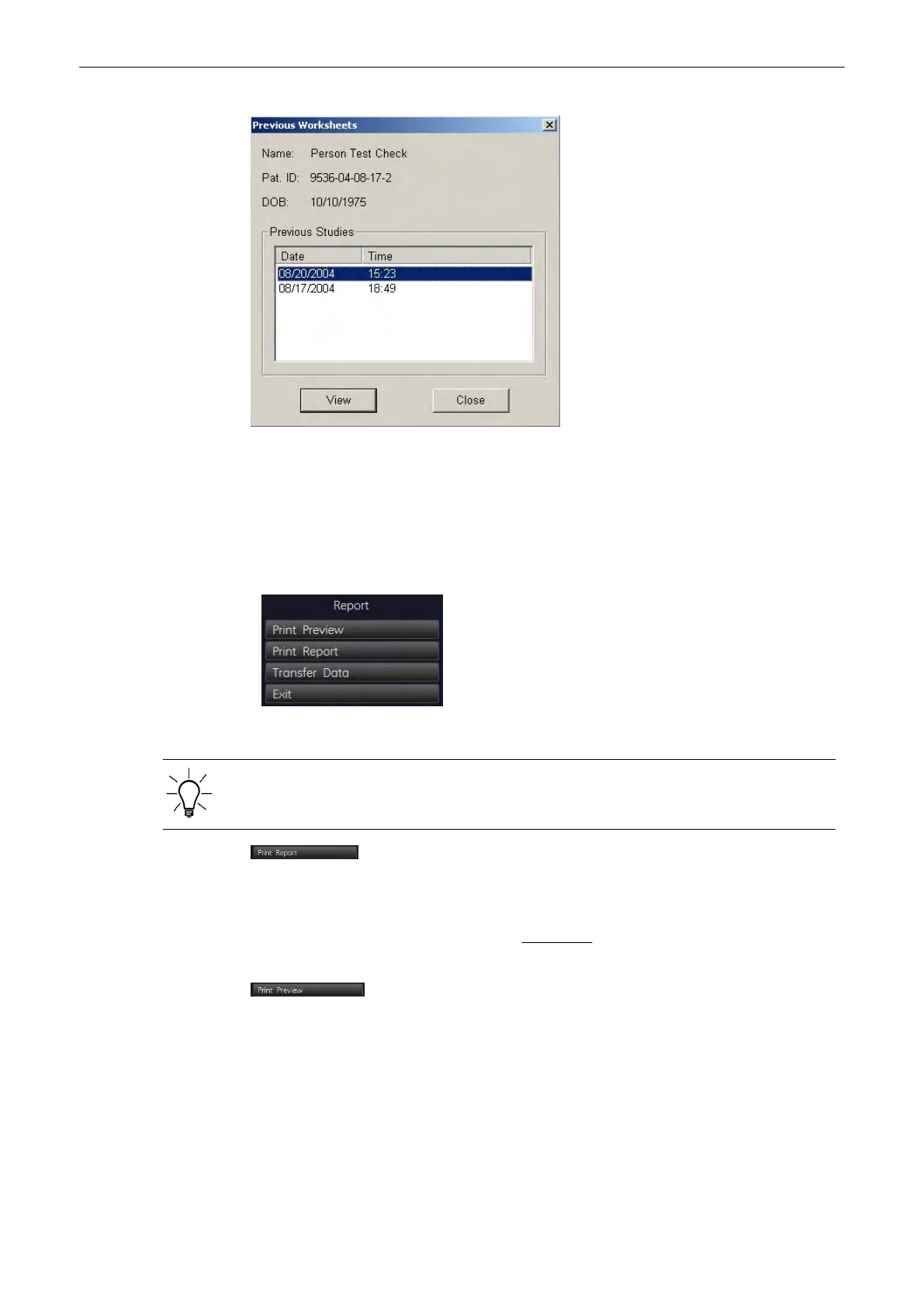
1. Select the desired Date.
2.
Click the [View] button to show the selected patient worksheet on the screen.
11.4.7 To print a Report
1. Select the “Print report” menu for the printout.
Note
Display depends on selected Application.
A checkmark marks each summary report that is included in the printout report. To include/
exclude a report from the printout, select the [Add to Report] key on the menu area.
2. Print the patient report of the currently selected Measurement Application on the Report
printer, which is selected in the System Setup.
To select the desired Report printer review: Peripherals
(chapter
'Connectivity'
on page 13-
30
)
.
3. To verify your selection and to preview the report pages that will be printed, select this key
on the menu area.
Measurements and Patient Worksheets (Reports)
11-106
Voluson® S6/S8 Basic User Manual
5433669-100 Revision 4



 To Next Page