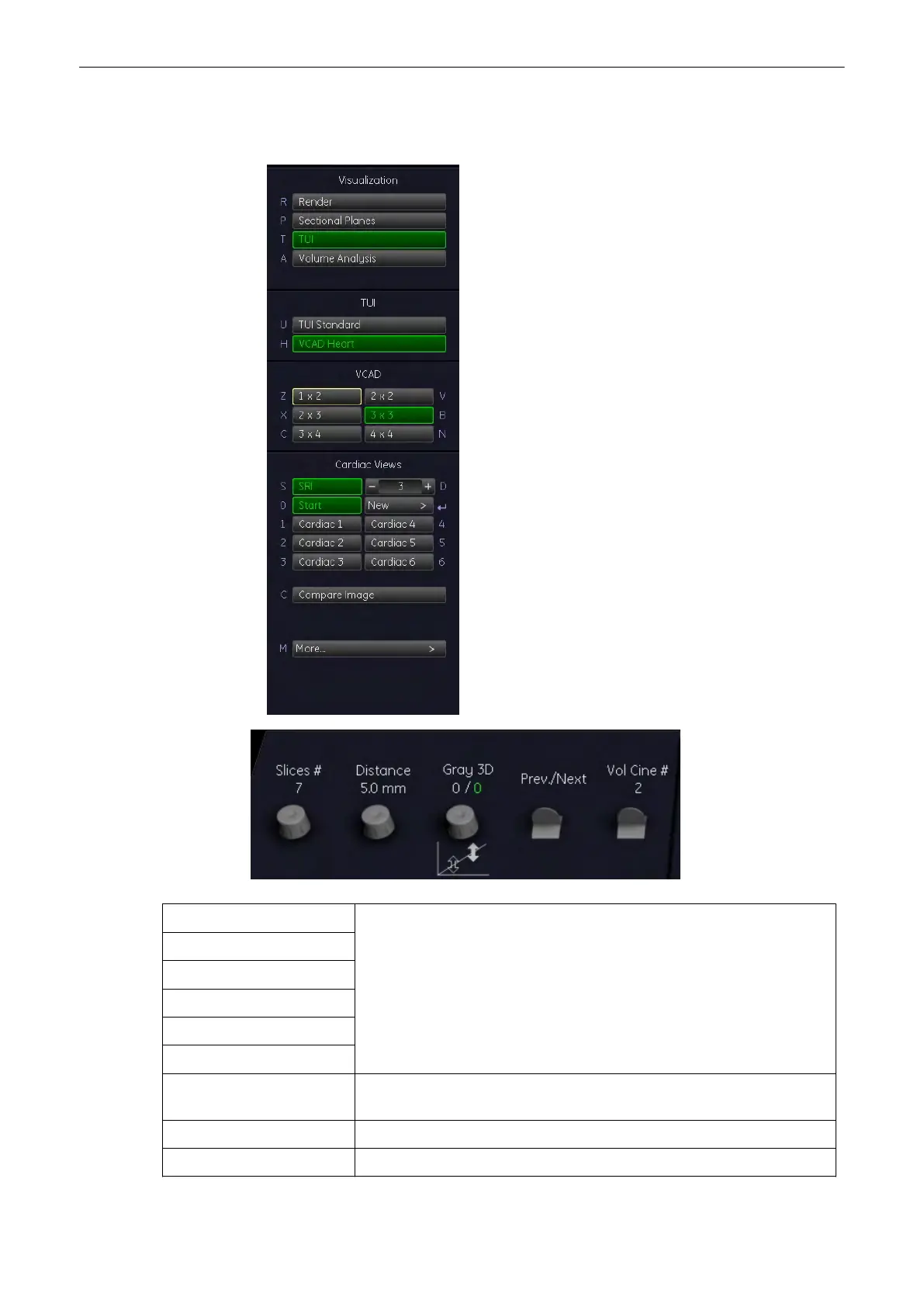
9.14.4 During VCAD Operation
1x2 Select [ 1 x 2], [ 2 x 2], [ 2 x 3], [ 3x 3], [ 3 x 4] and [ 4 x 4] to display number
of slices.
2x2
2x3
3x3
3x4
4x4
Set Starting Plane Press the [Set New Plane] button to get back to the VCAD Heart Main
menu, see'Before VCAD Operation'
on page 9-141
More... Press the [More...] button to go to submenu, see 'Sub Menus'
on page 9-43
Start Plane Press the [Start Plane] button to view the start plane.
Volume Mode
9-142
Voluson® S6/S8 Basic User Manual
5433669-100 Revision 4



 To Next Page