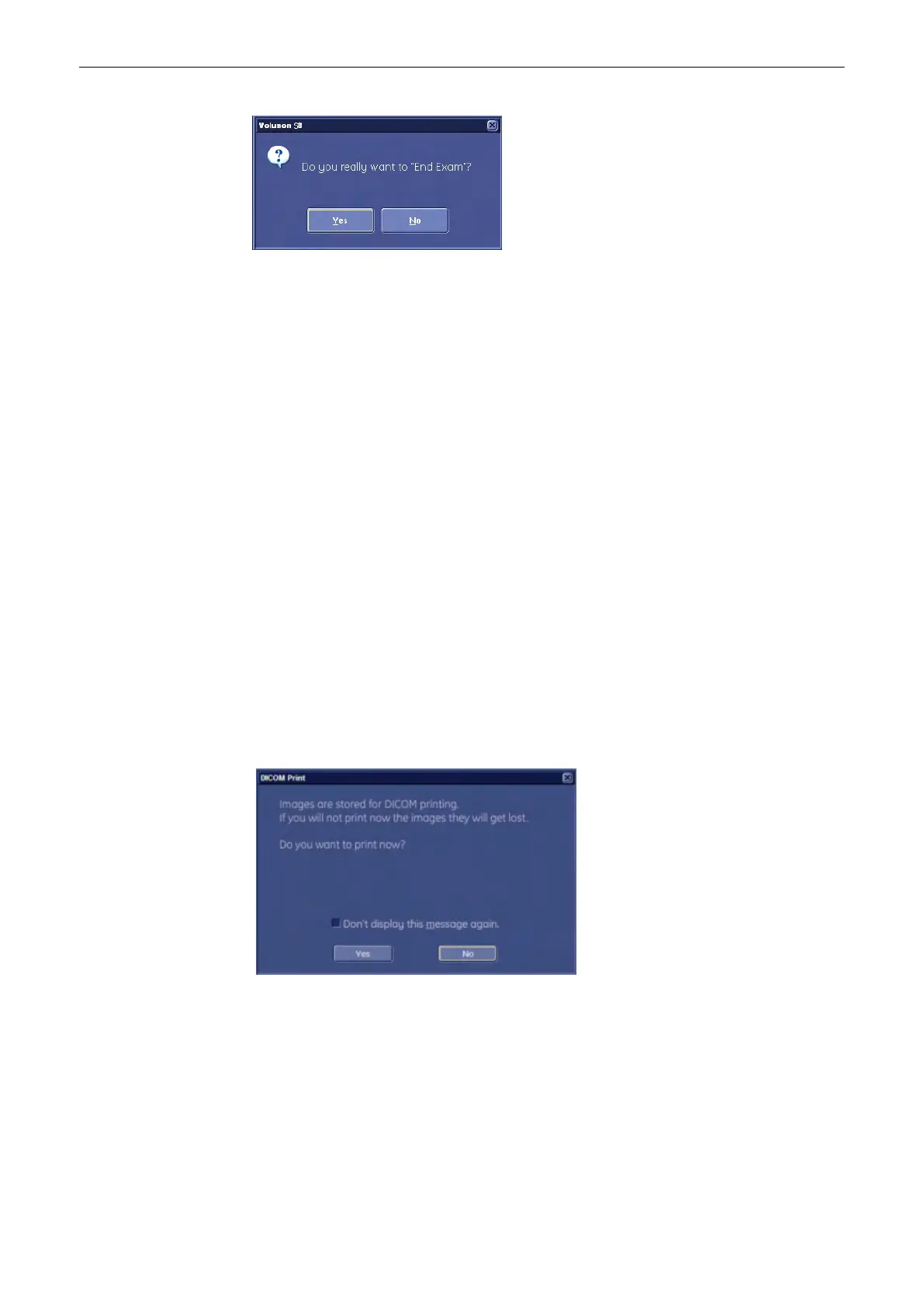
If the “End Exam Dialog” field in the System Setup is marked by a check mark, the ”End
Exam” dialog will be displayed on the monitor before ending the current exam.
'General'
on page 13-15
1. Incomplete measurement exists:
Select No: Dialog window disappears (exit to previous operating state)
Select Yes: “End Exam” command is executed and the dialog window disappears.
2. No incomplete measurement exists:
Select No: Dialog window disappears (exit to previous operating state)
Select Yes: “End Exam” command is executed and the dialog window disappears.
•
Patient ID exists: Patient and measurement data are stored in the “Data manager” (all
temporary patient and measurement data are cleared).
•
No Patient ID exists: all temporary measurement data are cleared
Note
All files will be compressed when ending a exam. The status of the compression is indicated
with a statusbar on the lower left user interface.
Note
The “End Exam” command is also executed if the [End Exam] key/button is pressed again
while the dialog window is displayed.
Note
If a DICOM Printer is configured to print by “End Exam” and the printing page is not full the
following message appears:
Note
If “Don’t display this message again” is set, the message box will not displayed and the
printout will be started without the warning.
4.8.2 Current Patient Menu
Patient Menu
Operating the System
Voluson® S6/S8 Basic User Manual
5433669-100 Revision 4 4-11



 To Next Page