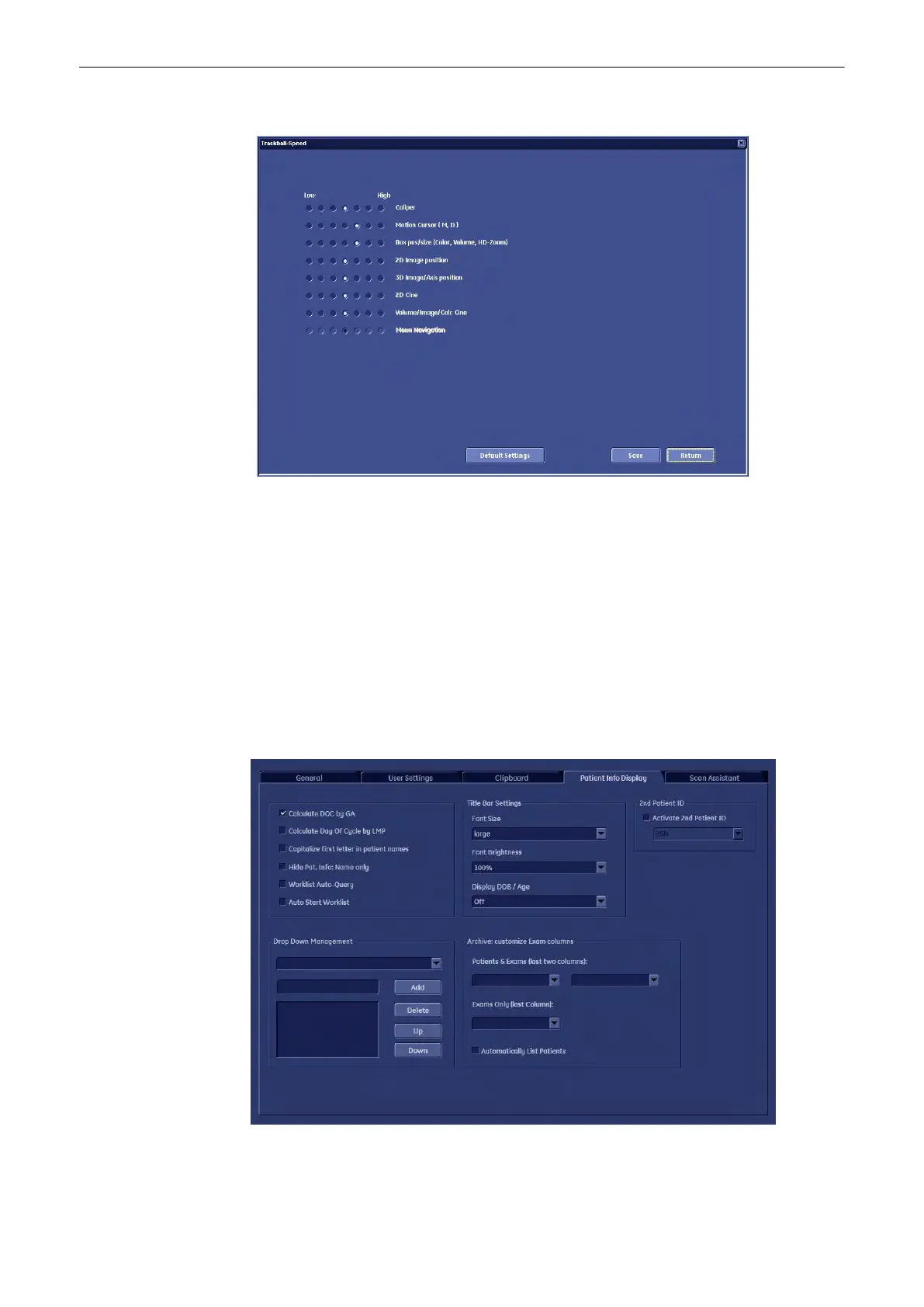
The “Trackball Speed” menu appears on the monitor.
2. Adjust the desired Trackball Speed for each function (low ´ high) using the trackball and the
right or left trackball key [Set].
3. Select [Save] or [Save&Exit]. The trackball speed settings are saved in the database.
Exit: Back to the last active menu without saving.
Save: To save the current Trackball Speed settings.
Return: Back to the User Setting main menu.
Default Settings: A change of the default setting is protected by a password. The User cannot
change the “Default Settings”.
13.2.3.3 Patient Info Display
Utilities and System Setup
Voluson® S6/S8 Basic User Manual
5433669-100 Revision 4 13-25



 To Next Page