To add an existing preset, select the desired entry (marked blue) from the sub window and
then click on the [Add] button and then click on [Close].
To create a new entry, click on the [New] button.
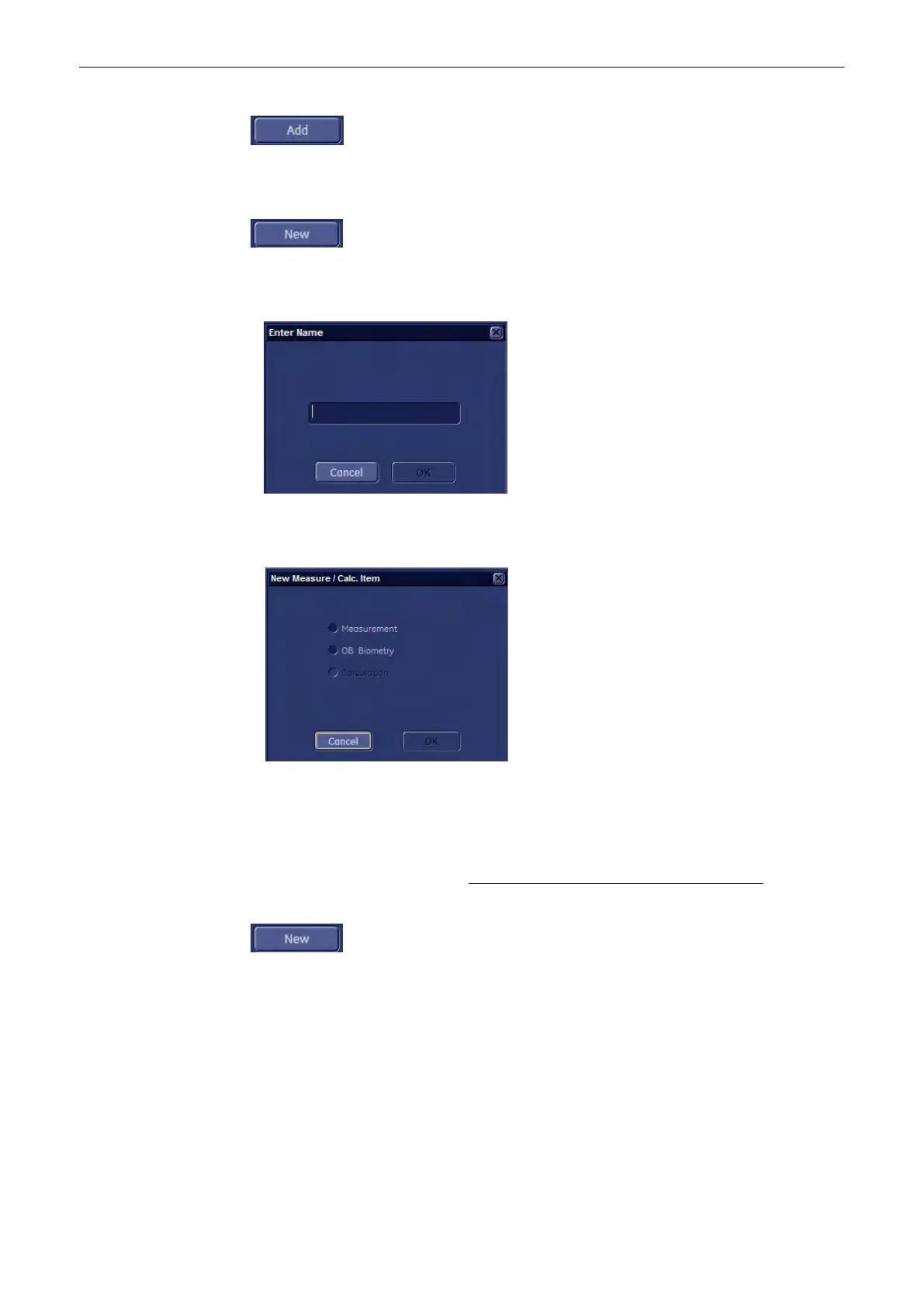
4.1 When creating a new “Sub Category” or “Study” entry, following window appears:
Enter a name, confirm with [OK] and then click the [Close] button.
4.2 When creating a new (user-defined) “Measure” item, following window appears:
a) Select the item desired and then click on [OK].
To Create a New Measurement or Calculation Item
1. Select the relevant item in (all) the digest column(s) and then highlight the Measurement
column. For further details, review: To Add a Sub Category, Study or Measure Item
(chapter
'To Add a Sub Category, Study or Measure Item'
on page 11-111
)
2. To create a new entry, click on the [New] button.
Measurements and Patient Worksheets (Reports)
11-112
Voluson® S6/S8 Basic User Manual
5433669-100 Revision 4



 To Next Page