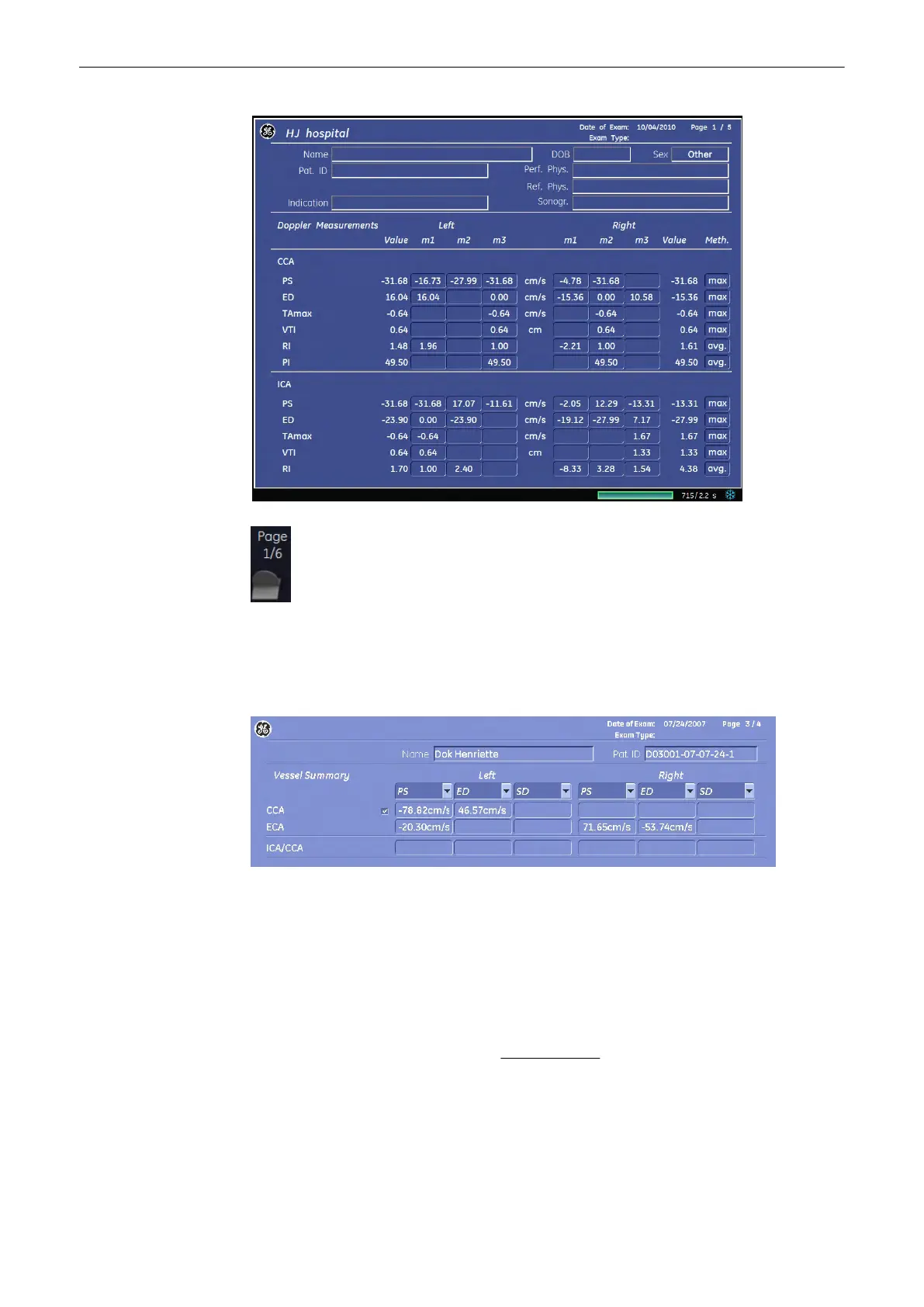
With this flip control additional worksheet pages can be selected.
Vessel Summary
Select the Vessel Summary button or select the corresponding page in the
report to access the Vessel Summary. This feature makes it possible to select custom Doppler
values for calculating the ICA/CCA value.
To close the worksheet, select the [Exit] key on the menu area.
For more information see
'Basic Patient Worksheet Functions'
on page 11-101.
11.2.8 Gynecology Calculations
Application “Gynecology”, (Factory - Sub Category: Default) allows measurements/calculations
in 2D/3D mode, M mode and Spectral-Doppler mode, using various measure items. For details
about settings, review: Measure Setup -
Measure & Calc
(chapter
'The Measure Setup Pages'
on page 11-109
)
The methods for obtaining measurements in the Gynecology Calculations menu are similar to
the generic measurement functions in 2D, M and Spectral Doppler mode.
Measurements and Patient Worksheets (Reports)
Voluson® S6/S8 Basic User Manual
5433669-100 Revision 4 11-87



 To Next Page