The acquisition stops and the “3D or 4D Mode” menu appears again.
Note
The recorded information will be deleted, except if more than 50% of the volume have already
been acquired.
9.2.3 After the Static 3D Sectional Planes Acquisition
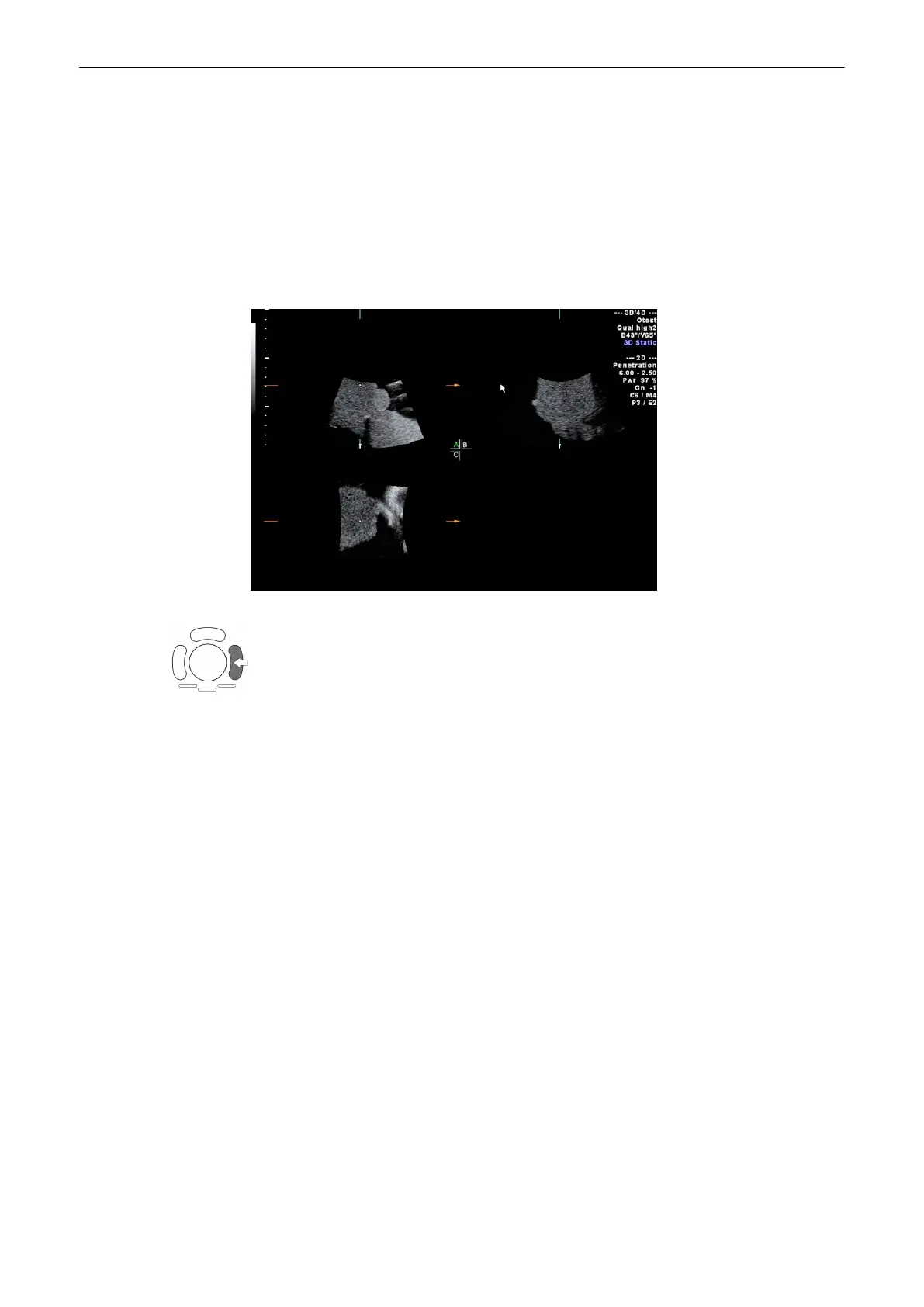
After the 3D Sectional Planes acquisition the system automati-cally changes to the 3D menu.
The selected format will be present on the monitor (e.g., A,B,C - Sectional Plane mode).
Note:
If you want to return to the “3D Volume Mode” menu press the right trackball key (Vol pre
displayed in the status bar area on the monitor).
Display of sectional planes:
•
'Principle of Sectional Image Analysis'
on page 9-24
•
'Principle of Sectional Image Analysis'
on page 9-24
•
'Principle of Sectional Image Analysis'
on page 9-24
Volume Mode
Voluson® S6/S8 Basic User Manual
5433669-100 Revision 4 9-21



 To Next Page