•
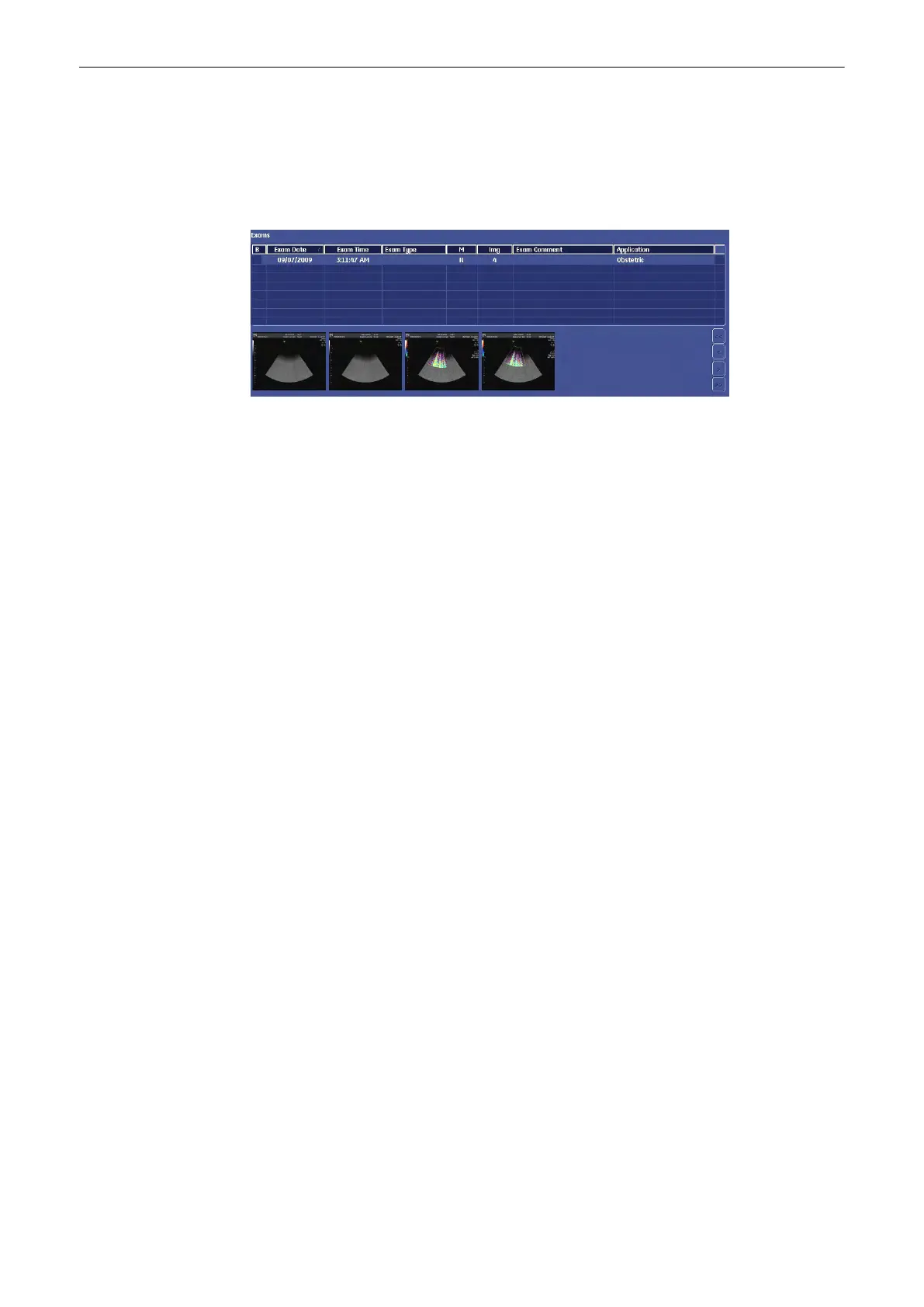
If you select an exam, all its images will be displayed in the Exam Image area.
•
To select more than one patient, hold down the [Ctrl] key on the keyboard and select the
patients with the left trackball key.
12.3.3.4 Image Area
1. Use the arrow keys on the right-side margin to skim through the images.
2.
Click the right or left trackball key to mark an image. You can mark more than one
image.
3. Double-click an image to view it in Exam Review / Single Screen Mode.
Once you have found the exam you were looking for, you can manipulate it or its saved data in
the following Menus.
12.3.3.5 DICOM Server (Query/Retrieve)
Exams, Patients and Images from a DICOM Server can be imported after a Query/Retrieve
was performed. It is only possible to select complete exams or patients. It is not possible to
import selected images from a given exam.
Note
It is only possible to import an exam after the images of this exam were retrieved. If no images
are available, the [Import] Button is greyed.
Given that no previous query was performed, no stored data from this DICOM Server is
available
•
At first the Patient list, Exam list and Image lists are all empty.
•
The system automatically changes to the "Patients &Exams" View.
•
The Buttons [Query Exams] and [Retrieve Images] are disabled.
Archive
12-16
Voluson® S6/S8 Basic User Manual
5433669-100 Revision 4



 To Next Page