6.8.3.2 Speckle Reduction Imaging (SRI)
Select the [SRI] key to activate the SRI function and change the level of
smoothing using the [+] and [-] keys.
'Speckle Reduction Imaging (SRI)'
on page 6-10
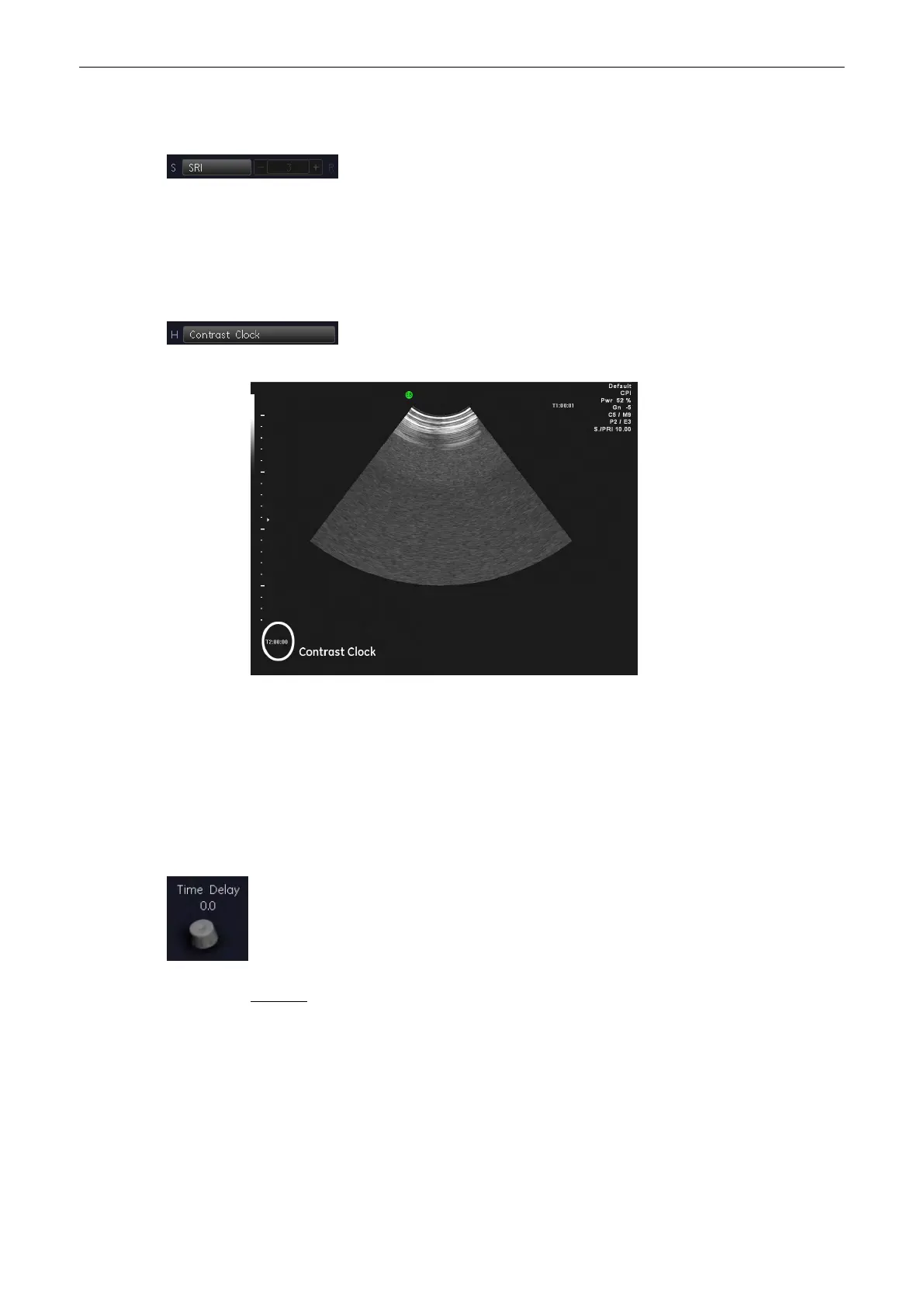
6.8.3.3 Contrast Clock
The Contrast Clock measures the time since injection.
Select the [Contrast Clock] button to activate it at the time of injection (On).
Select it again to deactivate it at the end of the exam (Off).
Contrast Clock “T2” is displayed in the lower, left corner of the image:
It will continue to display during a freeze, probe change, mode change, multi image, and
zoom.
6.8.3.4 Time Delay
“Time Delay” scans images at set intervals, delaying imaging according to the time delay
specified.
[Time Delay] can be controlled by turning the digipot. Values are 0.5, 1, 2, 3, 4, 5, 6, 7, 8, 9
and 10 seconds.
Press the digipot to change between 0,0 and the last selected value.
Remark: The Time Delay is deactivated if you exit Contrast.
6.8.3.5 Zoom
For more information see
'Zoom'
on page 6-13.
6.8.3.6 Accu-mulation
For more information see
'B-Flow Operation'
on page 6-24.
2D Mode
Voluson® S6/S8 Basic User Manual
5433669-100 Revision 4 6-37



 To Next Page