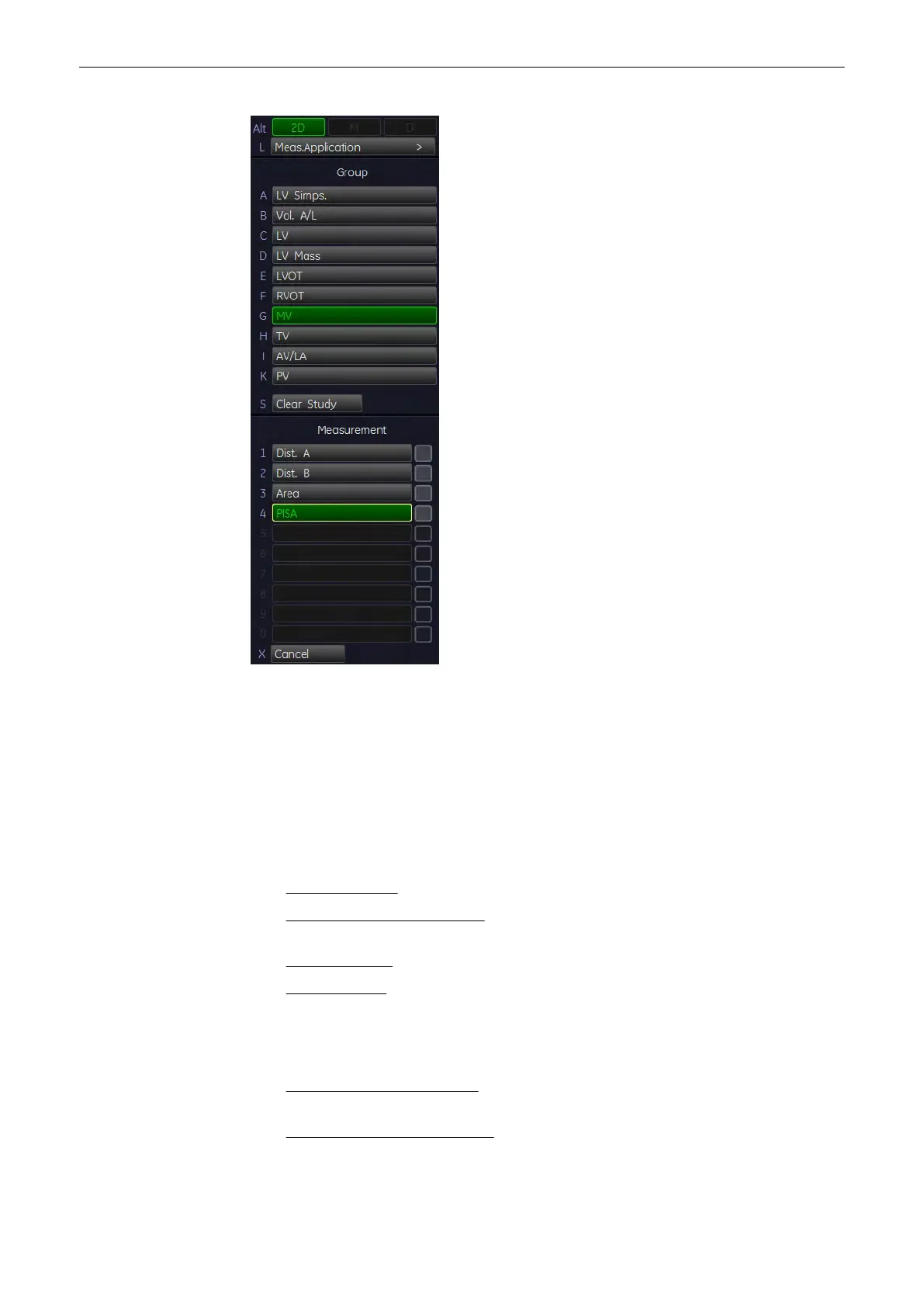
1. After obtaining a feasible Color Doppler image, press the [Calc]
key on the control panel.
2. Select the appropriate item. For example: select [MV].
3. Select the measurement parameter [PISA]. The cursor appears on the screen.
4. Perform the distance measurement using the trackball and press the right or left trackball
key [Set].
5. Move the second cursor to the second point of the measurement and press [Set] again.
11.2.5.15 Cardiology Calculations in M Mode
•
LV (Left Ventricle)
(chapter
'LV (Left Ventricle)'
on page 11-69
)
•
AV/LA (Aortic Valve/Left Atrium)
(chapter
'AV/LA (Aortic Valve/Left Atrium)'
on page 11-
71
)
•
MV (Mitral Valve)
(chapter
'MV (Mitral Valve)'
on page 11-72
)
•
HR (Heart Rate)
(chapter
'HR (Heart Rate)'
on page 11-73
)
11.2.5.16 LV (Left Ventricle)
There are two methods to calculate the Left Ventricle in the M mode:
•
To measure all Items at a Time
(chapter
'To measure all Items at a Time'
on page 11-
70
)
•
To measure the Item One by One
(chapter
'To measure the Items One by One'
on page
11-71
)
Measurements and Patient Worksheets (Reports)
Voluson® S6/S8 Basic User Manual
5433669-100 Revision 4 11-69



 To Next Page